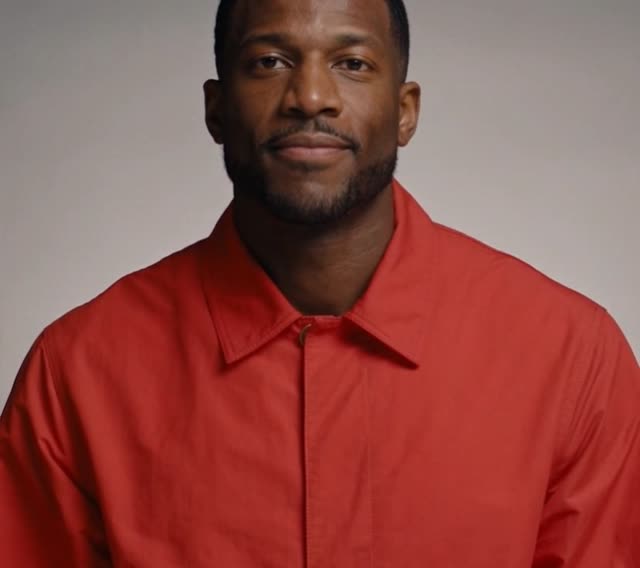
 Camera
 Cloud AI
Silver bob preset
No-GPU browser webcam tool · Live below
Browser-based live face swap with no GPU or Python setup. Start with a free trial right on this page, then use pay-per-use credits without a subscription on Mac, Windows, or mobile.
FreyaVideo connects your browser to cloud AI with no native virtual-camera driver. For Zoom, Google Meet, or Discord, bridge the browser tab via free OBS Window Capture. If you have a supported NVIDIA GPU and require pure local processing, Deep-Live-Cam remains a good choice. Read the Zoom / Meet / OBS setup guide
New accounts get 60 seconds free
Use only your own face or characters. No sexual content or impersonation. See Terms.
From $4.99 ≈ 10 live minutes · 60s free trial for new accounts after sign-in
Camera preview is free and needs no account.
Become another person: face, hair and outfit.
Freya does not record your camera. While a session runs, video is processed by XMAX in real time.
Real cloud output
Every clip and before/after pair below comes directly from a live browser session—no local weights, no post-editing. Beyond character swapping, this Deep-Live-Cam alternative also switches full-frame webcam styles on the fly.
Live capture: switching character presets and full-frame visual styles from one standard webcam feed.
CameraCloud AISilver bob preset
 Camera
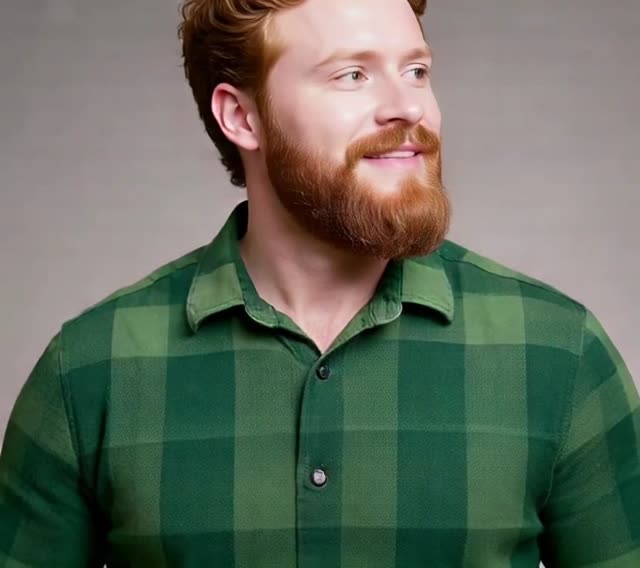 Cloud AI
Red beard preset
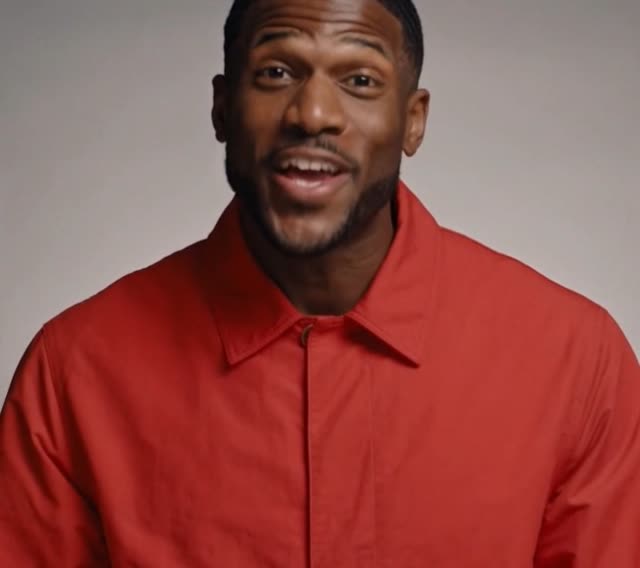 Camera
 Cloud AI
Pink hair preset
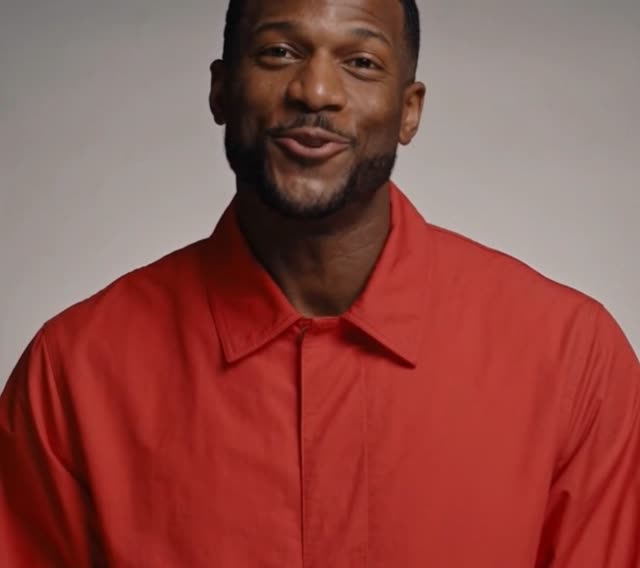 Camera
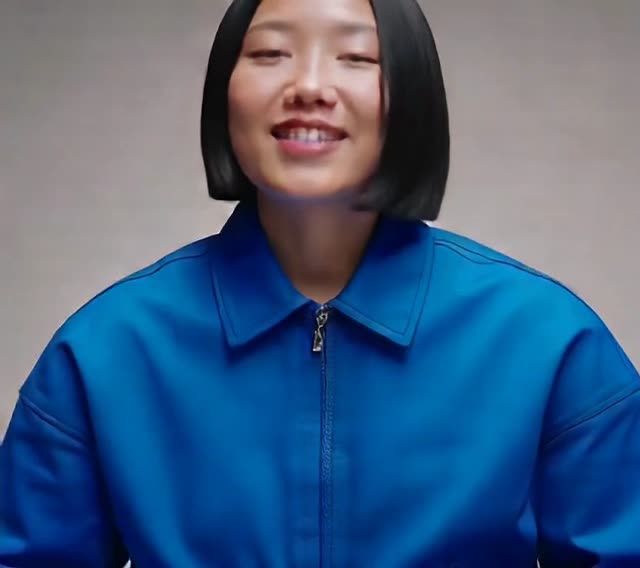 Cloud AI
Blue jacket preset
Tools like Deep-Live-Cam and DeepFaceLive focus on local face replacement. In the same browser tab, FreyaVideo also lets you switch into 3D, anime, clay, fantasy, neon, or cartoon looks without downloading extra checkpoints.
Objective comparison
Both deliver real-time camera transformation, but their runtime, hardware requirements, and best workflows differ. Pick the setup that matches your device and privacy needs.
| Category | FreyaVideo (Cloud Browser) | Deep-Live-Cam |
|---|---|---|
| Runtime | Browser connected to cloud AI; nothing to install—launch right on this page. | Installed and run locally on your own computer. |
| GPU and setup | No local GPU, Python, or CUDA setup. | Uses local hardware; real-time workflows are best suited to a supported NVIDIA GPU and configured dependencies. |
| Getting started | Allow camera access in the studio above and pick a preset. | Install the software and dependencies, then configure the local environment. |
| Cross-device support | Works in a modern camera-enabled browser on Mac, Windows, and mobile. | Primarily for desktop computers that can support the local installation and hardware setup. |
| Price model | New accounts receive a 60-second free trial. After that, live AI video uses 30 credits per minute, billed by the second from the first AI frame and rounded up to a whole credit per session. The Mini pack is $4.99 for 300 credits and Starter is $9 for 600 credits. Both are one-time purchases with no subscription. Credits in both packs remain valid for 365 days. | Open-source software; you provide the local hardware, runtime, and setup. |
| Zoom / OBS virtual camera | No local virtual-camera plugin today; capture the browser window in free OBS Studio to send into Zoom, Meet, or Discord. | A better fit when you need a native local virtual-camera workflow on supported hardware. |
| Privacy and processing | Cloud AI processes the camera stream and reference image during an active session. | Processing runs locally on your own computer. |
| Best for | Fast, no-install webcam effects across devices without a local GPU. | Local control, technical setup, or a required local virtual-camera workflow. |
Who should choose which
Start in 3 steps
Use the cloud webcam panel right above on this page—no downloads or driver setup.
Pick a fictional preset, switch to a live style, or upload a portrait you have permission to use.
Allow camera access, sign in, and start the free trial to see the AI output in real time.
FAQ
No. The AI runs in the cloud. Your device only needs a modern browser with camera access, not a local NVIDIA GPU, Python, or CUDA setup.
Yes. It runs in a browser on camera-enabled Mac, Windows, and mobile devices. Network, browser, and camera performance can still affect the experience.
New accounts receive a 60-second free trial. After that, live AI video uses 30 credits per minute, billed by the second from the first AI frame and rounded up to a whole credit per session. The Mini pack is $4.99 for 300 credits and Starter is $9 for 600 credits. Both are one-time purchases with no subscription. Credits in both packs remain valid for 365 days.
No. Mini is $4.99 for 300 credits, and Starter is $9 for 600 credits. Both are one-time purchases and do not renew automatically. Credits in both packs remain valid for 365 days.
FreyaVideo connects your browser to cloud AI, so there is no install or local GPU requirement, and usage consumes pay-per-use credits. Deep-Live-Cam and DeepFaceLive are open-source desktop tools installed on your own computer, which better fit supported local hardware, technical setup, and local control.
FreyaVideo does not provide a native local virtual-camera driver, but you can route the AI window into Zoom, Google Meet, or Discord using free OBS Studio Window Capture (see our step-by-step OBS guide). If native local processing on an NVIDIA GPU is required, Deep-Live-Cam remains a good choice.
Scroll up to open your camera and test 60 seconds free. After that, usage is 30 credits per minute, billed by the second.