Cinematic Trailer
A moody teaser trailer with dramatic lighting and camera movement that showcases atmospheric, film-quality visuals.
.
This page is still available for examples and documentation. To generate new videos, switch to one of the available models below.
Open Veo 3.1 to keep generating with a similar workflow.
Use Veo 3.1Open Wan 2.6 to keep generating with a similar workflow.
Use Wan 2.6Sora 2 excels at understanding detailed prompts and translating them into coherent short clips. Describe camera movements, lighting, mood, and subject actions—the model follows your creative direction with impressive accuracy.
Create videos with dynamic camera movement, realistic physics, and smooth subject motion. Sora 2 understands dolly shots, tracking movements, and natural human gestures, enabling true storytelling potential.
Your prompts, uploaded images, and generated videos are handled securely under FreyaVideo's privacy policy. We don't use your content to train models or share it with third parties.
The Sora AI Video Generator transforms your ideas into polished short videos with remarkable ease. Whether you're crafting a text prompt from scratch or animating an existing image, Sora 2 delivers consistent, high-quality results. FreyaVideo provides a streamlined interface and workflow so you can focus on creativity rather than technical complexity.
The Sora AI Video Generator is developed by OpenAI, known for its diffusion-based architecture and advanced temporal modeling. This combination enables Sora 2 to create videos with natural physics simulation and consistent motion across frames. FreyaVideo provides a custom workflow to access this model, handling the complexity so you can focus on creation.
TRY SORA 2 NOWFrom cinematic realism to stylized animation, Sora 2 adapts to your creative vision. Tune your prompts and reference images to achieve film noir aesthetics, documentary naturalism, commercial polish, or whimsical illustrated worlds—all from the same powerful model.
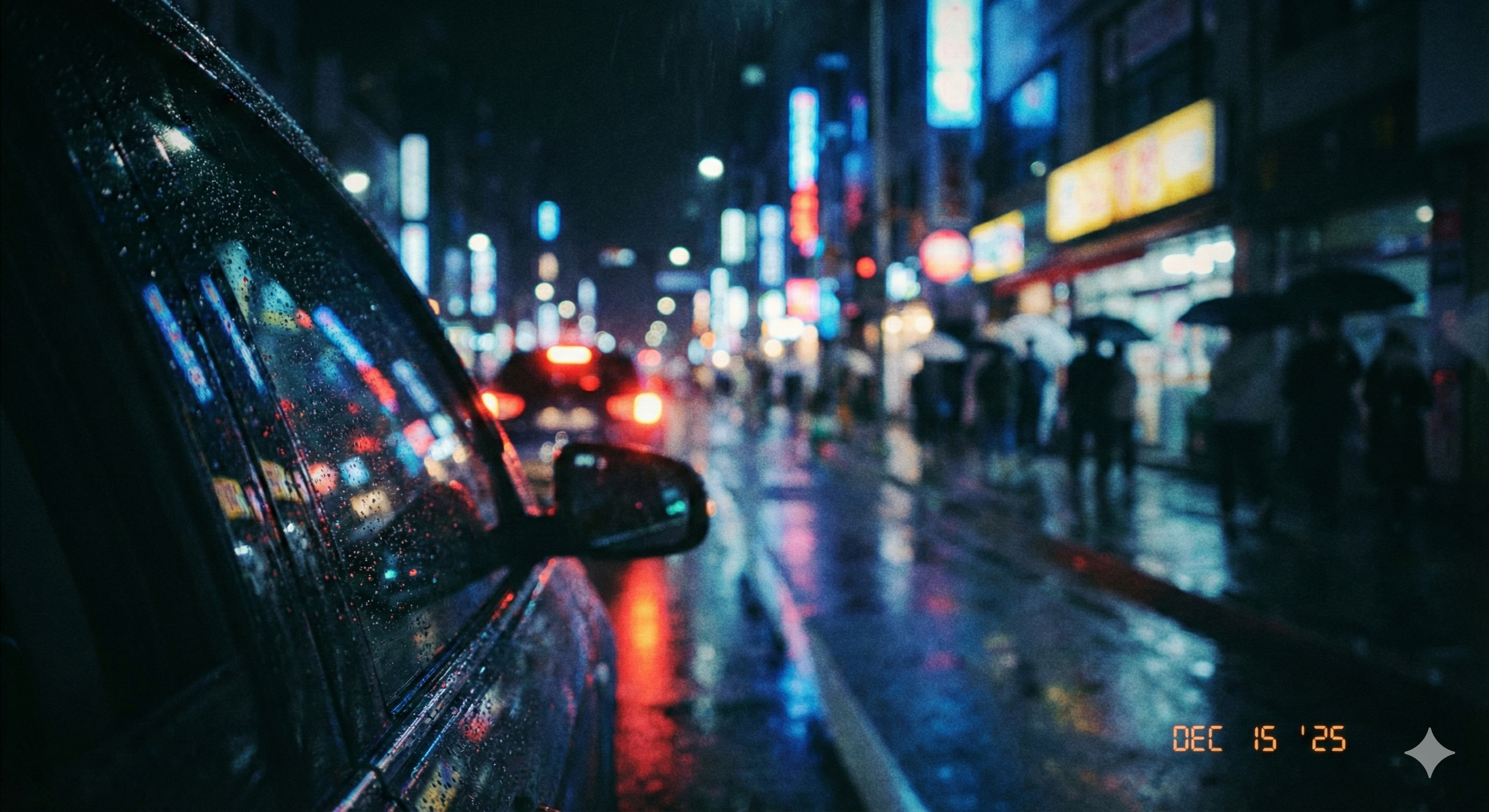 CINEMATIC
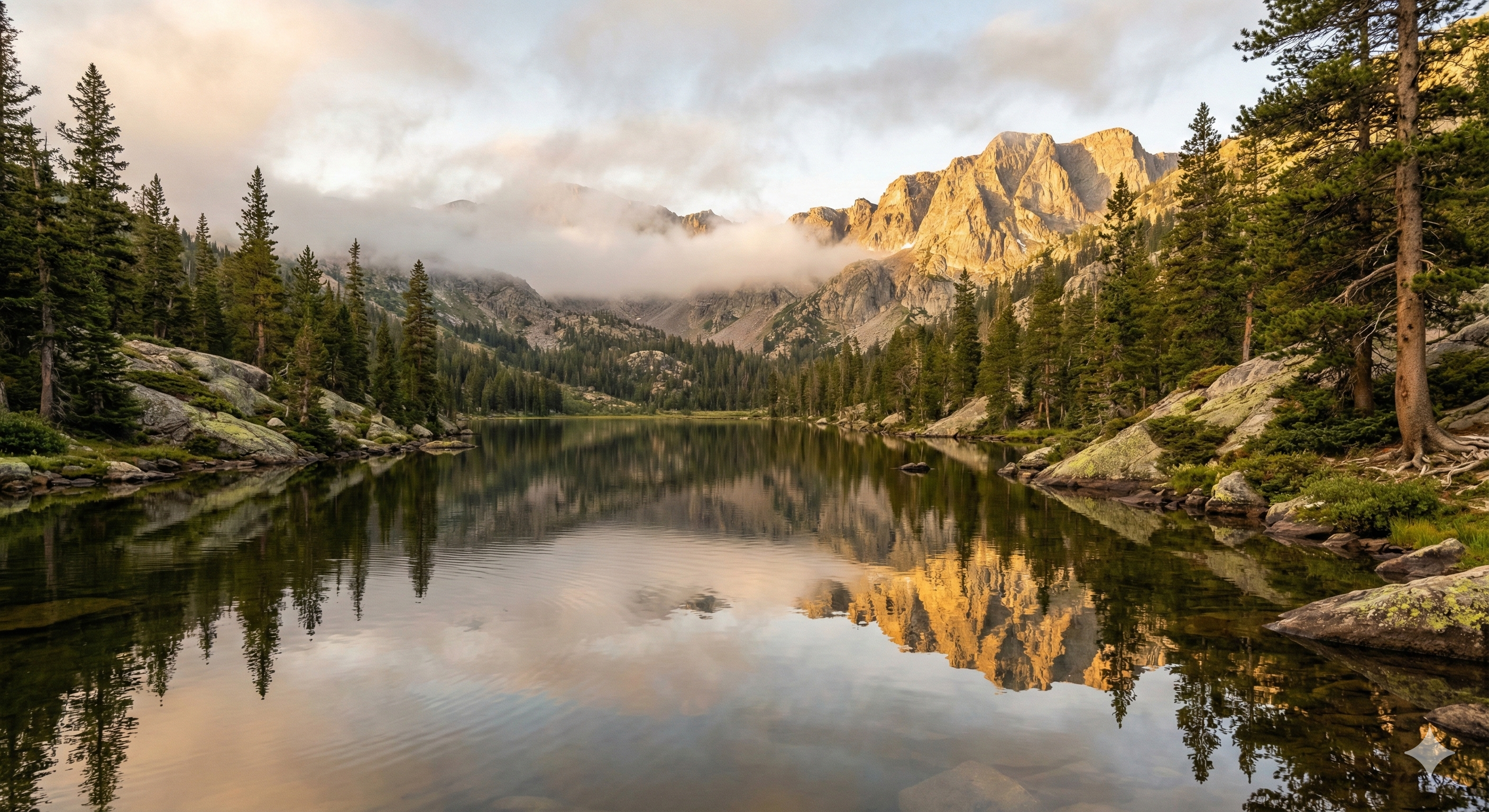 REALISTIC
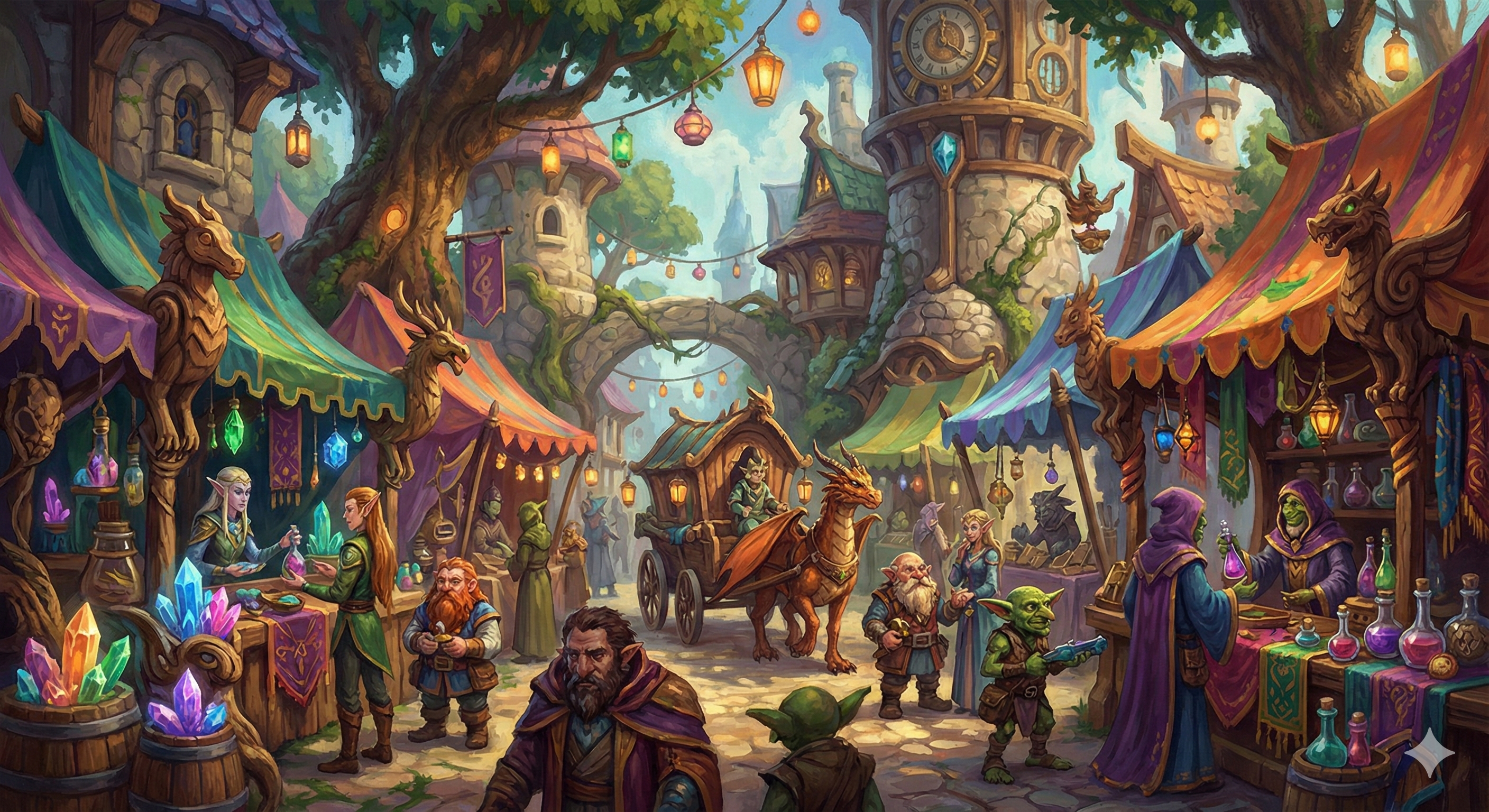 STYLIZED
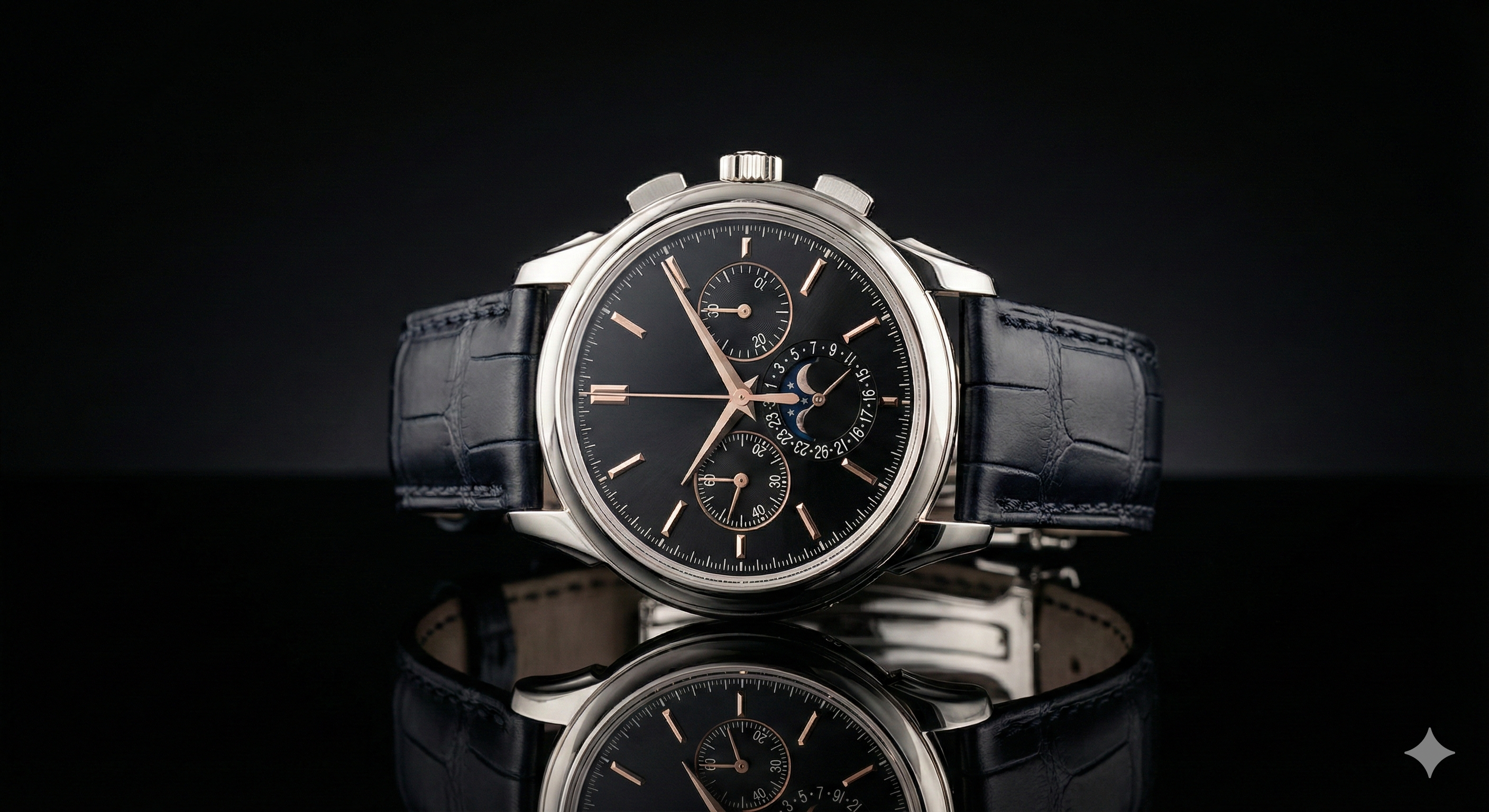 PRODUCT
Explore what's possible with the Sora AI Video Generator on FreyaVideo. These examples demonstrate cinematic motion, strong prompt adherence, and versatile style capabilities—from moody film noir to clean product commercials.
A moody teaser trailer with dramatic lighting and camera movement that showcases atmospheric, film-quality visuals.
A clean product close-up with subtle motion, shallow depth of field, and studio lighting—perfect for e-commerce content.
A stylized environment with consistent art direction and smooth motion beyond photorealism.
A short narrative beat with clear subject action and scene continuity, ideal for social media storytelling.
Added a dedicated page with comprehensive documentation, showcase examples, and transparent third-party model disclosure.
Improved prompt guidance with suggestions for camera movements, lighting styles, and scene composition.
Streamlined the workflow for both text-to-video and image-to-video modes, reducing steps and improving feedback.
Use it to create short videos from text prompts describing your desired scene, or animate an input image into a dynamic clip. Sora 2 is particularly effective for cinematic content, product showcases, social media clips, and creative storytelling.
Sora 2 text to video allows you to generate videos by describing what you want in natural language. Include details about subjects, actions, environment, lighting, camera movements, and mood for best results.
Sora 2 image to video lets you animate a static image into a moving video. Upload your image, describe the motion you want to add, and the model brings it to life while preserving the original style.
New users may receive free credits to try it on FreyaVideo. For continued use, you can purchase additional credits as needed—there is no subscription or auto-renewal required.
Duration varies by settings and plan tier. Typical clips range from 4 to 15 seconds—ideal for social media content, product teasers, and short-form storytelling.
Commercial use depends on your plan and applicable terms. Generated content is subject to FreyaVideo's Terms of Service and Content Policy.
Generated videos are available in MP4 and WebM formats. These are compatible with most video editing software and social media platforms.
We enforce a strict Content Policy with automated moderation. Content that violates policies—including unsafe or infringing material—may be rejected or removed.
The Sora AI Video Generator represents a significant advancement in AI-powered video creation. Developed by OpenAI, this Sora AI video generator builds on years of research in generative AI and video understanding. Unlike traditional video generation approaches, the Sora AI video generator uses a sophisticated architecture that ensures both visual quality and temporal consistency across every frame.
The Sora AI video generator excels at understanding complex motion dynamics, maintaining scene coherence, and interpreting detailed creative directions. This Sora AI video generator can produce clips with smooth camera movements, realistic physics simulation, and consistent subject appearance. Whether you're using Sora AI video generator text to video for narrative sequences or image to video for product animation, Sora 2 adapts to match your creative intent with impressive fidelity.
At its core, the Sora AI video generator utilizes a diffusion-based architecture combined with transformer components for temporal modeling. The Sora AI video generator employs advanced techniques including latent video diffusion, temporal attention mechanisms, and motion-aware generation algorithms. This combination allows for efficient generation while maintaining exceptional output quality.
Every video generated by the Sora AI video generator undergoes built-in quality optimization. The Sora AI video generator maintains temporal consistency to prevent flickering, ensures smooth motion transitions, and preserves fine details throughout the clip. Advanced denoising delivers clean output up to 1080p resolution that meets professional content creation standards.
Start by entering a detailed text prompt into the Sora AI video generator. Include subjects, actions, environment, camera movements, lighting, and mood. The more specific your description, the better results you'll get.
Set your preferred aspect ratio (16:9 for YouTube, 9:16 for TikTok/Reels), duration (typically 4-15 seconds), and resolution. The Sora AI video generator also offers additional parameters like motion strength.
FreyaVideo's cloud infrastructure processes your request. The Sora AI video generator analyzes your prompt, plans the motion trajectory, generates keyframes, and synthesizes smooth video. Generation typically takes 30-120 seconds.
Preview your Sora AI video generator output directly in the browser. Download in MP4 or WebM format, share to social platforms, or refine your prompt and regenerate to explore different creative directions.
While the Sora AI Video Generator is designed to be intuitive, following these best practices will help you achieve consistently cinematic results with the Sora AI video generator.
Think like a film director when using the Sora AI video generator. Instead of 'a dog running', try 'A golden retriever sprinting through autumn leaves in slow motion, warm sunset backlighting, shallow depth of field, cinematic color grading'. The Sora AI video generator excels at interpreting detailed creative directions.
Specify camera behavior in your Sora AI video generator prompts. Use phrases like 'slow dolly in', 'static wide shot', 'smooth tracking shot', or 'handheld documentary style'. The model understands cinematographic terminology and translates it into appropriate camera movement.
Include style references to guide the Sora AI video generator aesthetic. Terms like 'film noir', 'Wes Anderson color palette', 'anime style', or 'photorealistic' help the model understand your visual intent. Combining multiple style cues can create unique hybrid aesthetics.
Choose aspect ratios strategically in the Sora AI video generator: 9:16 for TikTok and Reels maximizes mobile screen space, while 16:9 for YouTube and websites looks more cinematic. Consider your target platform's conventions when crafting prompts.
Your first Sora AI video generator output is rarely your final result. Use initial outputs to understand how the model interprets your prompts, then refine your language. Small adjustments to wording can significantly change the output—experimentation is key.