Everything you need to make anything you want
Animate the supplied reference image into one continuous cinematic shot. Preserve the exact number of subjects, their identities, materials, colors, distinctive asymmetric shapes, relative placement, background layout, and reflection pattern from the reference. Add only subtle natural motion: a slow forward glide, gentle environmental movement, and restrained water motion. Keep the original composition clearly recognizable throughout. Do not replace, remove, merge, duplicate, redesign, or recolor any subject. No people, text, logos, cuts, camera shake, warping, or morphing.
Text to Video AI on FreyaVideo
AI Video Generator From Text for Creators and Brands
Describe Your Video for Text to Video AI
Write a clear prompt describing the subject, action, environment, style, and mood. Our AI text to video generator understands full scripts or short descriptive prompts.
Text to video AI is the fastest way to validate ideas and ship polished content without cameras, crews, or complex timelines. Instead of booking shoots and editing for days, you describe the scene in natural language and let our AI text to video generator handle composition, motion, and lighting.
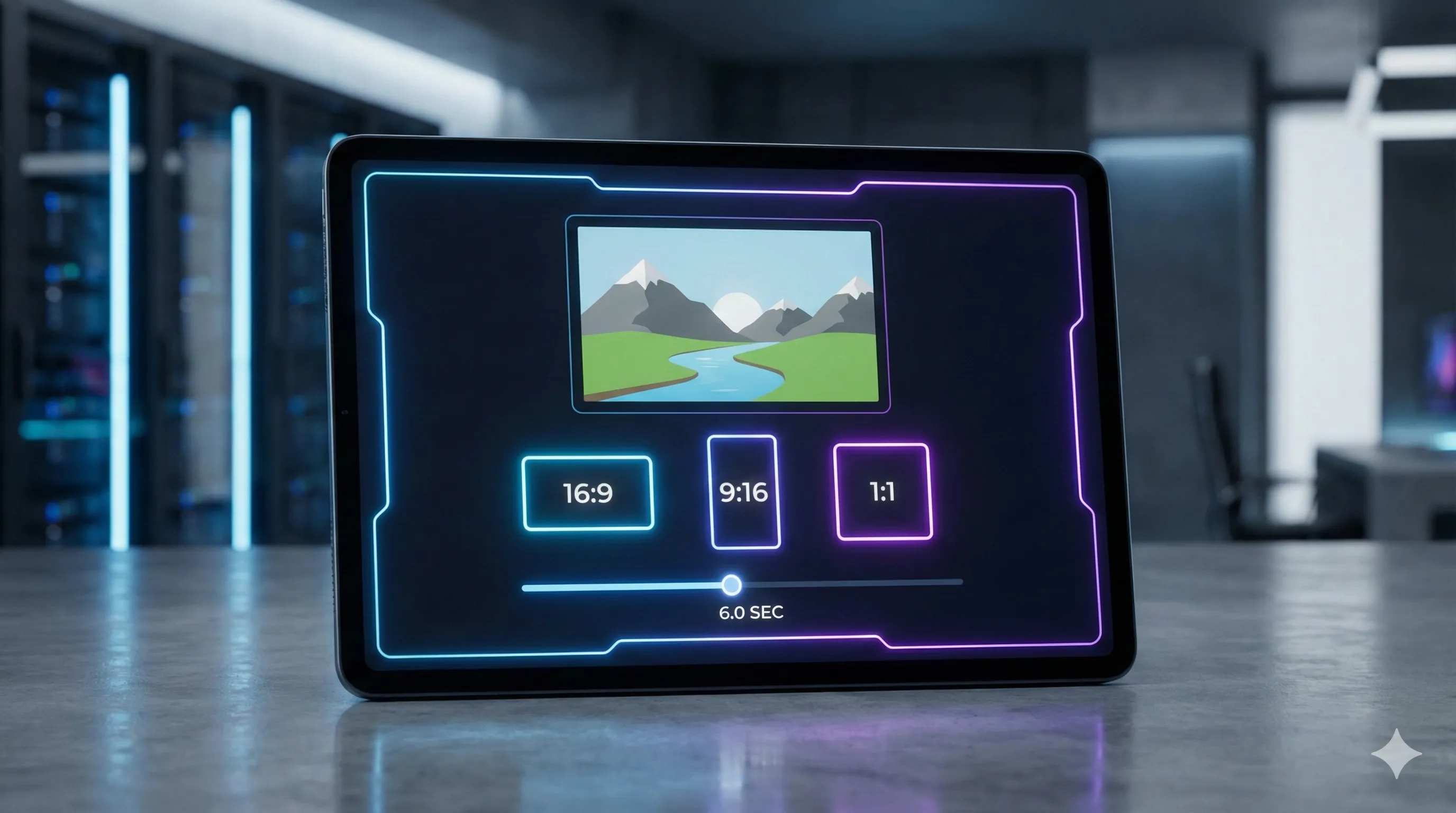
Configure AI Video Generator Settings
Select landscape, square, or vertical formats and pick a duration that fits social feeds, ads, or intros for your text to video AI generation.
With FreyaVideo text to video AI workflow, you stay focused on story and intent while the AI video generator from text takes care of frame-by-frame details. Our text to video generator is designed for creators who need repeatable, scalable output: social clips, ads, explainer scenes, product demos, intros, and more.
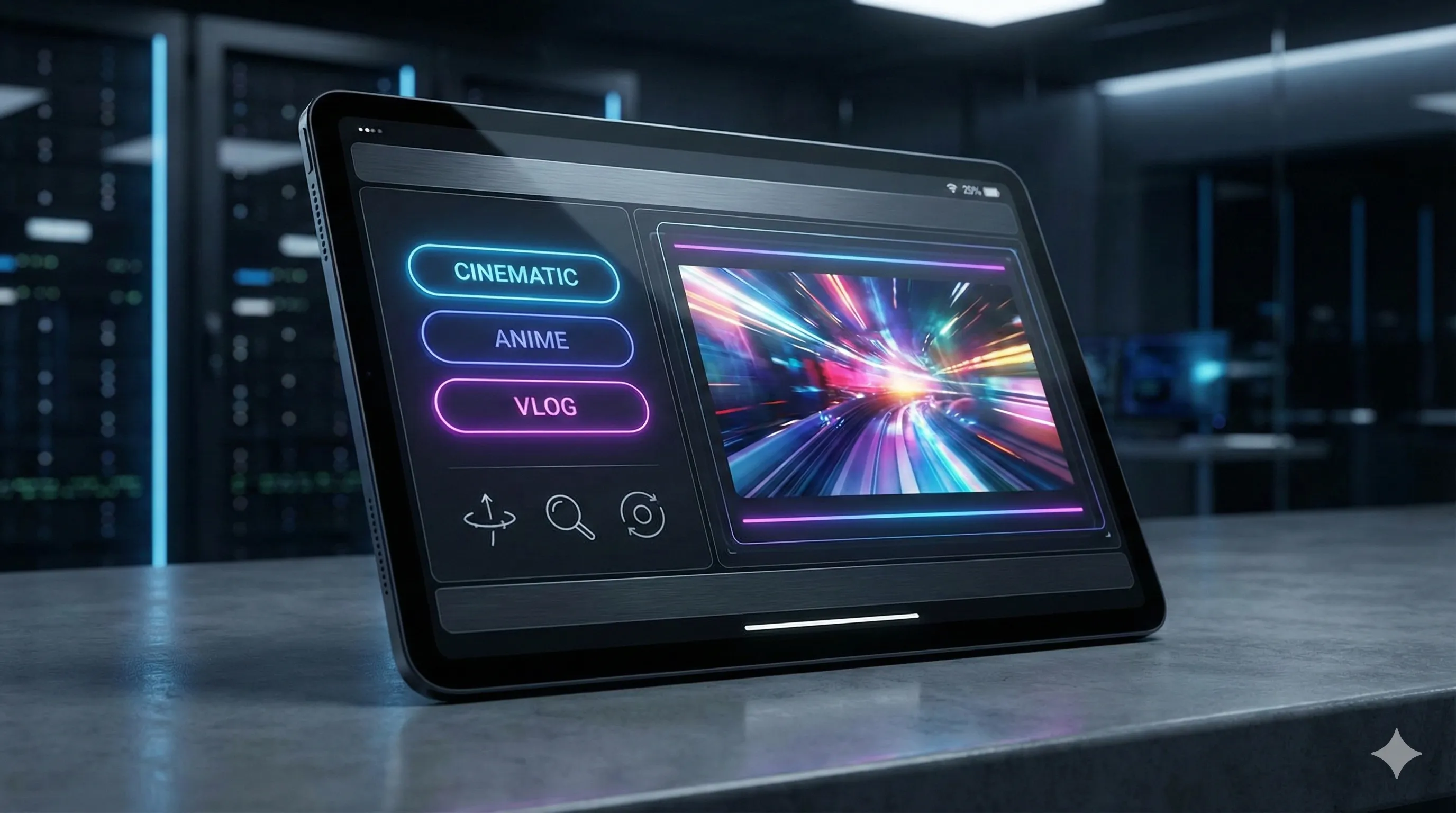
Fine-tune Text to Video AI Output
Optionally control look and feel with style hints, camera motion, or negative prompts to optimize your AI video generator from text results.
Whether you are an independent creator or a marketing team, FreyaVideo text to video AI helps you prototype concepts, iterate variations, and ship final assets at a fraction of the traditional cost and time.
Generate and Iterate with Text to Video AI
Generate the video with our text to video AI, review the result, and quickly try alternative prompts until you get the version you like.
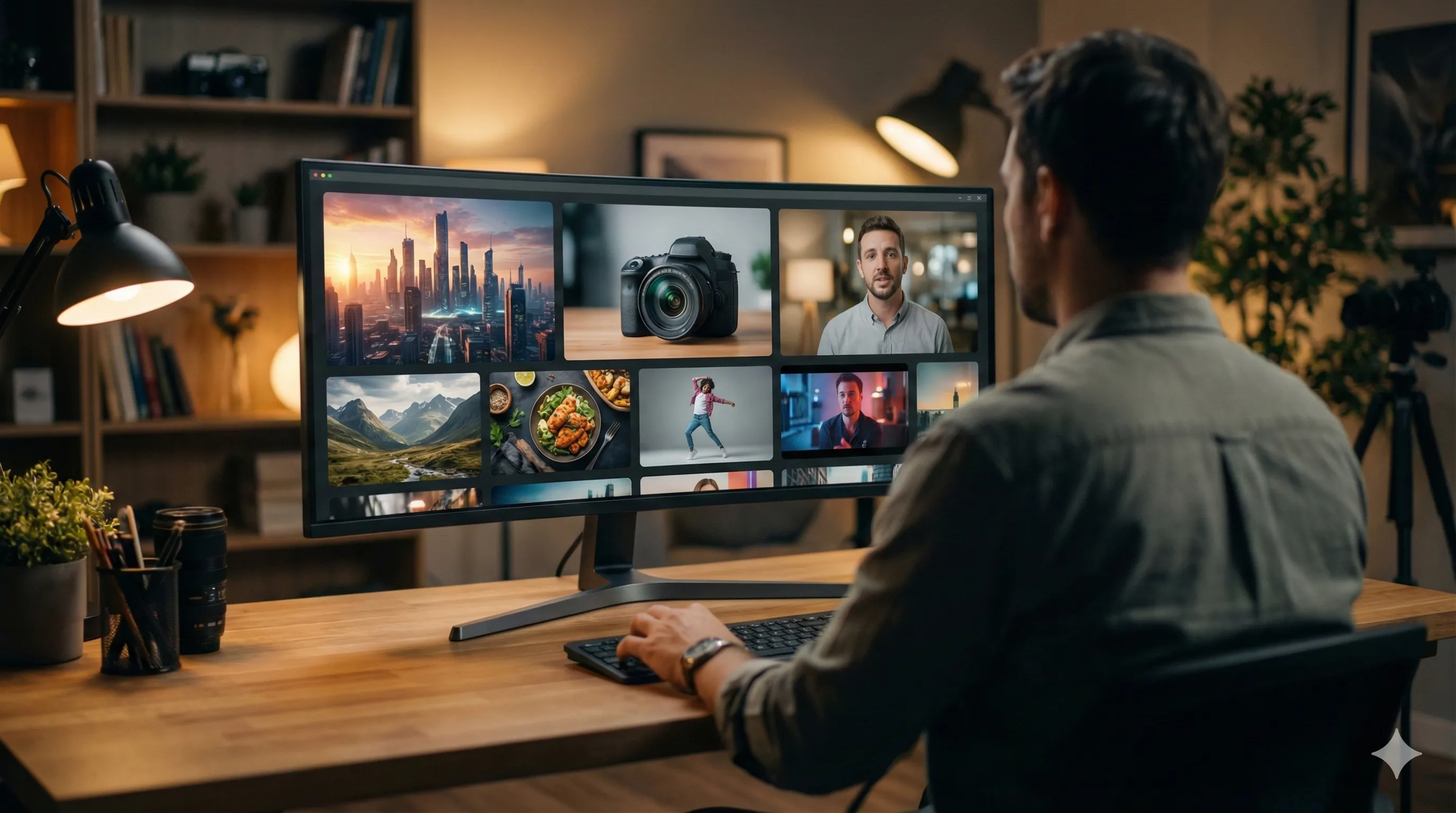
Built for Production
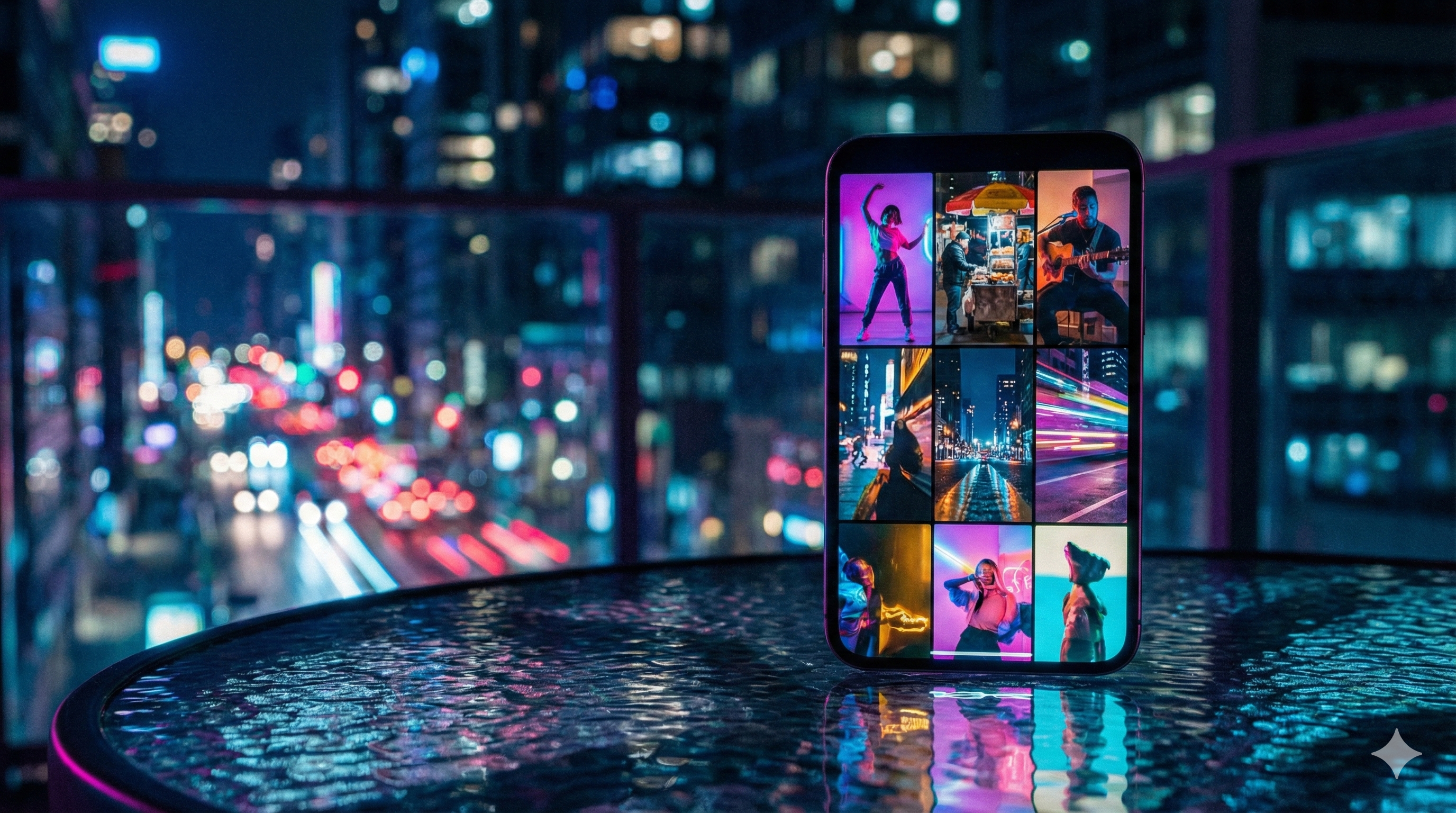

Four Steps to Create
Describe Your Video for Text to Video AI
Write a clear prompt describing the subject, action, environment, style, and mood. Our AI text to video generator understands full scripts or short descriptive prompts.
Configure AI Video Generator Settings
Select landscape, square, or vertical formats and pick a duration that fits social feeds, ads, or intros for your text to video AI generation.
Fine-tune Text to Video AI Output
Optionally control look and feel with style hints, camera motion, or negative prompts to optimize your AI video generator from text results.
Generate and Iterate with Text to Video AI
Generate the video with our text to video AI, review the result, and quickly try alternative prompts until you get the version you like.
What's Included
Output Formats
Export your creations in MP4 format with H.264 encoding for universal compatibility.
Aspect Ratios
Choose from multiple aspect ratios to fit your platform—social media, websites, or print.
Use Cases
Perfect for social media content, marketing videos, product demos, and creative projects.


How AI Video Generation Works
AI video generation uses deep learning models trained on vast datasets of video footage. When you enter a text prompt, the model interprets the semantic meaning and predicts the sequence of pixels over time. This process, known as diffusion, starts with noise and gradually refines it into a coherent video clip.
FreyaVideo leverages advanced transformer architectures to ensure that the generated video maintains logical consistency—meaning objects don't disappear or warp randomly.
Best Practices for Prompts
To get the best results from an AI video generator, be descriptive. Instead of "a cat," try "a close-up cinematic shot of a fluffy siamese cat sitting on a velvet sofa, warm afternoon lighting, 4k resolution."
Including keywords about lighting (e.g., "volumetric lighting", "golden hour"), camera style (e.g., "drone shot", "macro lens"), and art style (e.g., "cyberpunk", "oil painting") significantly improves output quality.
Frequently Asked Questions
What is text to video AI?
Text to video AI is technology that converts written descriptions into videos. FreyaVideo text to video AI uses advanced AI models to generate cinematic quality videos from your text prompts, handling composition, motion, and lighting automatically.
What prompts work best for AI text to video generator?
Clear, specific prompts work best for text to video AI. Describe the subject, action, environment, style, and mood. For example: "Cinematic close-up of a coffee cup on a rainy window sill, soft morning light, shallow depth of field, slow camera push-in." You can also add negative prompts to avoid unwanted elements.
How long does text to video AI take to generate videos?
FreyaVideo text to video AI generates most short clips within 1–3 minutes, depending on complexity, resolution, and system load. Highly detailed scenes may take slightly longer to ensure quality.
Can I use AI video generator from text for commercial projects?
Yes, videos generated with paid credits on FreyaVideo are intended for commercial use. You can use text to video AI outputs in campaigns, social media, client projects, and more.
Do I need video editing experience to use text to video AI?
No. FreyaVideo AI text to video generator is designed for non-technical creators. If you can describe the shot in words, you can generate a video. You can still export results and refine them in your favorite editor if needed.
What resolutions does the text to video generator support?
Our text to video AI supports multiple aspect ratios including 16:9 (landscape), 9:16 (portrait/vertical), and 1:1 (square). Output resolution can go up to 1080p HD depending on the model and settings.
Can AI video generator from text add audio?
Some text to video AI models support audio generation. For models without built-in audio, you can easily add music, voiceover, or sound effects using any video editing software after downloading your clip.
What if text to video AI output does not match my expectations?
You can refine your prompt with more specific details, try a different model, or adjust parameters like motion strength. Each text to video AI generation is unique, so experimenting with variations often leads to better results.
How many videos can I generate with text to video AI?
Generation is based on credits. Each text to video AI generation consumes credits depending on resolution and duration. You can purchase additional credits or subscribe to a plan for higher volume needs.
Ready to Create?
Start generating professional videos with Text to Video. No complex software, no steep learning curve.
RELATED TOOL
Also try: Image to Image AI Upload an existing image to restyle it, change the scene, or create cleaner product variations.