Cozy Morning
A steaming cup of artisan coffee with wisps of steam rising in warm morning light—perfect ASMR aesthetic.
Wan 2.6 is a powerful image-to-video AI model that transforms static images into dynamic video content with smooth motion, supporting audio synchronization and multi-shot generation.
Starting image for generation
Add audio for lip sync or music sync
AI will enhance your prompt
Enable multi-shot segmentation
We do not support adult, explicit, privacy-invasive, or unsafe video generation. Blocked requests do not use credits.
Wan 2.6 AI Video Generator features intelligent prompt expansion that automatically enhances your descriptions. Even simple prompts get optimized for better video generation results, making it easier for beginners to create professional content.
Generate videos from text prompts or transform static images into dynamic videos. Wan 2.6 AI Video Generator supports both workflows, giving you flexibility in how you create content.
Create longer videos with 5, 10, or 15 second duration options. This extended duration support makes Wan 2.6 AI Video Generator ideal for social media content, product showcases, and storytelling.
Wan 2.6 AI Video Generator transforms your ideas into polished videos with ease. Whether you're crafting a text prompt from scratch or animating an existing image, it delivers consistent, high-quality results. FreyaVideo provides a streamlined interface so you can focus on creativity rather than technical complexity.
Wan 2.6 AI Video Generator features intelligent prompt expansion that automatically enhances your descriptions for better video generation. The multi-shot segmentation capability enables more dynamic content creation with intelligent scene transitions. FreyaVideo provides easy access to these advanced features through a simple interface.
TRY WAN 2.6 AI VIDEO GENERATOR NOWFrom cinematic scenes to product showcases, Wan 2.6 AI Video Generator adapts to your creative vision. The intelligent prompt expansion helps you achieve professional results regardless of your prompting experience.
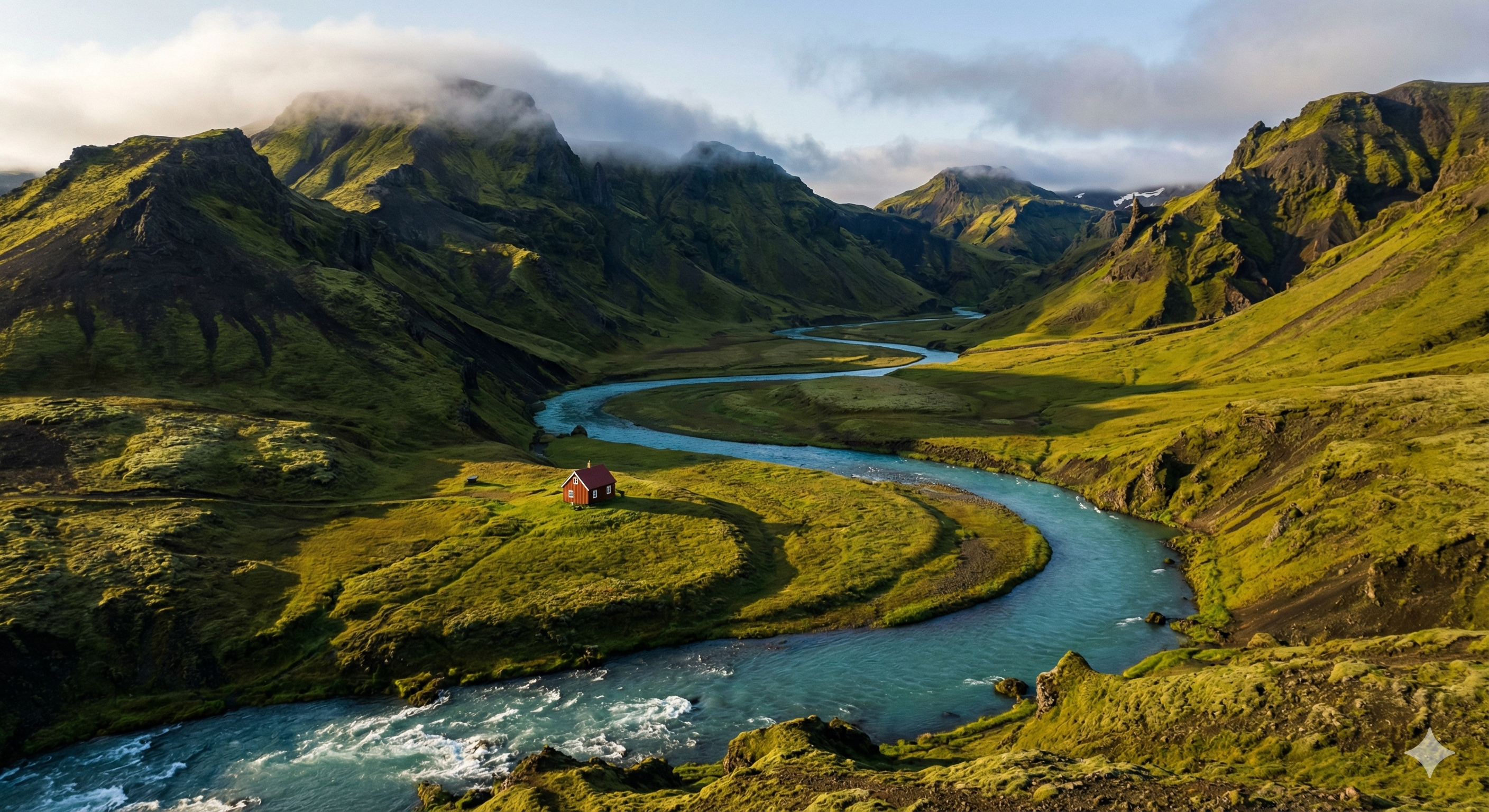 CINEMATIC
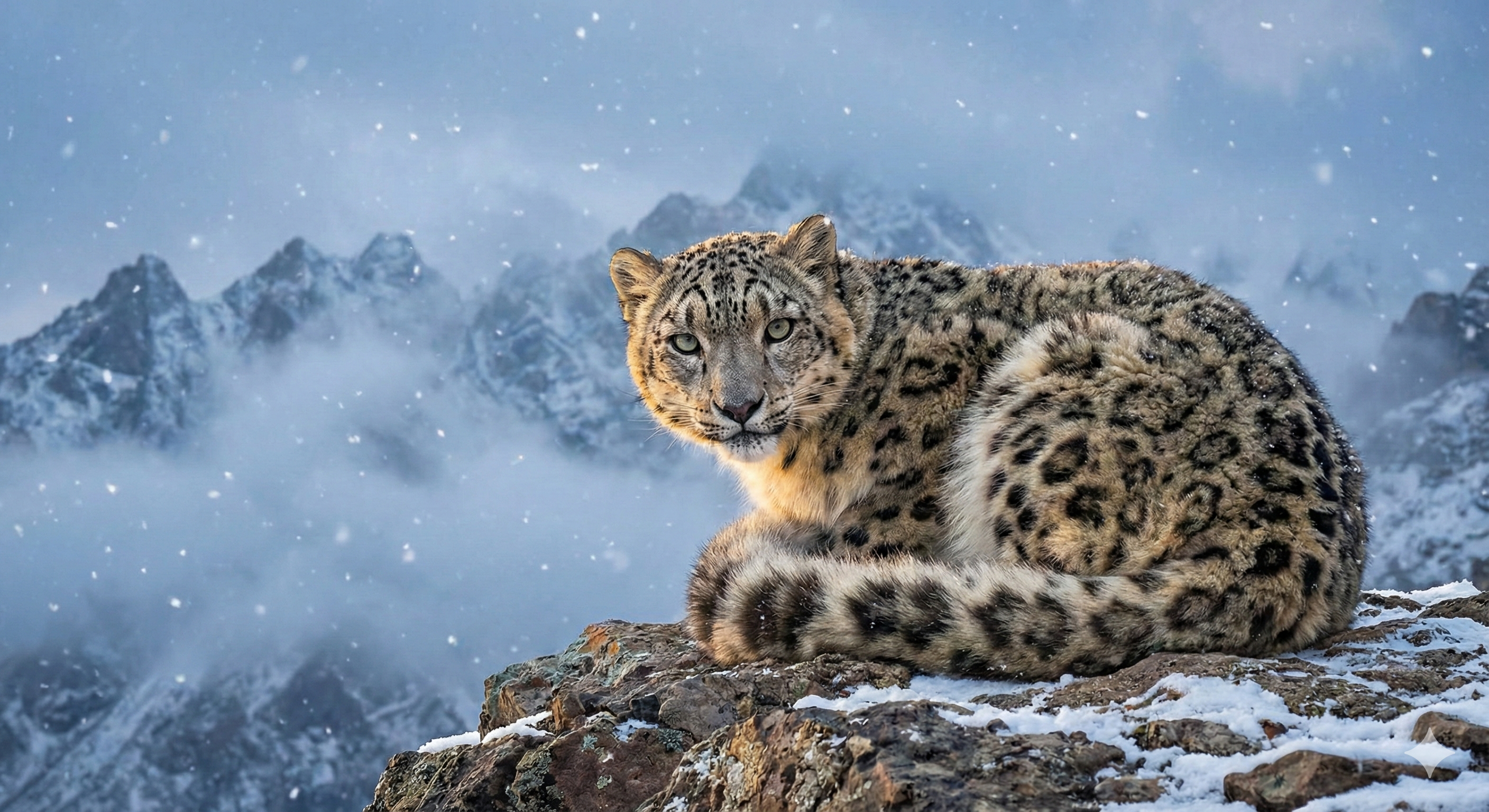 PRODUCT
 NATURE
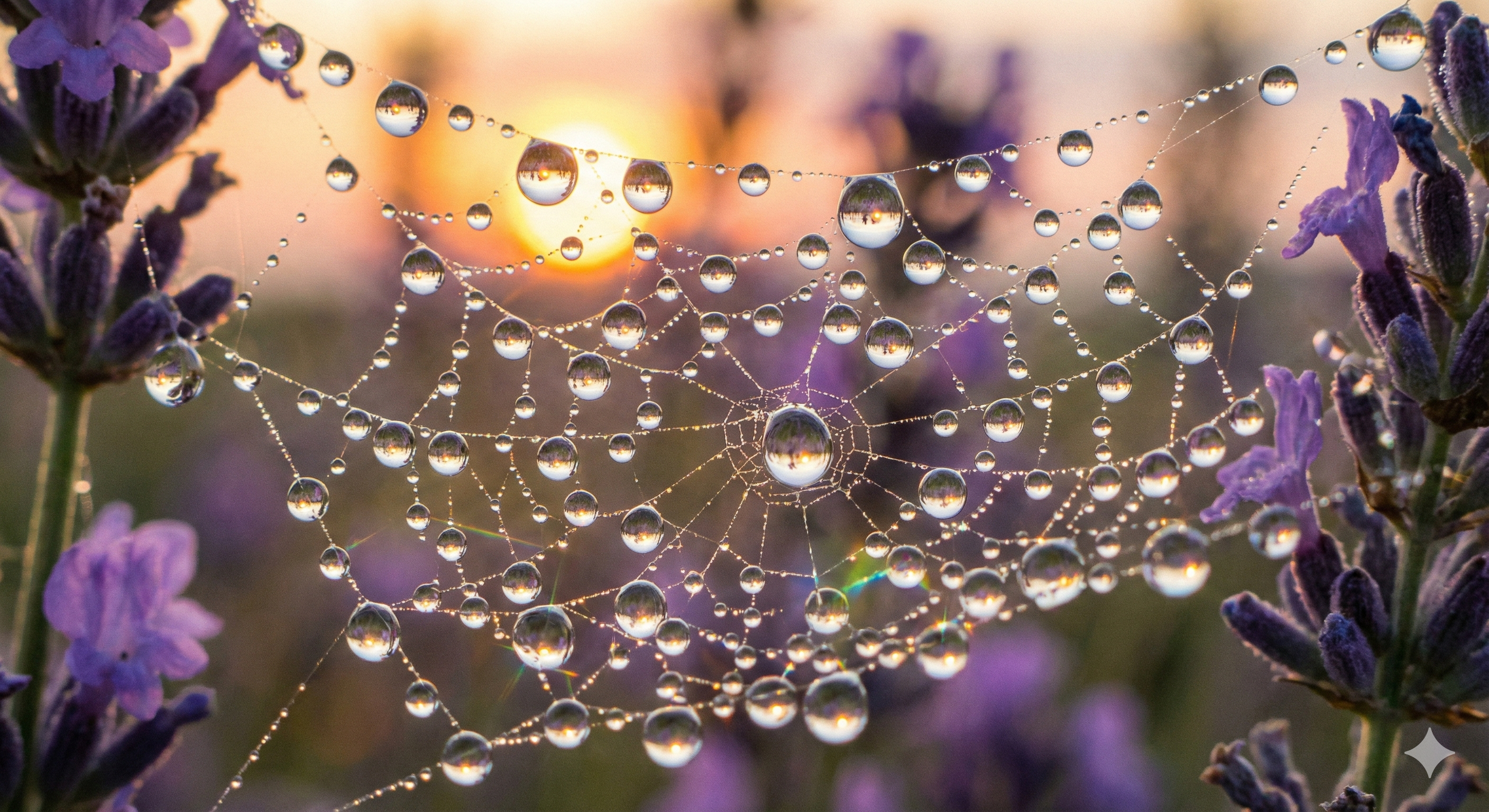 URBAN
URBANExplore what's possible with Wan 2.6 AI Video Generator on FreyaVideo. These examples demonstrate the model's versatility in creating various styles of video content—from cozy moments to epic wildlife footage.
A steaming cup of artisan coffee with wisps of steam rising in warm morning light—perfect ASMR aesthetic.
Massive turquoise waves crashing against volcanic rocks at sunset—epic National Geographic style.
A fluffy orange tabby cat walking gracefully across a sunlit floor with smooth tracking movement.
A golden eagle soaring through dramatic mountain clouds at sunrise—cinematic wildlife footage.
Added a dedicated page with comprehensive documentation, showcase examples, and feature highlights.
Integrated both text-to-video and image-to-video modes with optimized parameter handling.
Added support for both 720p and 1080p resolution output with flexible aspect ratios.
Use it to create videos from text prompts describing your desired scene, or animate an input image into a dynamic video. It's effective for social media content, product showcases, creative projects, and storytelling.
Text to video allows you to generate videos by describing what you want in natural language. The intelligent prompt expansion feature automatically enhances your descriptions for better results.
Image to video lets you animate a static image into a moving video. Upload your image, describe the motion you want to add, and the model brings it to life.
It supports 5, 10, and 15 second video durations. Choose based on your content needs—5 seconds for quick clips, 15 seconds for more detailed storytelling.
You can generate videos in 720p or 1080p resolution. 720p is faster and more cost-effective, while 1080p delivers higher quality for professional use.
It supports 16:9 landscape and 9:16 portrait formats. Choose 16:9 for YouTube and websites, or 9:16 for TikTok, Instagram Reels, and mobile-first content.
Prompt expansion is an AI feature that automatically enhances your prompts for better video generation results. It adds relevant details and optimizes your description without requiring expert prompting skills.
Yes, use the seed parameter for reproducible generation. Save your seed value to recreate similar results or create variations on successful generations.
Wan 2.6 AI Video Generator represents a significant step forward in accessible AI video creation. It combines ease of use with professional-quality output, making video generation accessible to creators of all skill levels.
Wan 2.6 AI Video Generator excels at both text-to-video and image-to-video generation. The intelligent prompt expansion feature means you don't need to be a prompting expert to get great results—the AI automatically enhances your descriptions. Multi-shot segmentation capability enables more dynamic content with intelligent scene transitions.
The model leverages advanced video generation techniques with built-in optimization features. Prompt expansion analyzes your input and adds relevant details to improve generation quality. The multi-shot feature intelligently segments longer videos into coherent scenes.
Every video generated by Wan 2.6 AI Video Generator benefits from built-in quality optimization. It maintains temporal consistency, ensures smooth motion, and delivers clean output up to 1080p resolution suitable for professional content creation.
Select text-to-video to generate from a description, or image-to-video to animate an existing image. Wan 2.6 AI Video Generator supports both workflows with optimized handling for each.
Describe your desired video or upload a starting image. The intelligent prompt expansion feature automatically enhances your description for better results—no expert prompting required.
Set your preferred duration (5, 10, or 15 seconds), resolution (720p or 1080p), and aspect ratio (16:9 or 9:16). Enable prompt expansion for automatic optimization.
Click generate and let Wan 2.6 AI Video Generator create your video. Generation typically takes 60-180 seconds. Preview your result and download in MP4 format.
While Wan 2.6 AI Video Generator's prompt expansion makes video generation more accessible, following these best practices will help you achieve even better results.
Even with prompt expansion, more detailed prompts yield better results. Include subjects, actions, environment, lighting, and mood. The expansion feature builds on your foundation, so a good starting prompt helps.
For image-to-video mode, use clear, high-resolution images as input. Better input quality leads to better video output. Avoid blurry or heavily compressed images.
Test your prompts with 5-second videos first before committing to longer durations. This helps you refine your approach without using excessive credits.
Keep prompt expansion enabled, especially if you're new to video generation. The AI adds relevant details that improve output quality without requiring expert knowledge.
When you get a result you like, save the seed value. Use it to create variations or reproduce similar results in future generations.