SEEDREAM PRODUCTION NOTES

Seedream 5.0 Pro Prompts

Use these Seedream 5.0 Pro prompts to build product stills, multi-reference edits, readable posters, localized campaigns, and video-ready source frames. Each example says what to change, what to lock, and how to review the result.

10copyable prompt structures
2text and edit workflows
10reference images supported

PROMPT STRUCTURE

How to structure Seedream 5.0 Pro prompts

Seedream performs better when the prompt reads like a production handoff. Separate the source roles, requested change, preservation rules, and acceptance test instead of mixing everything into style adjectives.

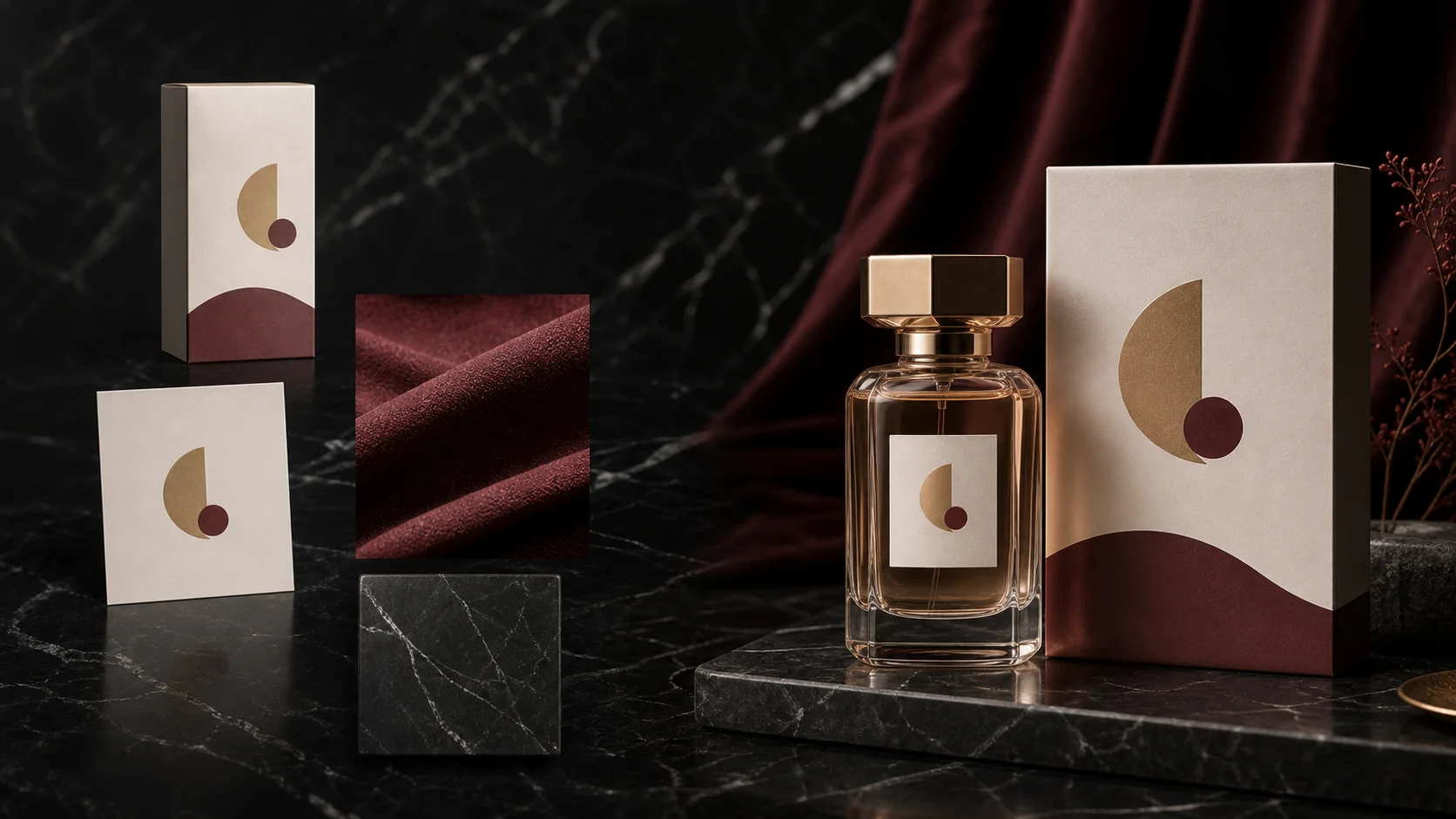
Seedream multi-reference editing workflow with product, logo, material, and final campaign composition
  1. 01

    Assign every source

    Name what image 1, image 2, and each later reference contributes. A reference without a role creates ambiguity.

  2. 02

    Describe one change

    Ask for the smallest useful transformation first: relight, replace a label, adapt copy, or build a layout.

  3. 03

    Lock the assets

    State which geometry, identity, text, crop, color, and camera properties must remain unchanged.

  4. 04

    Name the review test

    End with a concrete check such as mobile readability, side-by-side identity, or safe video-crop margins.

COPYABLE TEMPLATES

10 Seedream 5.0 Pro prompts for production work

Choose a workflow and copy the closest structure. Replace bracketed variables, remove instructions that do not apply, and keep the preservation clauses that protect the source asset.

10 templates shown

01Product

Product hero concept

Build a blank product direction before a real pack shot exists.

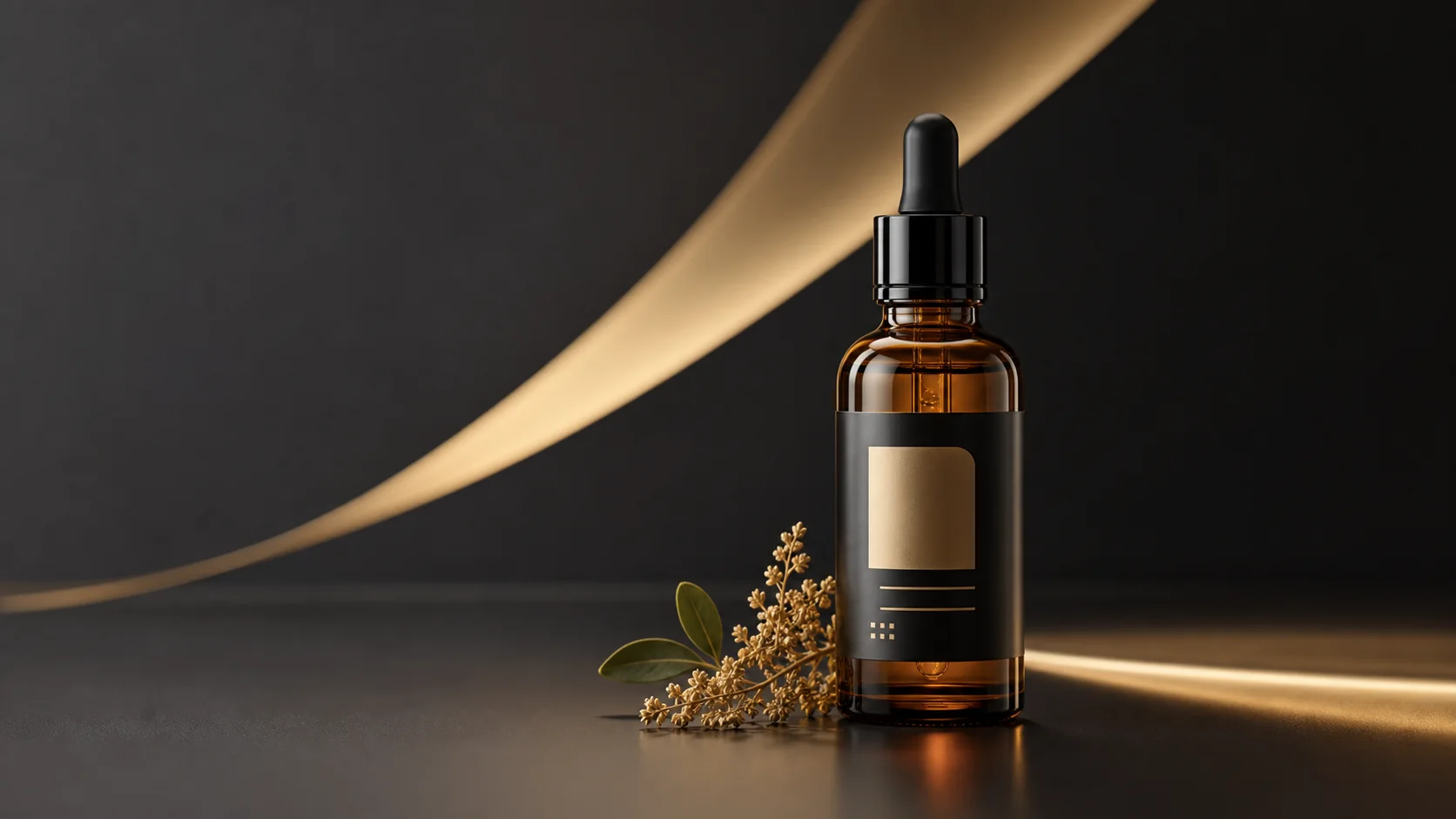
Create a premium advertising still for [PRODUCT] in the [CATEGORY] category. Place one clear hero product at the center with [LIGHTING] and a grounded natural shadow. Use a restrained [BACKGROUND] environment, leave clean negative space for campaign copy, and keep the product silhouette easy to read at mobile size. Do not add logos, labels, or text that were not provided.

If the product feels generic, add category-specific geometry, material, scale, and camera details. Do not invent a brand label during concept exploration.
02Product

Relight a real product

Upgrade the scene while keeping the package recognizable.

Use image 1 as the only source of product identity. Relight the product with a soft key light from the upper left, a narrow highlight sweep, and a realistic grounded shadow. Replace the background with [BACKGROUND]. Keep the package shape, cap, logo placement, printed text, camera angle, crop, and product proportions unchanged. The final image must remain recognizable beside image 1 at thumbnail size.

If the package drifts, remove style language and repeat the unchanged properties before describing the new background.

03Reference edits

Replace one package label

Give the base product and label artwork separate, explicit jobs.

Use image 1 as the base product photo and image 2 as the exact front-label artwork. Replace only the front label on image 1 with the artwork from image 2. Match the bottle perspective, surface curvature, reflections, and print scale. Keep the bottle shape, cap, lighting, camera angle, background, and every area outside the label unchanged. Make the new label readable on a mobile product card.

If the artwork warps, use a flat high-resolution label reference and request perspective and curvature matching without changing the bottle.

04Reference edits

Assemble a four-reference campaign

Combine product, logo, material, and composition references without merging their subjects.

Build one campaign still from four references. Image 1 is the product and must keep its geometry and label. Image 2 supplies the logo only. Image 3 supplies the material and color mood. Image 4 supplies the background composition, not the subject. Place the product in the lower center, reserve a clean headline zone above it, and use realistic contact shadows. Do not merge reference subjects or invent extra packaging.

If references blend incorrectly, remove the least important image and state “use for color/material only” beside non-subject references.

05Product

Create a seasonal colorway

Change a controlled set of package variables while preserving the SKU.

Use image 1 as the base package. Create a [SEASON] colorway by changing only [COLOR AREAS] to [COLOR PALETTE] and adding a restrained [MATERIAL FINISH]. Keep the package structure, dimensions, logo, label hierarchy, legal copy placement, camera angle, and lighting unchanged. The result should look like a production-ready variation of the same SKU, not a new product.

If it looks like a new product, narrow the color areas and remove broad terms such as redesign, transform, or reimagine.

06Posters and text

Launch poster with exact copy

Create a text-safe poster around a supplied product and two exact lines.

Use image 1 as the product reference. Create a vertical launch poster with the exact headline “[HEADLINE]” and the exact subline “[SUBLINE]”. Put the product in the lower third and keep the upper third quiet for typography. Use bold, clean type with high contrast and preserve the product label. Do not add any other words. Check that both supplied lines are readable at mobile size.

If spelling fails, shorten the copy, keep only one headline per pass, and add the remaining line in a second edit.

07Posters and text

Localize an existing campaign

Replace supplied copy without losing the original campaign hierarchy.

Adapt image 1 into a [LANGUAGE] campaign version. Preserve the product, logo, visual hierarchy, color system, offer block, and overall layout. Replace the existing headline with the exact text “[TRANSLATED HEADLINE]” and the supporting line with “[TRANSLATED SUBLINE]”. Do not translate brand names. Rebalance line breaks and spacing so every supplied word is readable without covering the product.

If the layout breaks, specify the maximum line count and ask the model to rebalance whitespace instead of shrinking all typography.

08Reference edits

Identity-preserving portrait campaign

Change the setting and art direction while locking the person.

Use image 1 as the identity reference. Create a polished [CAMPAIGN TYPE] portrait in [ENVIRONMENT]. Preserve facial identity, age, skin tone, hairline, eyewear, and distinctive features. Change only wardrobe, background, and lighting. Keep natural skin texture and believable hands. Leave clean space on the [LEFT/RIGHT] for campaign copy and avoid adding text.

If identity changes, use a front-facing source with stable light and reduce the requested changes to background and wardrobe only.

09Video-ready frames

Video-ready product first frame

Prepare stable geometry, lighting, and crop space before animation.

Use image 1 as the product identity. Create the first frame for a short product reveal video: centered hero product, clear foreground separation, stable package geometry, readable label, and extra frame space around the subject for a slow camera push-in. Add a subtle highlight source that can travel across the product. Avoid floating objects, fine particles over text, cropped edges, or motion already frozen into the image.

If animation later distorts the label, simplify the background and increase separation between the product edge and surrounding objects.

10Video-ready frames

Motion-poster source frame

Preserve readable copy while creating layers that can support restrained parallax.

Use image 1 as the base poster. Prepare a video-ready source frame while preserving the exact headline, date, logo, product, and layout. Separate the design visually into foreground subject, middle typography, and background atmosphere so a video model can add gentle parallax. Keep all text high contrast and static. Leave safe margins for a [9:16/1:1/16:9] crop and do not invent additional copy.

If text changes, ask Seedream only for depth separation and background cleanup, then keep all motion away from the typography layer.

FAILURE FIXES

Correct the instruction before adding more style

Most weak results come from an ambiguous source role, a missing lock, or too many changes in one pass. The fix is usually a narrower brief, not a longer list of visual adjectives.

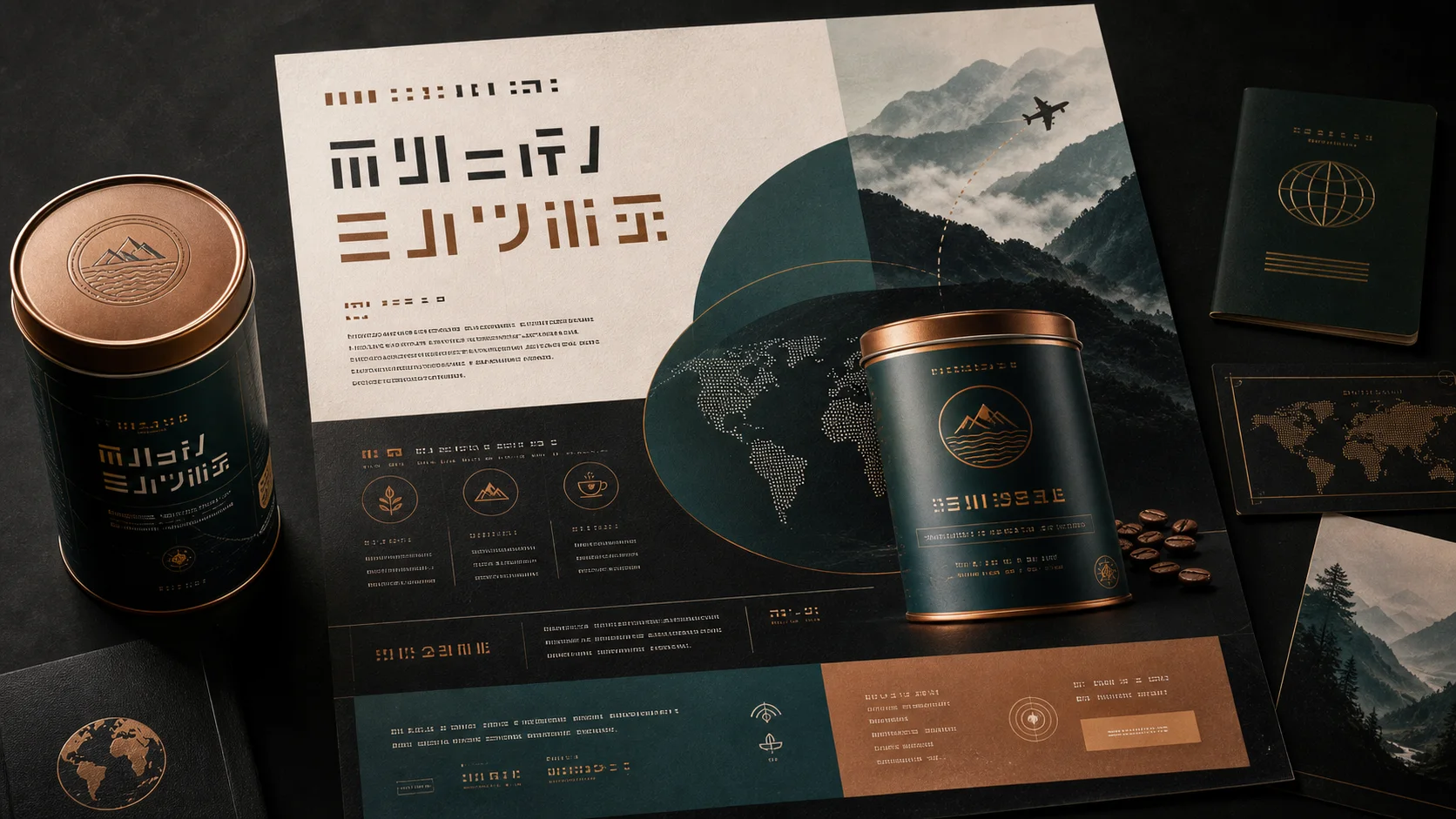
Seedream multilingual poster showing product, headline, and structured text regions
01

The product no longer matches

Problem
The prompt describes a new visual but never says which source properties are protected.
Next pass
Use the edit workflow and list geometry, label, camera angle, crop, and material as unchanged.
02

Poster text is misspelled

Problem
The model is asked to generate several long text blocks in one pass.
Next pass
Use exact quoted copy, one short headline first, and review every word before publishing.
03

References are mixed together

Problem
Several images are uploaded, but their roles are not named.
Next pass
Number each source and limit it to product, logo, material, lighting, background, or composition.
04

The frame is hard to animate

Problem
The still has cropped edges, busy overlaps, or text sitting on the subject.
Next pass
Create one clear subject, safe crop margins, separated depth planes, and static high-contrast text.

FAQ

Questions about Seedream 5.0 Pro prompts

How long should Seedream 5.0 Pro prompts be?

Only as long as the production constraints require. Clear source roles, one requested change, preservation rules, and a review test matter more than length.

Do I need a reference image?

No for blank concepts. Use reference images when a product, face, label, logo, layout, or campaign asset must remain recognizable.

How many reference images should I use?

Use the fewest images that provide necessary evidence. The current edit workflow supports up to 10, but two role-labeled references are often better than ten ambiguous ones.

Why does the prompt include “keep” and “unchanged”?

An edit request needs both an action and a lock. Without explicit preservation instructions, the model may improve the scene while altering the asset you meant to protect.

Can these images be used for image-to-video?

Yes. The final two templates specifically prepare a stable source frame with clear geometry, safe margins, readable text, and simple depth layers for animation.

Start with one Seedream 5.0 Pro prompt

Choose the closest template, replace the bracketed variables, and make one reviewable change before adding more creative direction.

Open Seedream 5.0 Pro