Nightclub flyer becomes a neon promo reel
Start with a club poster, add subtle parallax, glow, and crowd-energy motion, then publish it as a vertical teaser.
Upload a finished flyer, add motion direction, and generate a short promo clip without opening After Effects or rebuilding the design.
Guidance scale for generation
Voice IDs for audio generation (one per line)
Character/object references for consistent generation
We do not support adult, explicit, privacy-invasive, or unsafe video generation. Blocked requests do not use credits.
You do not need to separate layers manually or recreate the flyer inside a video editor before generating motion.
Kling 3.0 works well when the flyer has typography, logos, and layout details you want to preserve while adding movement.
You can test multiple motion directions on one flyer without committing to another monthly tool subscription.
Once the base flyer exists, generating another variation for stories, vertical ads, or teaser posts only takes minutes.
FreyaVideo is built for the specific workflow behind animated flyers: keep the original design, add depth and movement, and export a video that still feels like the flyer people already recognize.
Upload a finished flyer, add motion direction, and generate a short promo clip without opening After Effects or rebuilding the design.
OPEN IMAGE TO VIDEOThese gallery images show the static flyer artwork that gets reused as the starting point for the animated video versions.
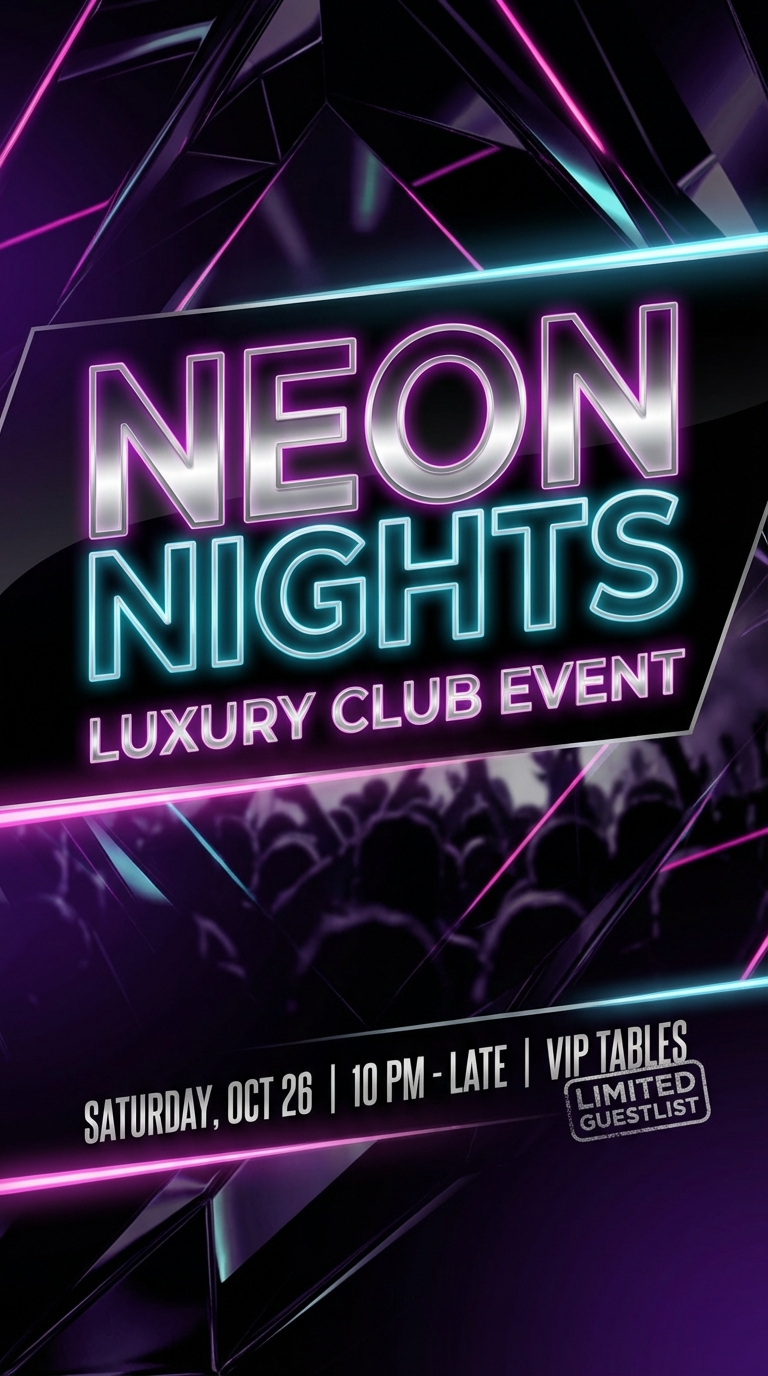 NIGHTCLUB FLYER
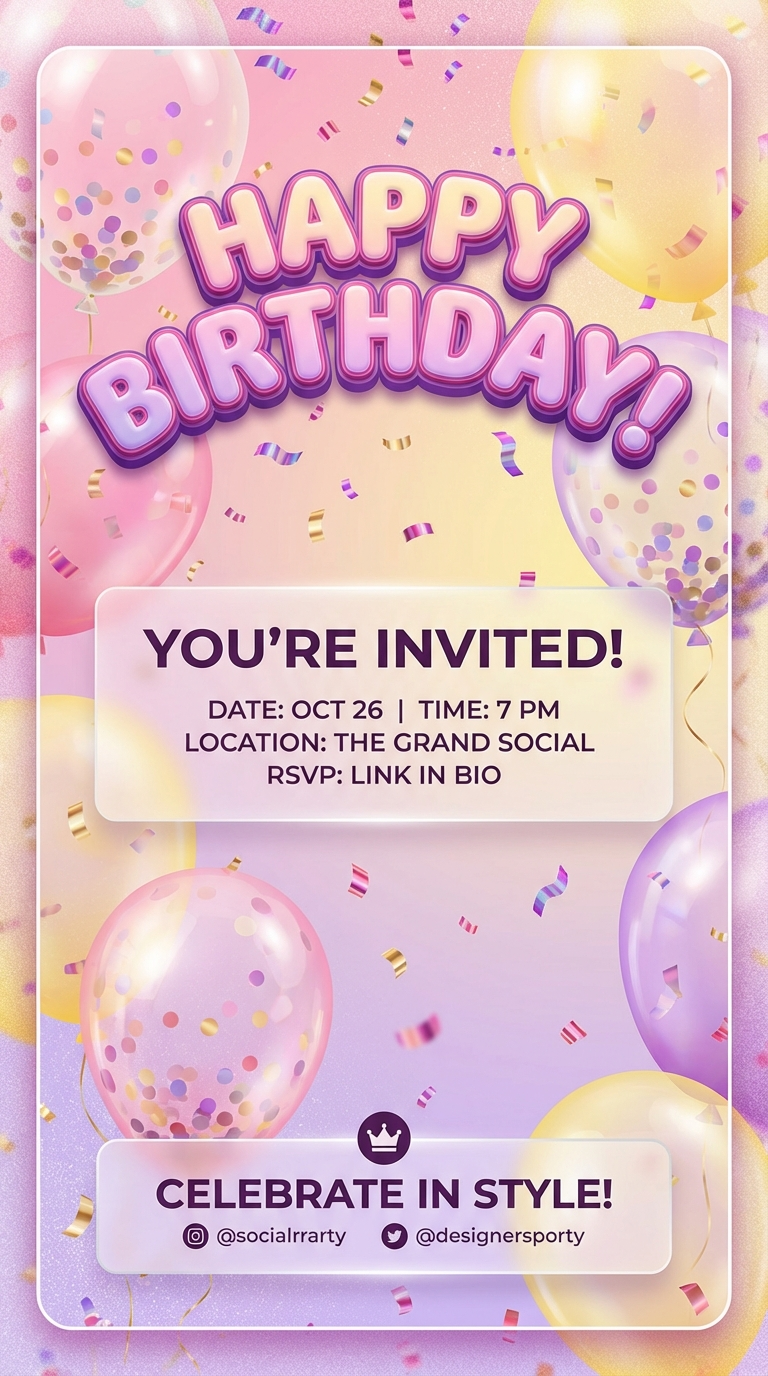 BIRTHDAY INVITE
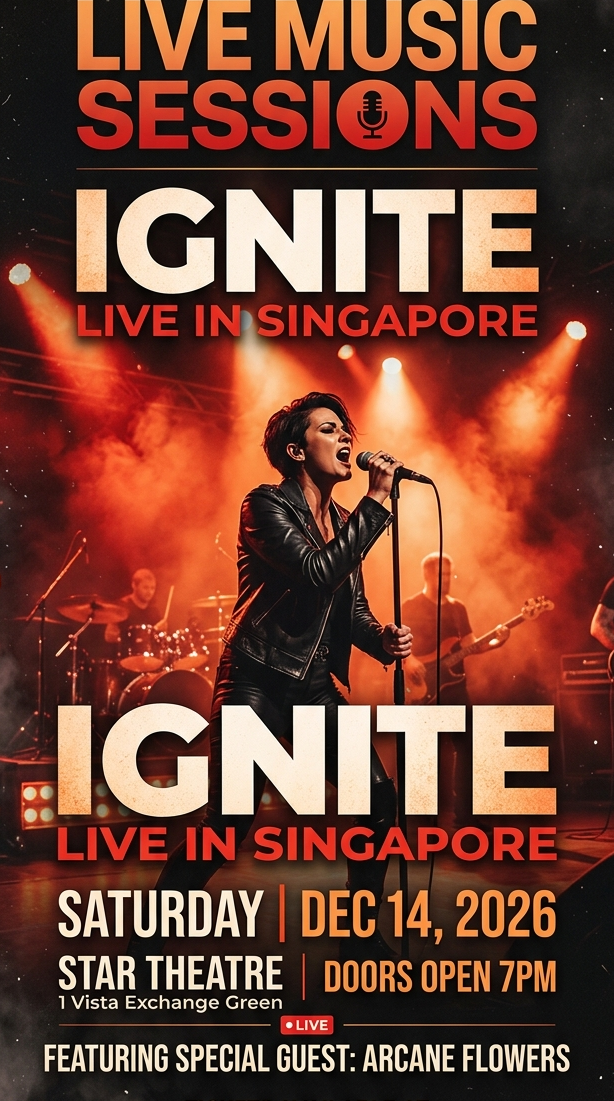 CONCERT POSTER
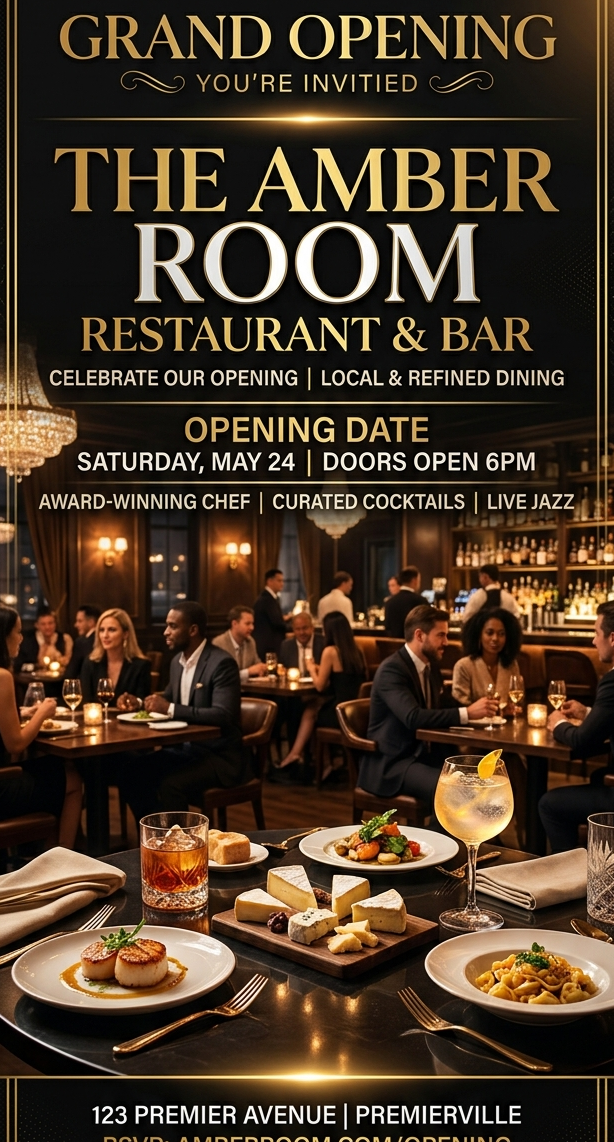 RESTAURANT OPENING
These layouts show the kind of static flyer compositions that convert well into short AI video output.
Start with a club poster, add subtle parallax, glow, and crowd-energy motion, then publish it as a vertical teaser.
Keep the invite recognizable while adding floating confetti, light camera push, and celebratory motion cues.
Use the finished poster as the first frame and add kinetic light, camera drift, and stage-energy motion in minutes.
Add warm lighting motion, smoke drift, and cinematic zoom to promote a launch weekend or cocktail night.
Turn event flyers into videos for nightclub events, birthday parties, concerts, and more. AI-powered, no editing skills needed.
READ MORE →Convert your flyer designs into eye-catching videos instantly. Upload any flyer image and get a professional animated video. Powered by AI.
READ MORE →Use AI to create and animate flyers for your events. Upload your design and let AI bring it to life. Fast, easy, and affordable.
READ MORE →Create video flyers in minutes. AI-powered flyer animation for events, parties, and promotions. No editing skills required.
READ MORE →An animated flyer is a short video based on a static flyer design. It keeps the original artwork, text, and branding while adding motion, depth, and timing for social or ad placement.
Upload the flyer image, describe the motion you want, choose the output settings, and generate the result. FreyaVideo handles the animation step automatically.
You can start with JPG, PNG, or WebP images. The generated result is exported as an MP4 video.
No. The workflow is designed for marketers, creators, and designers who already have flyer art but do not want to build motion graphics manually.
Kling 3.0 is the default recommendation here because it handles image-to-video animation well and gives you controlled motion on finished promotional artwork.
FreyaVideo is built for the specific workflow behind animated flyers: keep the original design, add depth and movement, and export a video that still feels like the flyer people already recognize.
The strongest use cases come from teams that already have flyer artwork and need motion fast, not from teams that want to start over from scratch. Nightclub and club event flyers, Birthday party invitations, Concert and music event promotions, Restaurant and bar openings.
Upload a finished flyer, add motion direction, and generate a short promo clip without opening After Effects or rebuilding the design.
This is optimized for turning a single graphic asset into motion output quickly, with minimal production overhead.
Start with a static event flyer, promo poster, or invite design you want to keep recognizable in the final motion piece.
Tell FreyaVideo what should move: camera push, layered depth, glow pulses, smoke, particles, or gentle lighting shifts.
Set aspect ratio, duration, and resolution for the channel you care about, then export the flyer as a short MP4 video.
These pages intentionally reuse the same proven SEO-page interaction. What changes is the keyword framing, the copy, and the final regenerated flyer assets.
These pages perform best when the input asset is already the finished flyer design, not a rough concept or moodboard frame.
The interaction stays identical. Only the H1, metadata, FAQ, and supporting copy should change from one flyer keyword page to another.
Keep the flyer asset names and folder structure consistent so the landing pages can read the final images and videos without another round of wiring.
Use prompts that add motion, depth, and emphasis without destroying the original hierarchy of the flyer design.