MiniMax H3 Max & Turbo

MiniMax H3 Max & Turbo Video Generator

One idea. Two ways to move it. Explore H3 Max and H3 Max Turbo, from a written scene to an animated product image with sound.

Generation is currently unavailable. You can still review the controls and verified examples without spending credits.

Seed

Choose how much time AI spends improving your prompt

We do not support adult, explicit, privacy-invasive, or unsafe video generation. Blocked requests do not use credits.

Create videos from text or images

Give MiniMax H3 Max or Turbo a subject, a movement and a setting. Start with text when you want to explore a scene, or use an image when you already have a product shot or a visual direction. Both Max variants live in the same FreyaVideo generator, so you can compare them without learning another interface.

Choose Max or Turbo in the same place

H3 Max and H3 Max Turbo are separate model options, not labels for the same request. Both offer 480P and 768P output with clips from 5 to 15 seconds in 1-second increments. Turbo is the variant to consider for repeated drafts; check the displayed credit estimate before each run.

Keep a starting image, guide the ending

Image-to-video starts with your uploaded image. Add an optional final image to guide where the clip ends. Describe the movement between the frames, rather than asking the model to redesign the product. The first image determines the framing.

Describe the sound with the action

Include environmental sound, an engine note or dialogue in the same prompt as your visual direction. H3 generates an audio track with the video. Listen to the result before publishing; timing, pronunciation and visual consistency can vary.

H3 Max and Turbo video examples

These five clips are paid FreyaVideo test outputs at 768P: three text-to-video runs, one image-to-video run, and one first-and-last-frame run across H3 Max and H3 Max Turbo. Play them with sound and compare each exact prompt with the result.

Generated on FreyaVideo · September 5, 2026

MiniMax H3 Max768P · 1344 × 768 · 8s

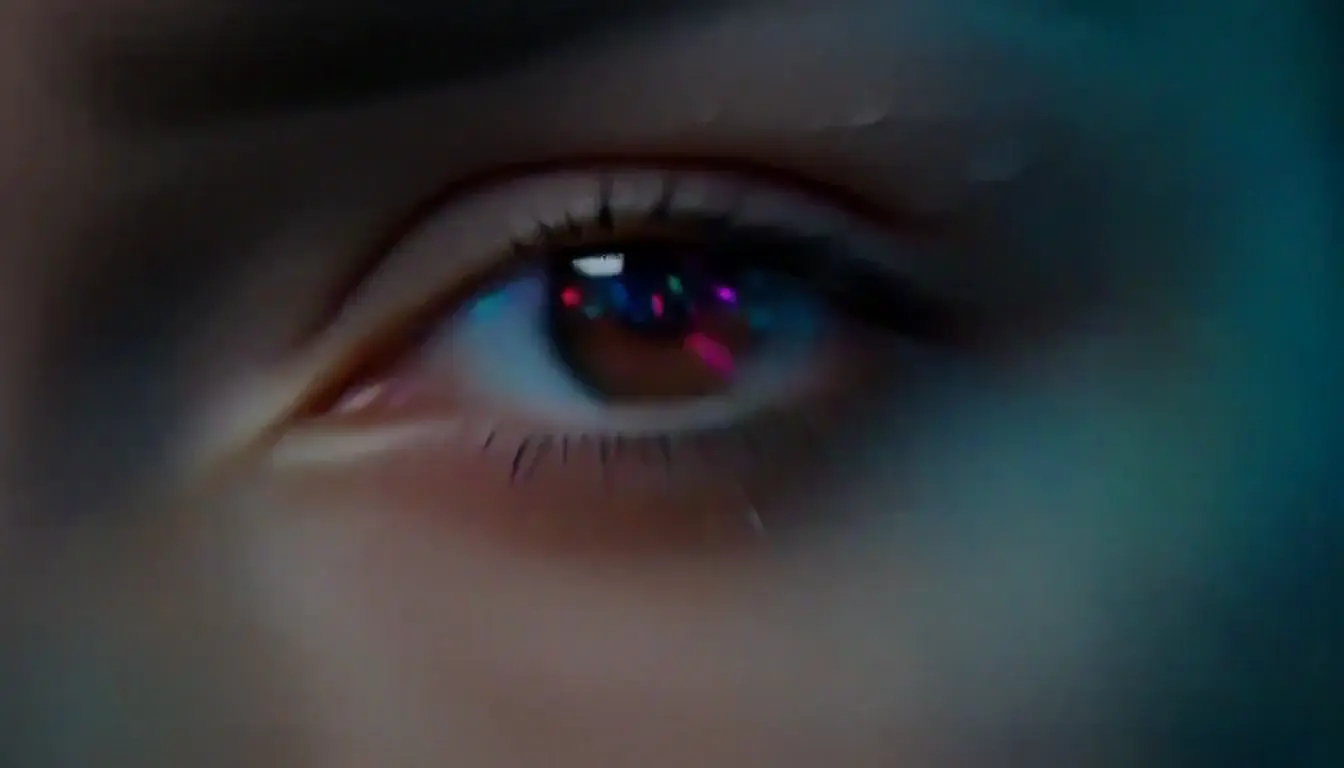
Neon dancer and a holographic phoenix

H3 Max turns an 8-second text brief into one continuous rooftop dance shot, moving from a close-up to a full-body orbit with generated electronic audio.

View the exact prompt

An adult cyberpunk dancer in a silver jacket performs a fierce, athletic routine on a rain-soaked rooftop at night. Open with a close-up of her eye reflecting neon signs, then whip-pan into a full-body orbit as each step sends rings of cyan light across the ground. A colossal holographic phoenix erupts behind the skyline and sweeps overhead, scattering luminous feathers. One continuous cinematic shot, realistic face and anatomy, magenta-cyan lighting, energetic electronic beat, no text or logos.

Use this prompt
MiniMax H3 Max Turbo768P · 1344 × 768 · 5s

A train through three impossible worlds

H3 Max Turbo follows a vintage train from snowy mountains through a glowing alien jungle toward an upside-down city in a 5-second text-to-video clip.

View the exact prompt

A vintage black train races across a narrow bridge suspended above the clouds. The camera flies beside it as the landscape transforms continuously from snowy mountains into a glowing alien jungle, then into a city floating upside down in the sky. No cuts, one seamless cinematic shot, realistic train motion, volumetric clouds, dramatic sunlight, enormous scale, rich environmental sound, visually spectacular.

Use this prompt
MiniMax H3 Max768P · 1344 × 768 · 5s

Desert hoverbike chased by a sand serpent

H3 Max stages a low chase camera, an electrical storm and a mechanical serpent in a 5-second text-to-video action shot with thunderous sound.

View the exact prompt

A futuristic motorcycle races across a vast red desert during a violent electrical storm. A colossal mechanical sand serpent erupts from the dunes and chases the rider, throwing mountains of sand into the air. The camera follows inches above the ground, then swings into a dramatic aerial shot as lightning strikes behind them. Photorealistic, extreme speed, powerful scale, detailed debris, cinematic action, thunderous sound design.

Use this prompt
MiniMax H3 Max768P · 1344 × 768 · 5s

Crystal perfume guided by two frames

A 5-second H3 Max image-to-video test starts from the crystal bottle image and follows the supplied last frame as petals, water and golden light form an orbit.

View the exact prompt

Start exactly from the first image and end on the supplied last frame. The crystal perfume bottle rotates smoothly while staying centered and structurally unchanged. Scattered glass petals sweep into the luminous orbit shown in the final frame; the small water ripple expands into a broad golden ring as droplets rise and the eclipse brightens. Use one slow cinematic push-in with seamless motion and sharp product focus. Native audio: water drop, crystal chimes and soft atmospheric bass.

Use this prompt
MiniMax H3 Max Turbo768P · 1344 × 768 · 5s

A neon hoverbike leaves the tunnel

H3 Max Turbo animates the supplied rider image with a low chase camera, rain mist, sparks and turbine audio while preserving the bike as the main subject.

View the exact prompt

The adult rider launches the hoverbike out of the tunnel and accelerates toward the neon skyline. The rear turbine ignites, sparks scatter across wet asphalt, rain mist curls around the bike and tunnel lights streak past. Use a smooth low chase camera that arcs from rear three-quarter view toward the side while keeping the rider and bike structurally stable. Cinematic speed, realistic reflections. Native audio: turbine surge, rain, tireless electric whine and deep city ambience.

Use this prompt

Examples demonstrate individual results, not a guarantee of quality or completion time.

H3 Max vs H3 Max Turbo vs H3

Choose the output you need first. A higher resolution is not a promise of a better idea, and generation time depends on the current queue.

H3 Max vs H3 Max Turbo vs H3
Choose byH3 MaxH3 Max TurboH3
Starting pointText or imageText or imageText or image
Output options480P / 768P480P / 768P480P / 768P
Clip length5–15 seconds (1-second steps)5–15 seconds (1-second steps)5–15 seconds (1-second steps)
Useful forDirected short clipsExploring multiple draftsStandard H3 creations
SoundGenerated audioGenerated audioGenerated audio

Every real example on these H3 pages was requested at 768P and produced a 1344 × 768 file. The examples verify both text-to-video and image-to-video workflows, but do not guarantee every future result.

Explore MiniMax H3

What can you create with H3 Max?

Product motion

Use an existing product image and ask for one camera move. Check labels, edges and proportions before putting the clip into an ad.

Campaign drafts

Try a quiet reveal, a moving close-up or a different setting. Keep the subject description consistent when comparing Max and Turbo.

Social cutaways

Build a short visual beat for a longer edit. For image inputs, prepare the source image in the framing you want to keep.

How to use H3 Max and Turbo

  1. Pick a variant and an input

    Select H3 Max or H3 Max Turbo, then text-to-video or image-to-video. Upload only images you have permission to use.

  2. Write the shot, then set the format

    Name the subject, one main action, the camera movement and any sound. Select the duration and resolution. For image-to-video, you can also add a final frame.

  3. Check credits, generate and review

    When the model is enabled, sign in and review the credit estimate before generating. Play the finished video with sound, check the details, then download it. A busy queue can take longer; avoid submitting the same request repeatedly.

Frequently asked questions

What is MiniMax H3 Max?

H3 Max is fal's post-trained variant of MiniMax H3, focused on prompt following, aesthetics and throughput. FreyaVideo brings its text-to-video and image-to-video controls into the existing creation workflow.

Is H3 Max Turbo a separate page or a separate model?

Turbo is a separate model option on this page. Select H3 Max Turbo in the generator to use its endpoint and credit calculation. There is no need to move to another model page.

What resolution are these H3 Max examples?

All five verified examples on this page were requested at 768P and produced 1344 × 768 files. Choose the resolution from the generator controls rather than relying on resolution words inside a prompt.

Can I supply both a first and a last frame?

Yes, in image-to-video mode the initial image is required and the final image is optional. The ending frame guides the destination, but does not guarantee exact motion or perfect subject preservation between the two images.

Does it cost credits, and how long does it take?

Generation uses FreyaVideo credits, with an estimate displayed for the chosen variant, length and resolution. There is no unlimited-free promise on this page. Completion time varies with model load and the request; the examples are not a speed guarantee.

Which workflows are verified in these examples?

The page includes three text-to-video examples, one image-to-video example, and one image-to-video example guided by both a first and last frame. Each card identifies the exact model and settings used.

Are Director and LoRA included in these controls?

No. This page covers standard text-to-video and image-to-video workflows. Reference workflows, LoRA styles and Director are not available in this release.

Put your next shot into words

Start with one subject, one movement and a clear ending. Refine the result after you see it.

Open the H3 Max generator

Model documentation: MiniMax H3 Max & Turbo Video Generator · H3 Max Turbo ↗