AI IMAGE MODEL OVERVIEW

Seedream 5.0 Pro

Seedream 5.0 Pro is ByteDance Seed’s image model for commercial stills, multi-image editing, and readable text-heavy creative. Generate from a prompt, or upload up to 10 reference images to use the Fal edit endpoint before animating the final still in FreyaVideo.

Reference Images(0/10)

Add reference images for style guidance

Output Format
Count

Higher counts generate more outputs and consume more credits.

Seedream 5.0 Pro is most useful when the image is not just decorative. Use it when a frame needs a product, label, headline, package shape, logo, or multilingual layout to survive review.

Use prompt-only generation for a blank direction, and use edit when existing assets matter. Upload the bottle photo, logo file, packaging reference, or background mood board instead of describing it from memory. Every reference should have a job.

The Pro model is strongest around information-dense stills: product ads, launch posters, packaging concepts, campaign graphics, and pre-video source frames. It is less useful for random wallpapers or scenes where product identity doesn't matter.

For FreyaVideo, the model sits before image-to-video. A video model can add motion, but it cannot fix a weak first frame. Resolve the still first, then animate it with camera movement, parallax, or a short reveal.
Operator Notes

Where the Pro model earns its place

Treat the model like a production assistant. The best results come from clear constraints: what to change, what to preserve, and what the final asset needs to communicate.

01

Edits with explicit locks

The edit endpoint works best when the prompt contains both an action and a lock: replace the label, keep the bottle shape; change the background, preserve the camera angle. Without locks, the model may change the asset you meant to protect.

02

Multi-reference image assembly

Multi-image input works when every reference has a role. Image 1 can be the product, image 2 the logo, image 3 the lighting, and image 4 the background. That gives the model evidence instead of forcing every detail into text.

03

Commercial layouts with hierarchy

Many ad images fail because the composition cannot carry the brief. Seedream 5.0 Pro is a better fit when the image needs a product, headline, offer, secondary copy, and a clear focal point.

04

Readable multilingual drafts

Use it to test whether a layout survives translation. Longer Spanish copy, shorter English headlines, and interface-like graphics create different spacing problems. The output still needs review, but it can test copy length and balance early.

Best Fits

Use it when the image has a business job

Use the model when the output is close to something you would hand to a designer, ad buyer, or video workflow.

Product ad stills

Start from a real product or pack shot, then ask for a cleaner commercial still around it. Label preservation, controlled shadows, readable packaging, and category-appropriate backgrounds matter more than extreme style.

Motion poster source frames

For a launch poster, event visual, or announcement graphic, settle the still frame first. Then animate only the parts that should move: camera drift, subtle depth, environmental particles, or light motion. Text should not become a moving target.

Packaging and brand variations

Use the edit endpoint for label directions, seasonal packaging, alternate colorways, material finishes, and campaign look tests. Keep each pass narrow. One change is easier to judge than a full brand redesign.

International campaign drafts

Draft campaign images in multiple languages before spending production design time. It is not localization QA, but it can show whether headline length, product placement, and offer blocks still fit on mobile.

Fal Behavior

What changes when you upload reference images

The UI stays simple, but the backend route changes. This matters for prompt writing because text-to-image and edit behave like different tools.

Text to image

bytedance/seedream/v5/pro/text-to-image

Used when no reference image is uploaded. Choose this for a blank brief: product concept, poster direction, campaign mood, or layout sketch.

Image editing

bytedance/seedream/v5/pro/edit

Used when one or more reference images are uploaded. Choose this when a product, label, logo, person, package shape, layout, or style reference must stay recognizable.

Example Workflows

Example outputs worth showing on a model page

These visuals are not a random gallery. Each one maps to a real Seedream 5.0 Pro use case: product stills, multi-reference editing, and dense poster layouts.

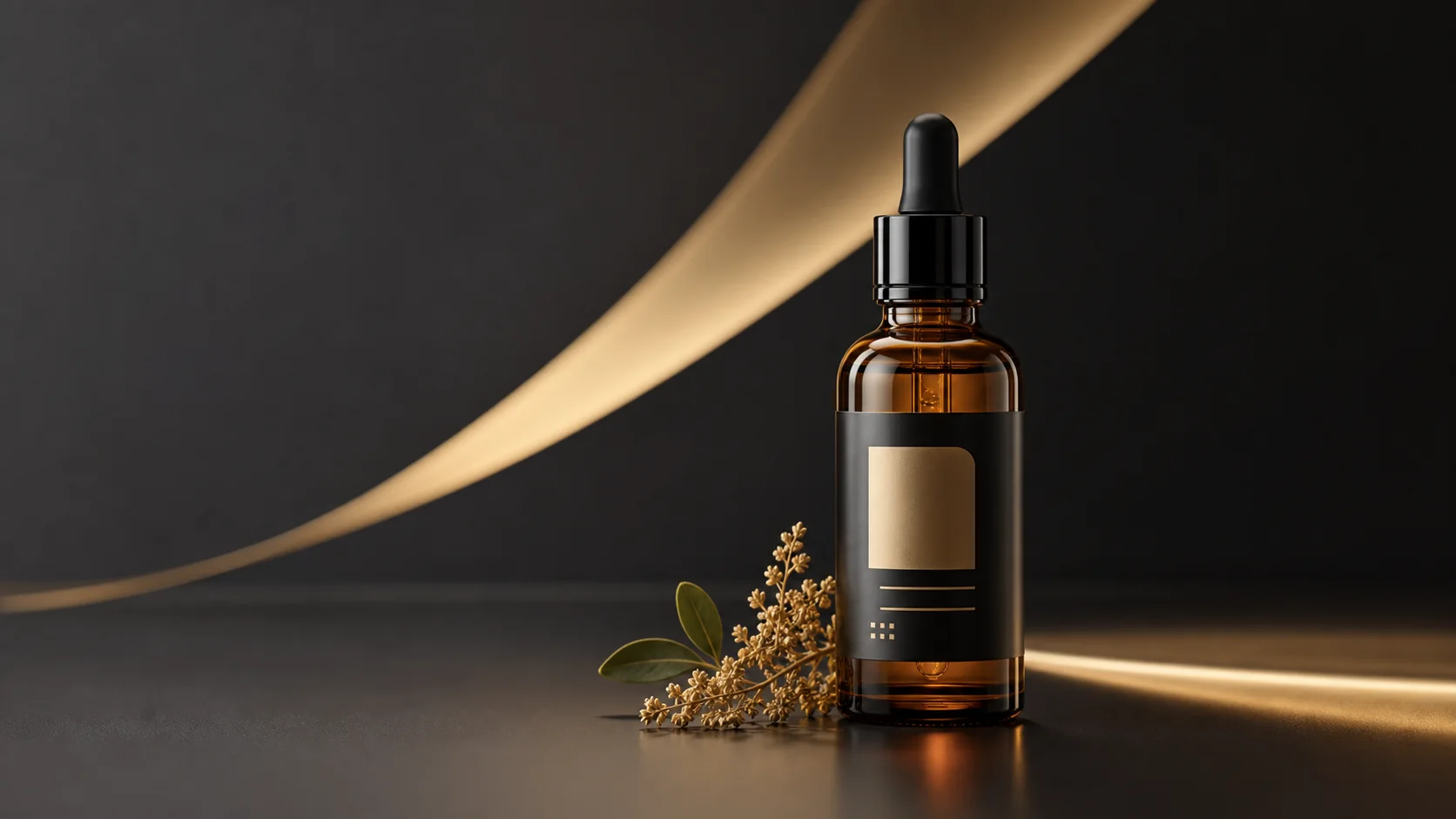
Product advertising still with serum bottle and gold highlight sweep

Product advertising still

A controlled product frame with readable label space, clean geometry, and lighting that can become a short reveal video.

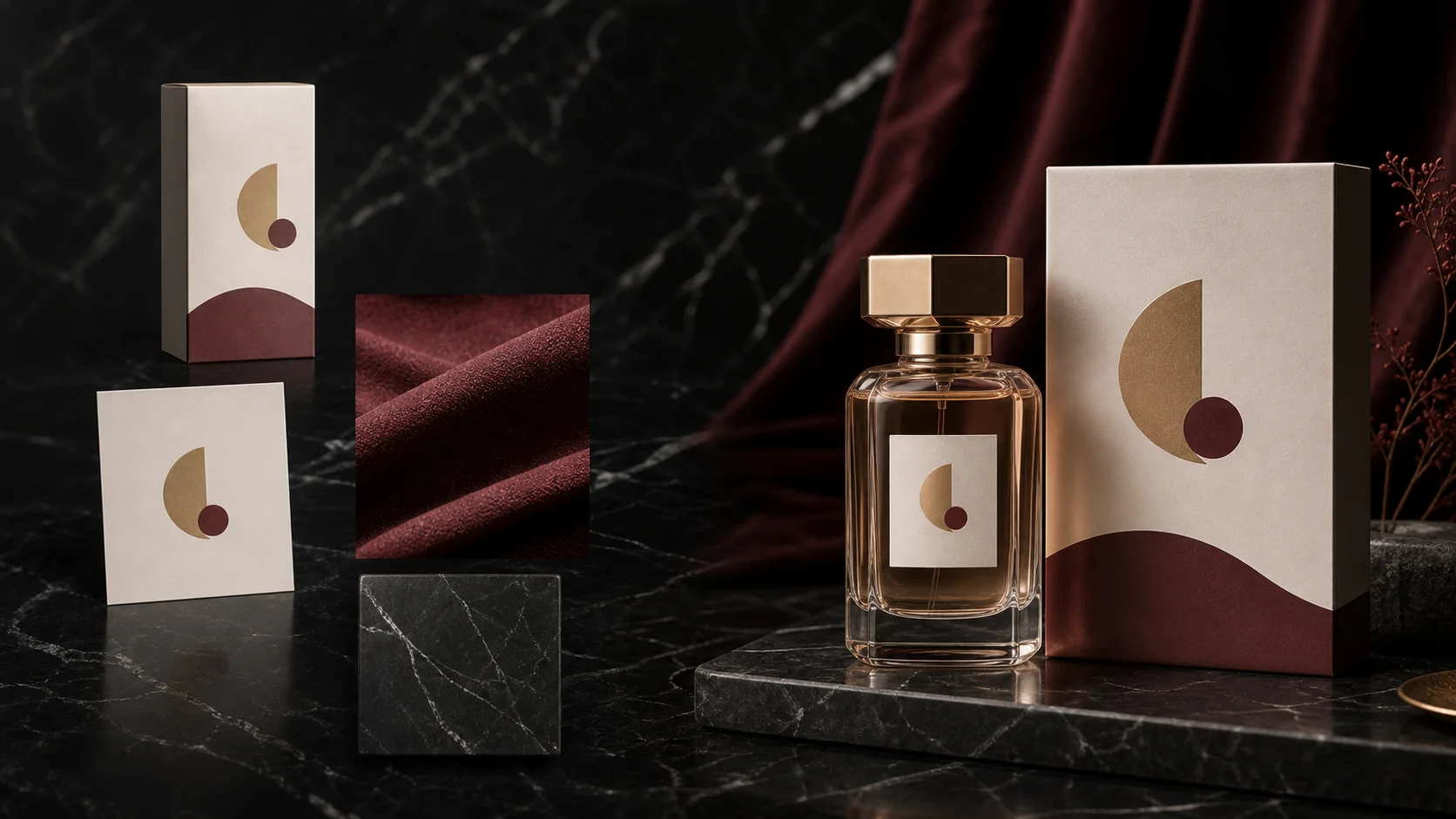
Multi image edit example with product packaging, logo card, fabric, and final ad composition

Multi-image edit direction

A campaign composition showing how product, logo, material, and background references can merge into one still.

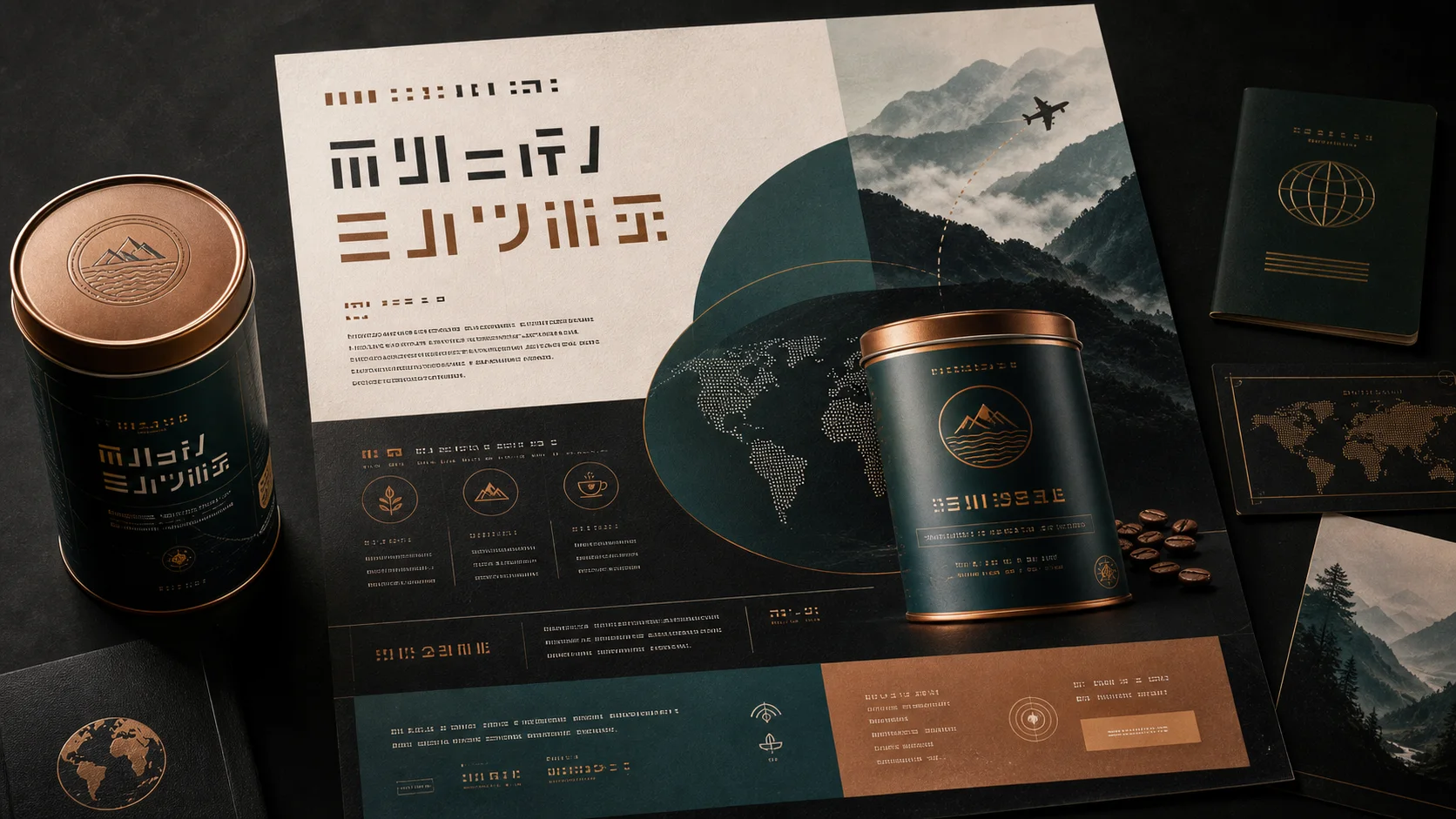
Multilingual campaign poster layout example with product can and structured text blocks

Multilingual poster layout

A text-heavy poster mockup for testing hierarchy, product placement, and translated-copy density before animation.

Production Flow

A cleaner workflow: decide the still before buying motion

Use the model to reduce uncertainty before the video step. The image should already answer the creative question before you ask a video model to add movement.

01

Choose the right route

Start with text-to-image for exploration. Switch to edit when there is a real product, logo, person, or layout to preserve. The earlier you provide references, the less the model has to guess.

02

Write the locks first

Before describing style, write the constraints: keep label readable, preserve geometry, keep the same camera angle, do not change the face, leave CTA space. Then describe lighting and mood.

03

Animate only after the still works

Once the frame is strong, move it into image-to-video. Use restrained motion prompts: slow push-in, gentle parallax, keep all text readable, preserve product geometry.

Prompt Notes

Prompt notes that usually matter

The prompt should read like production direction. Name source-image roles, specify what must not change, and describe the review criteria.

Product relabel

Use image 1 as the base product photo. Replace only the front label with the logo from image 2. Keep bottle shape, cap, lighting, camera angle, and background untouched. Make the label readable at mobile size.

Use this when the product must stay recognizable and the edit is mostly branding.

Campaign poster

Create a launch poster. Use the product from image 1, the material mood from image 2, and the composition rhythm from image 3. Put the product in the lower third and leave a clean headline area.

Useful when the next step is a motion poster and text areas must stay predictable.

Commercial still

Turn this product image into a studio advertising still. Add soft directional light, a grounded shadow, and a premium category background. Preserve package geometry and printed text.

A strong base for social ads, product page media, and short reveal videos.

Localized graphic

Adapt the campaign image for a Spanish-language version. Keep product, hierarchy, and layout. Replace the headline with "Nuevo brillo diario" in clean bold typography, readable at mobile size.

Use for market tests, then review spelling and brand rules before publishing.

Model Tradeoffs

How to choose it against GPT Image 2, Nano Banana Pro, and Lite

Do not choose a model because it is newest. Choose it based on the failure you cannot afford.

Blank concepts

Use Seedream 5.0 Pro when the concept needs layout discipline or a production source frame.

Use Seedream 5.0 Lite for faster exploration when exact edit control is not important yet.

Precise edits

Use Seedream when references need roles: product, logo, texture, background, and layout.

Try GPT Image 2 for conversational instruction following on a single image edit.

Readable design

Use Seedream for dense posters, packaging mockups, multilingual graphics, and ad stills.

Use Nano Banana Pro when your workflow already depends on it.

Video handoff

Use Seedream when the still will become a paid ad, product reveal, or brand motion asset.

Use a cheaper model when the image may never reach video.

FAQ

Practical questions

Can Seedream 5.0 Pro generate video directly?

No. Seedream 5.0 Pro is an image model. Use it to create or edit the source frame, then animate the selected still in FreyaVideo.

Can it combine two or more images?

Yes. The Fal edit endpoint accepts multiple image URLs. Assign a role to each one: base product, logo, material, lighting, background, or layout.

How many reference images can I upload?

The current FreyaVideo UI allows up to 10 reference images for Seedream 5.0 Pro edit. More images are not automatically better; use only useful references.

When should I use text-to-image instead of edit?

Use text-to-image for a blank brief. Use edit when a product, logo, layout, person, or brand asset must be preserved or recombined.

When should I not use Seedream 5.0 Pro?

Do not use it first for throwaway mood exploration, random wallpapers, or cases where exact asset preservation does not matter. A faster model can be enough.