One portrait photo turns into a living close-up
A still portrait gains a smile, head turn, and subtle breathing motion without losing the original face, framing, or lighting.
Upload a photo and get your first animation free. No credit card needed.
Drag and drop a photo here, or click to browse and upload.
JPG, PNG, WebP
Pick an effect or write one short sentence. Keep the motion natural and close to the original photo.
Need more control? Use our full editorSwitch between Kling 3.0 and Seedance 2.0 depending on whether you want controllable image motion, native audio, or a different animate photo AI style.
Portraits, landscapes, old photos, product shots, and pet photos can all be animated from the same animate photo and animate picture workflow.
Test a few motion directions on one image when you need them without adding another monthly subscription to your stack.
Supported models can generate ambient sound and synced audio with the video, which is especially useful for scenery, memory clips, and product atmosphere.
FreyaVideo is built for people who want to animate photo assets fast, animate picture uploads online, and turn one still image into a short video without opening a full editor. Start with the image you already have, choose the model that fits the motion style, and use one workflow to animate photo content for ads, memories, and social posts while keeping each animate picture result close to the original shot.
Upload a photo and get your first animation free. No credit card needed.
OPEN IMAGE TO VIDEOThese gallery images show the original still photos used as the starting point for the animated video versions.
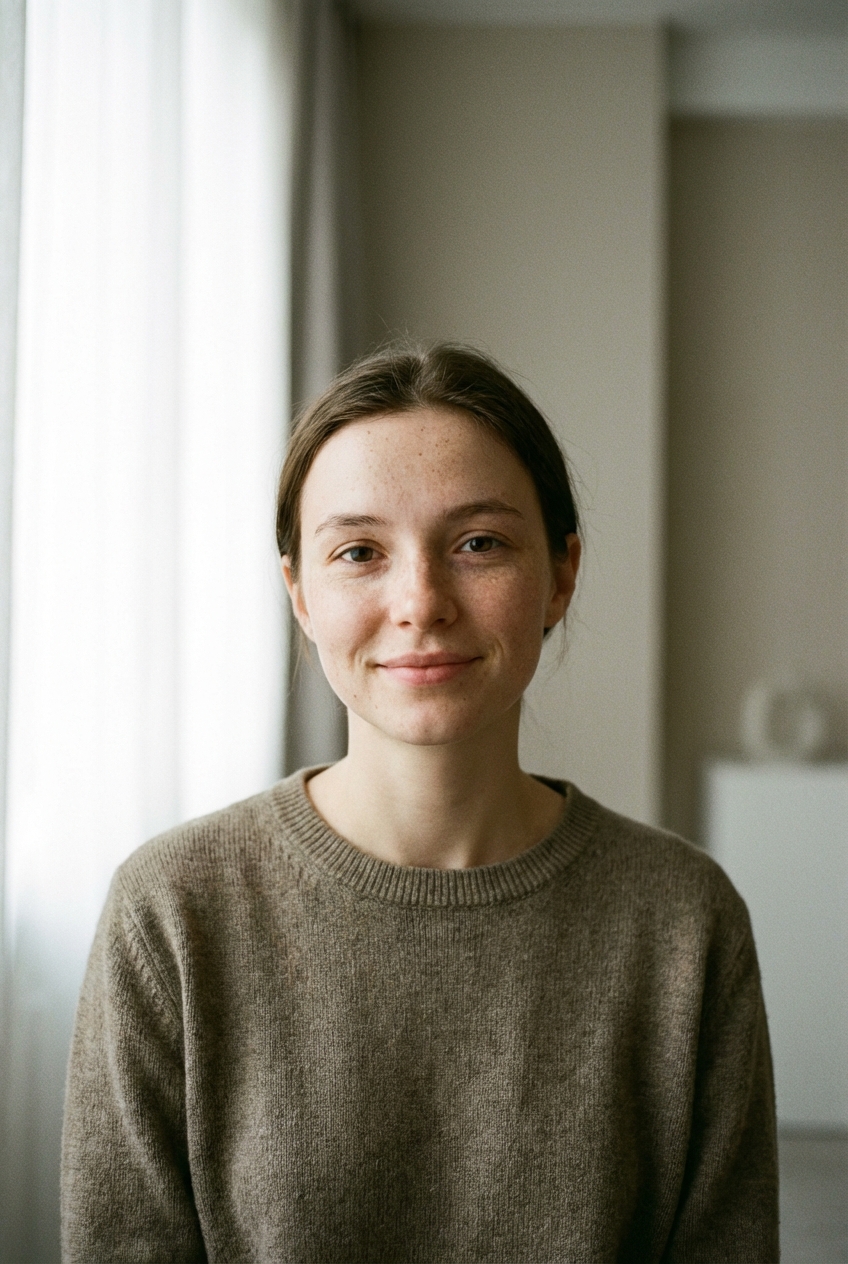 PORTRAIT PHOTO
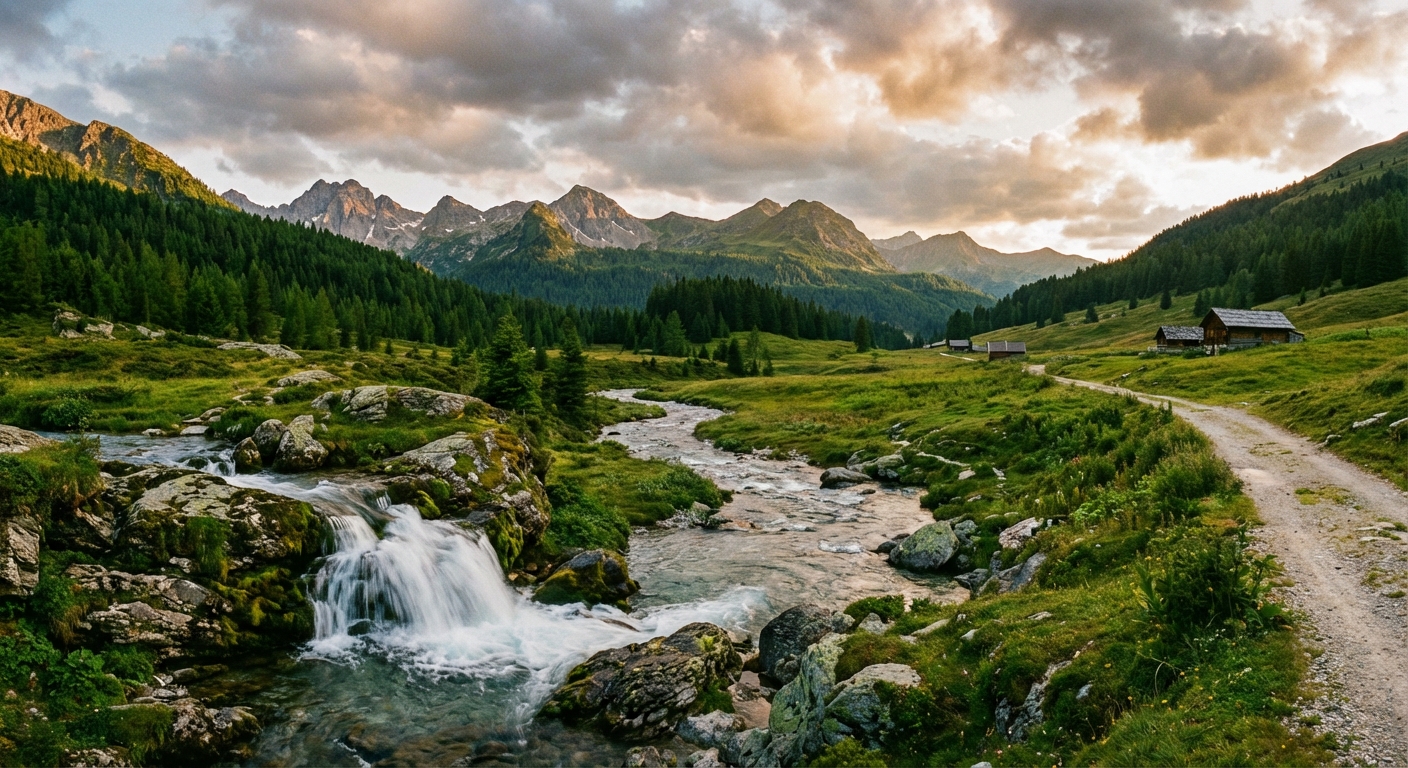 LANDSCAPE PHOTO
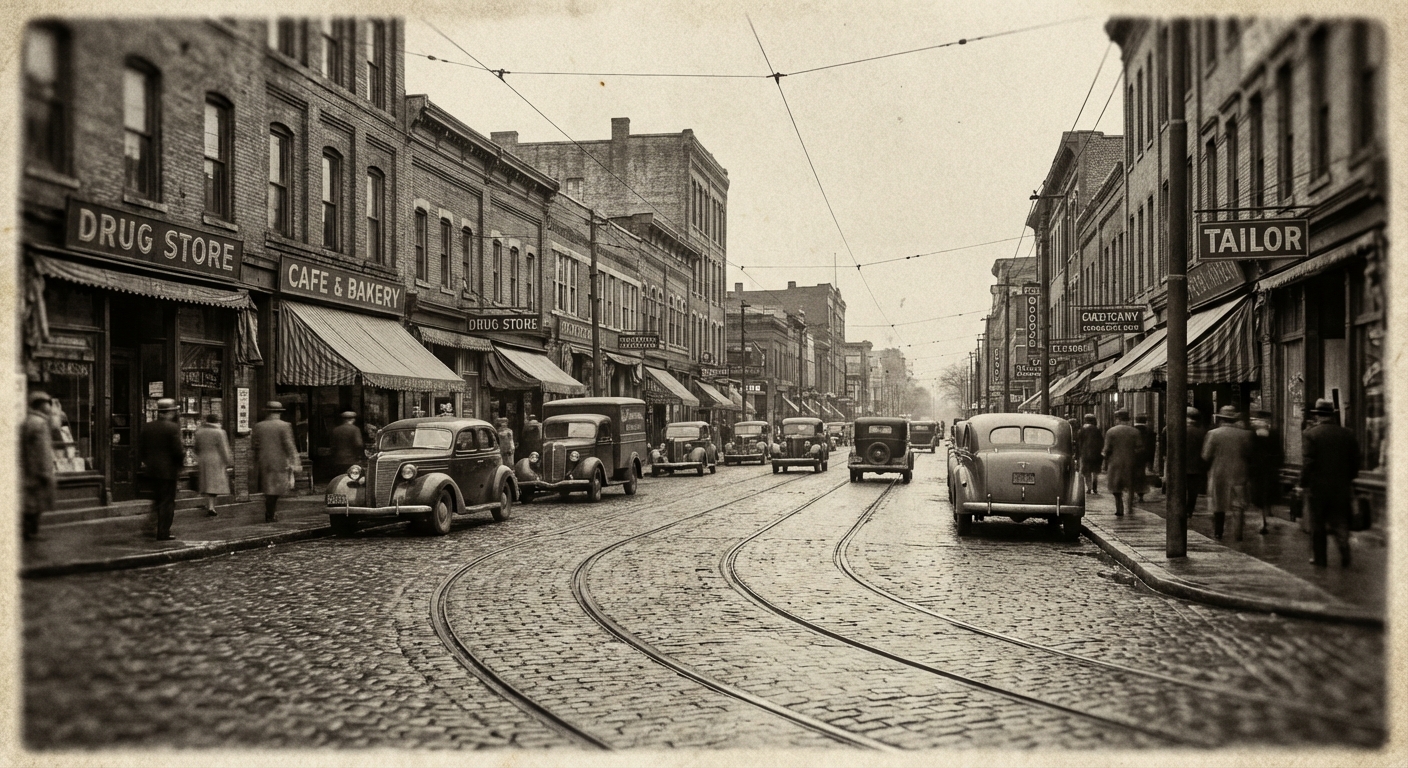 OLD PHOTO
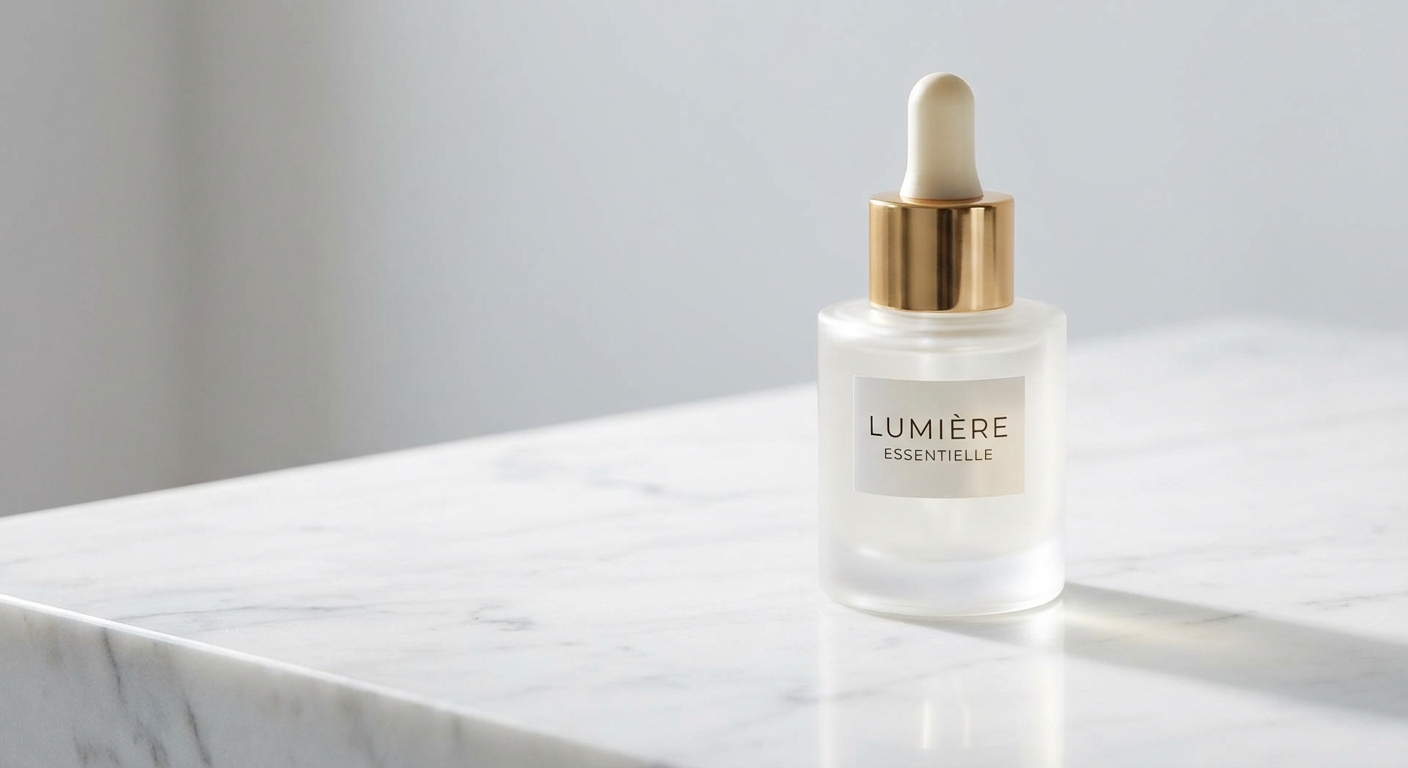 PRODUCT PHOTO
These examples show how animate photo AI works across real image types: portraits, landscapes, old photos, and product shots. Each animate picture example keeps the source image recognizable.
A still portrait gains a smile, head turn, and subtle breathing motion without losing the original face, framing, or lighting.
The original image stays recognizable while clouds drift, water moves, and the shot picks up a gentle cinematic push.
A sepia old-photo look becomes a short memory clip with subtle motion, preserved film texture, and a gentle camera move.
A clean product image gets controlled rotation, highlight sweeps, and depth, which makes it usable for landing pages and paid creative.
Turn product photos into video ads for TikTok, Instagram, Amazon, and Shopify. Create product videos from images with AI. Pay per use, no subscription.
READ MORE →Create animated flyers in seconds. Turn flyer designs into videos with AI. No editing skills needed. Pay per use, no subscription.
READ MORE →Convert your flyer designs into eye-catching videos instantly. Upload any flyer image and get a professional animated video. Powered by AI.
READ MORE →Create video flyers in minutes. AI-powered flyer animation for events, parties, and promotions. No editing skills required.
READ MORE →Turn one image into a short AI video. Upload a photo, product image, poster, flyer, or social visual, add a motion prompt, and generate a video with FreyaVideo.
READ MORE →Upload the image, describe the motion you want, choose the model and output settings, and generate the result. If you want to animate photo files fast, this is the simplest workflow: the AI uses your image as the first frame and adds motion without a manual timeline edit.
Yes. You can animate old photos with subtle camera movement, light atmosphere, and small motion cues. The best ai photo animation results usually come from clear scans, one obvious subject, and prompts that keep the old-photo feeling intact.
The best AI photo animation maker is the one that lets you animate photo and animate picture files with minimal friction while keeping the original image recognizable. FreyaVideo is built for that exact image-to-video workflow, with model choice, pay-per-use pricing, and native audio on supported models.
Yes. If you are looking for a way to animate photo online free, you can start with free credits and test a few generations before paying. That makes it practical to animate pictures online without committing to a subscription first.
To animate still photos online, upload the image, write a prompt for movement, choose your model, and render a short clip. The best results come from still images with a clear subject and motion that fits the original shot.
AI can animate many image types, including portraits, products, pets, landscapes, travel shots, and vintage images. High-resolution files with a clear focal point work best, and the motion should match what the viewer expects from that photo.
FreyaVideo is built for people who want to animate photo assets fast, animate picture uploads online, and turn one still image into a short video without opening a full editor. Start with the image you already have, choose the model that fits the motion style, and use one workflow to animate photo content for ads, memories, and social posts while keeping each animate picture result close to the original shot.
The best ai animate image workflows start from a strong still photo, then add motion that supports the subject instead of replacing it. That makes it easier to animate photo assets and animate picture memories without losing the original frame. Portrait animation from a single photo, Landscape and travel photo motion, Old photo animation and memory clips, Product photo animation for marketing, Pet photo animation.
Upload a photo and get your first animation free. No credit card needed.
This photo animation maker is optimized for people who already have the image and want controlled motion quickly, whether they need to animate photo assets for work or animate picture posts for social.
Start with any still image you want to bring to life. You can animate photo scans, portrait shots, scenic images, old photos, and product pictures from the same animate picture flow.
Tell the model what should move: a smile, head turn, drifting clouds, flowing water, camera push, soft breathing, or ambient sound so the animate photo result feels intentional and the animate picture output stays natural.
Use Kling 3.0 or Seedance 2.0, set the aspect ratio and clip length, then render a short animate picture AI clip from the original image. You can test more than one animate photo direction without rebuilding the shot.
Compare motion styles, keep the version that feels most natural, and export an MP4 ready for social, ads, personal sharing, or any animate photo online free test workflow.
This landing page keeps the same proven interaction shell, but the copy, examples, and assets are tuned specifically for photo animation, memory clips, portrait motion, and image-to-video workflows.
Portraits, pets, products, and old photos animate more cleanly when the frame has one clear focal point and enough resolution to preserve detail.
Good prompts add believable movement such as blinking, head turns, drifting clouds, water flow, or camera push-ins instead of forcing unrelated action into the frame.
The best result still feels like the same image. Use motion to add life, depth, and atmosphere without changing the identity of the person, pet, product, or place.
Ambient wind, room tone, water, or subtle product atmosphere can help, but the motion should stay strong even if the video is watched muted.