Nano Banana 2.1 Image Generator
Create and edit images with Nano Banana 2.1. Choose your resolution and upload references to guide the result.
Add reference images for style guidance
Higher counts generate more outputs and consume more credits.
16 credits
One idea. Several ways to make it.
Describe the subject, layout and exact text you want. Review generated wording before publishing.
Upload up to 14 reference images. Tell the model what to change and what to preserve.
Generate at 1K, 2K or 4K in PNG, JPEG or WebP. Wide and tall aspect ratios are available.
Each image costs 16 credits at 1K, 24 at 2K or 32 at 4K. The generator shows the total before submission.
Give the layout a clear brief
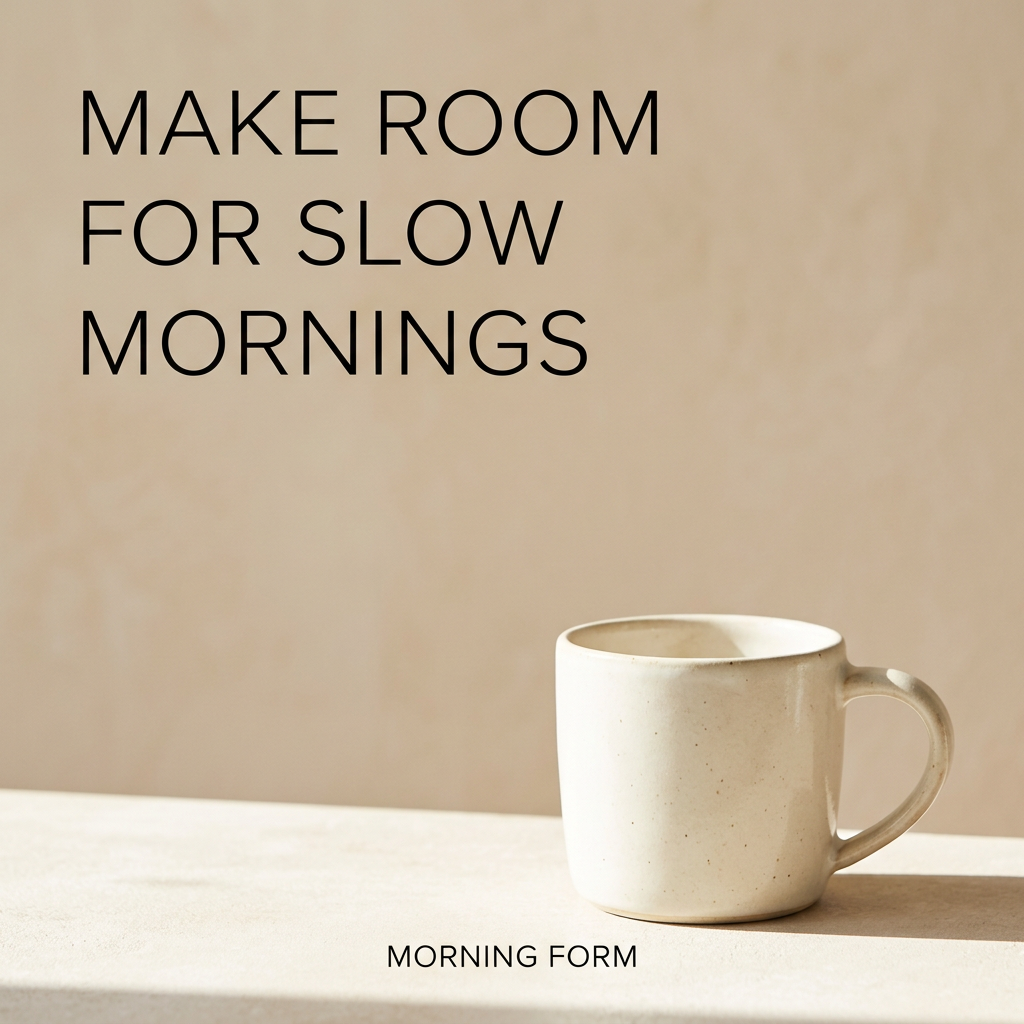
For a product ad, specify the product position, lighting, background and headline. Start at 1K, revise the composition, then choose a larger output when the draft works. The example below was generated with Nano Banana 2.1 during FreyaVideo integration testing. Outputs may add unrequested text; review the result before publishing.
The controls you can use here
FreyaVideo offers text generation and reference-based editing through Fal. Web search and adjustable thinking levels are not offered in this workflow. Actual completion time depends on the request and provider queue.
Read Google model documentation →Text-to-image and reference-image editing with three resolution choices. Compare the model family in our guide.
READ MORE →Common Questions
It is Google’s image generation and editing model, positioned as the efficient counterpart to Nano Banana Pro. FreyaVideo connects to the model through Fal.
Both support image generation and editing. Fal bills 2.1 by tokens, so provider cost varies with the request. Compare text accuracy, reference fidelity and the credits shown in each Freya generator; this page makes no universal quality claim.
Yes. Upload reference images in the generator and describe the edit. The request uses the image editing endpoint. Up to 14 images can be included.
1K costs 16 credits, 2K costs 24 and 4K costs 32 per image. Check the total in the generator before submitting.
Not in this workflow. Google documents grounding capabilities, but Freya currently exposes prompt, reference images, resolution, aspect ratio and output format.
Aspect ratios are presets. Our 1K 8:1 test returned 2928 × 352 pixels, approximately 8.32:1. Check the output dimensions and crop if your layout needs an exact ratio.