Everything you need to make anything you want
 Video
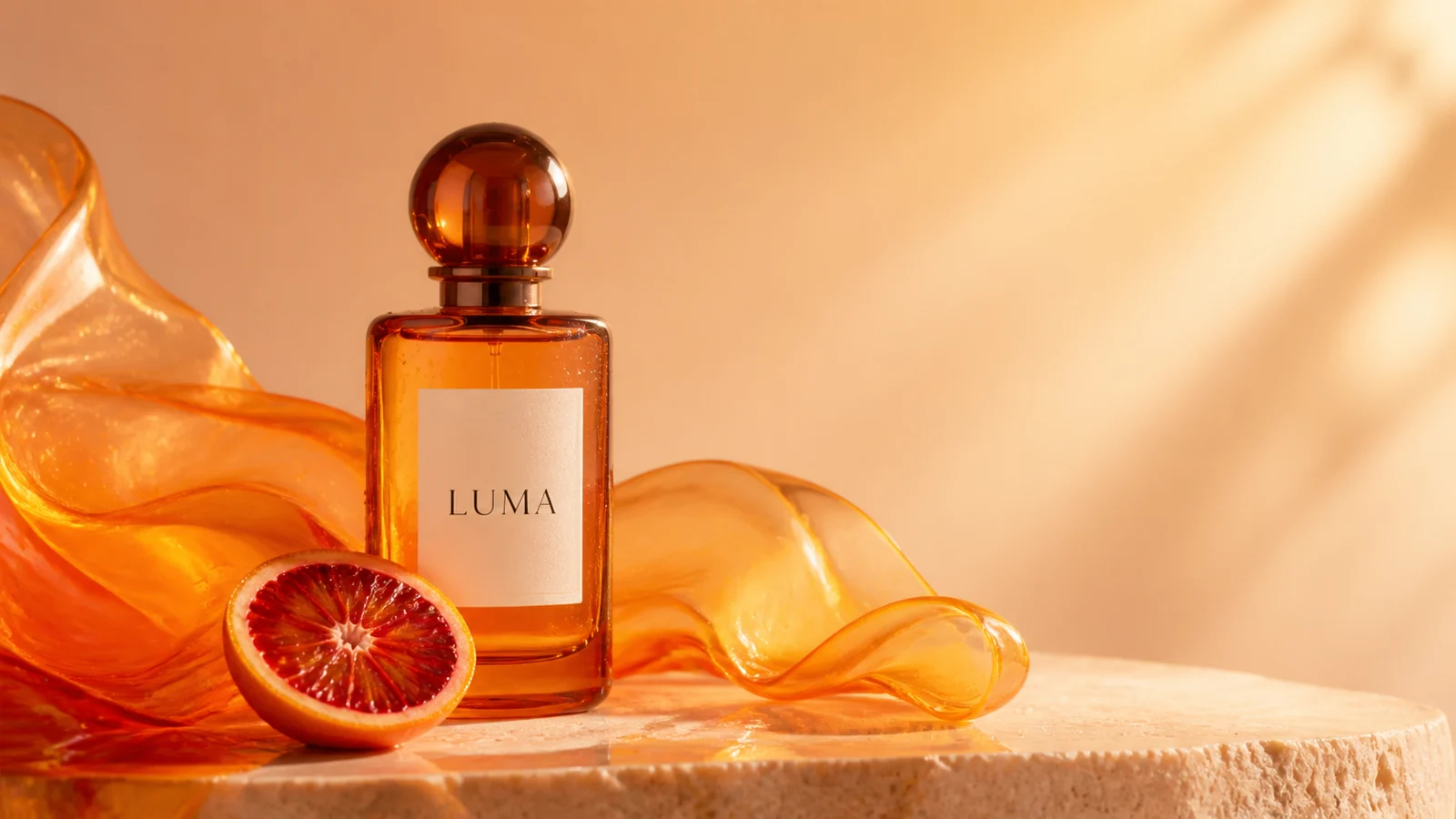
VideoBegin exactly from the supplied product image. In one continuous premium macro shot, make a very slow clockwise orbit around the amber LUMA fragrance bottle while the translucent orange glass ribbon flows gently behind it and the blood-orange slice rolls only a few degrees. Let warm sunlight sweep across the bottle and create realistic amber caustics on the stone surface. Use web-search context only to reinforce physically accurate amber-glass caustics and premium fragrance cinematography; do not import any real brand, product, logo, wording, packaging, or campaign reference. Keep the bottle shape, cap, label position, readable LUMA lettering, fruit, palette, and tabletop composition stable. Add restrained glass shimmer, soft fabric movement, and delicate studio ambience. No hands, people, extra products, new text, label distortion, cuts, camera shake, warping, or morphing.
Image to Video AI for Marketing Videos
Turn product photos, posters, flyers, and campaign visuals into short promo videos.
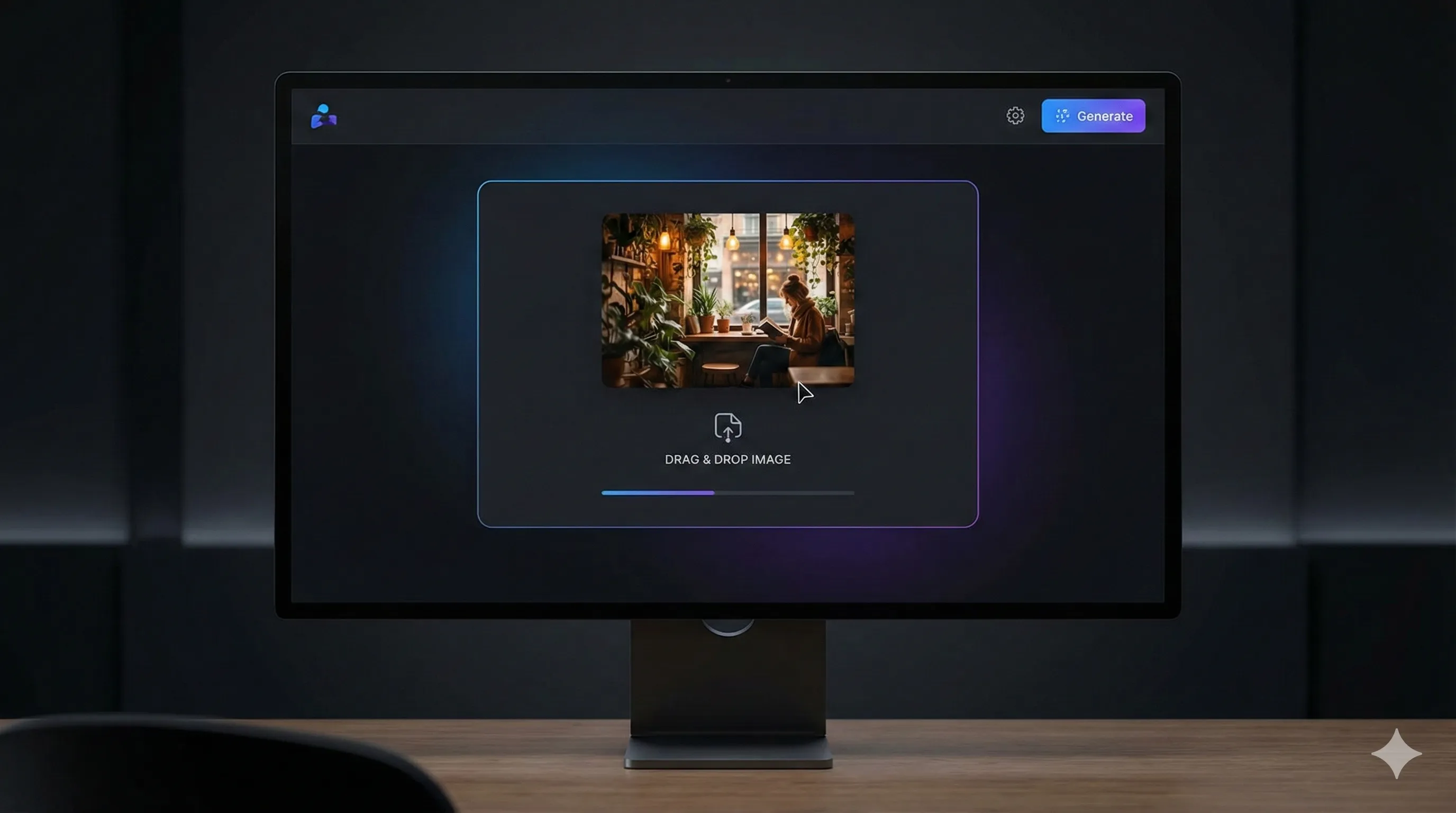
Upload a Product Photo, Poster, or Key Visual
Start with a static visual you already use in marketing. Product photos, posters, flyers, and campaign images all work well when the subject is clear and well lit.
Image to video AI is becoming one of the fastest ways to turn existing visual assets into usable marketing videos. Instead of starting from a blank timeline, FreyaVideo lets you take a product photo, flyer, poster, or campaign visual and turn it into a short video with motion, pacing, and platform-ready framing.
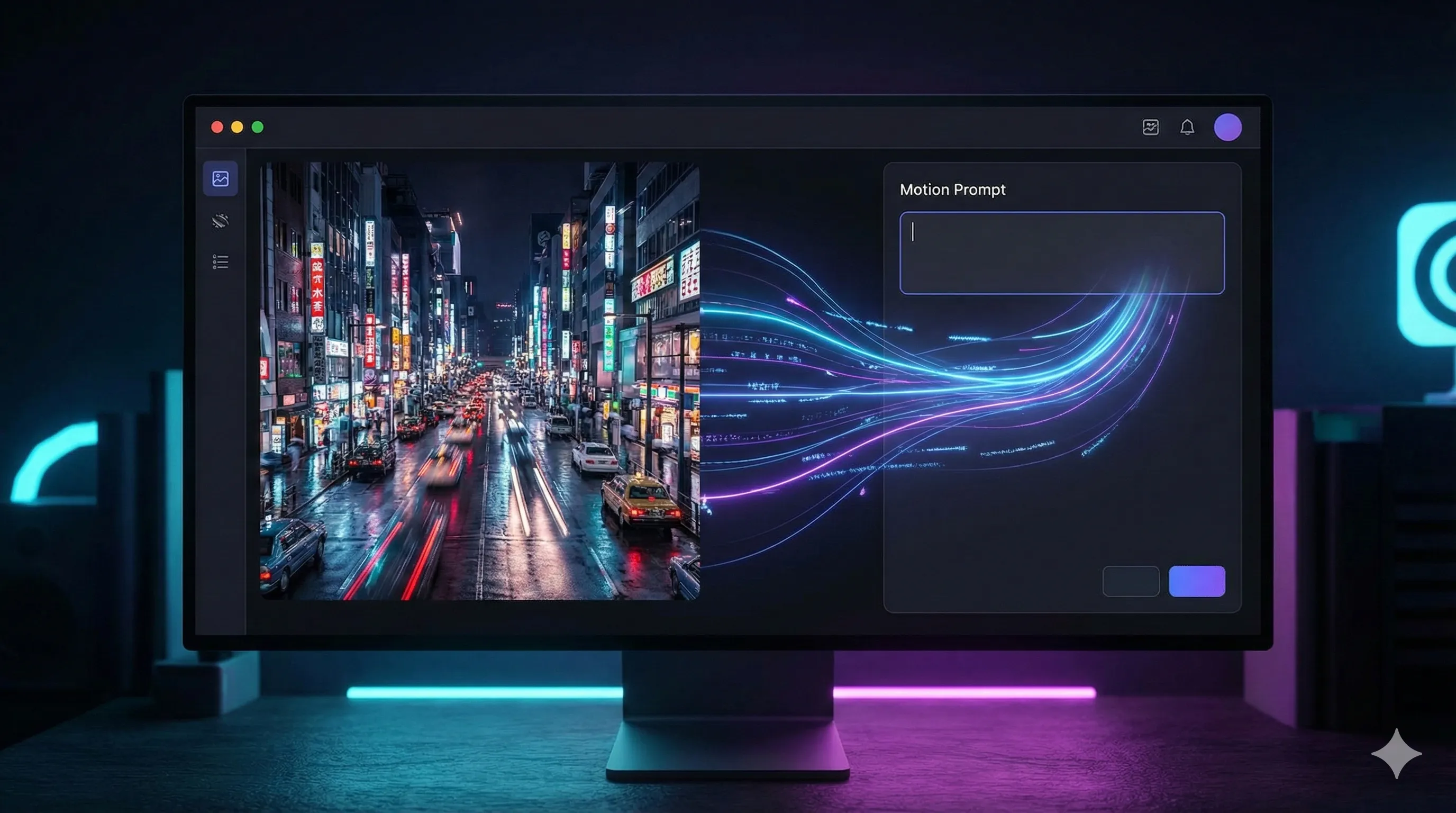
Describe the Motion and Format
Tell the model how the visual should move. Add camera motion, subject movement, pacing, and the format you need for ads, social, or launch content.
Our image to video AI generator understands the composition of your uploaded image and adds controlled motion while keeping the source visual recognizable. That makes it useful for repeat creative work: product promos, launch teasers, social media posts, event promotion, and paid ad variations.
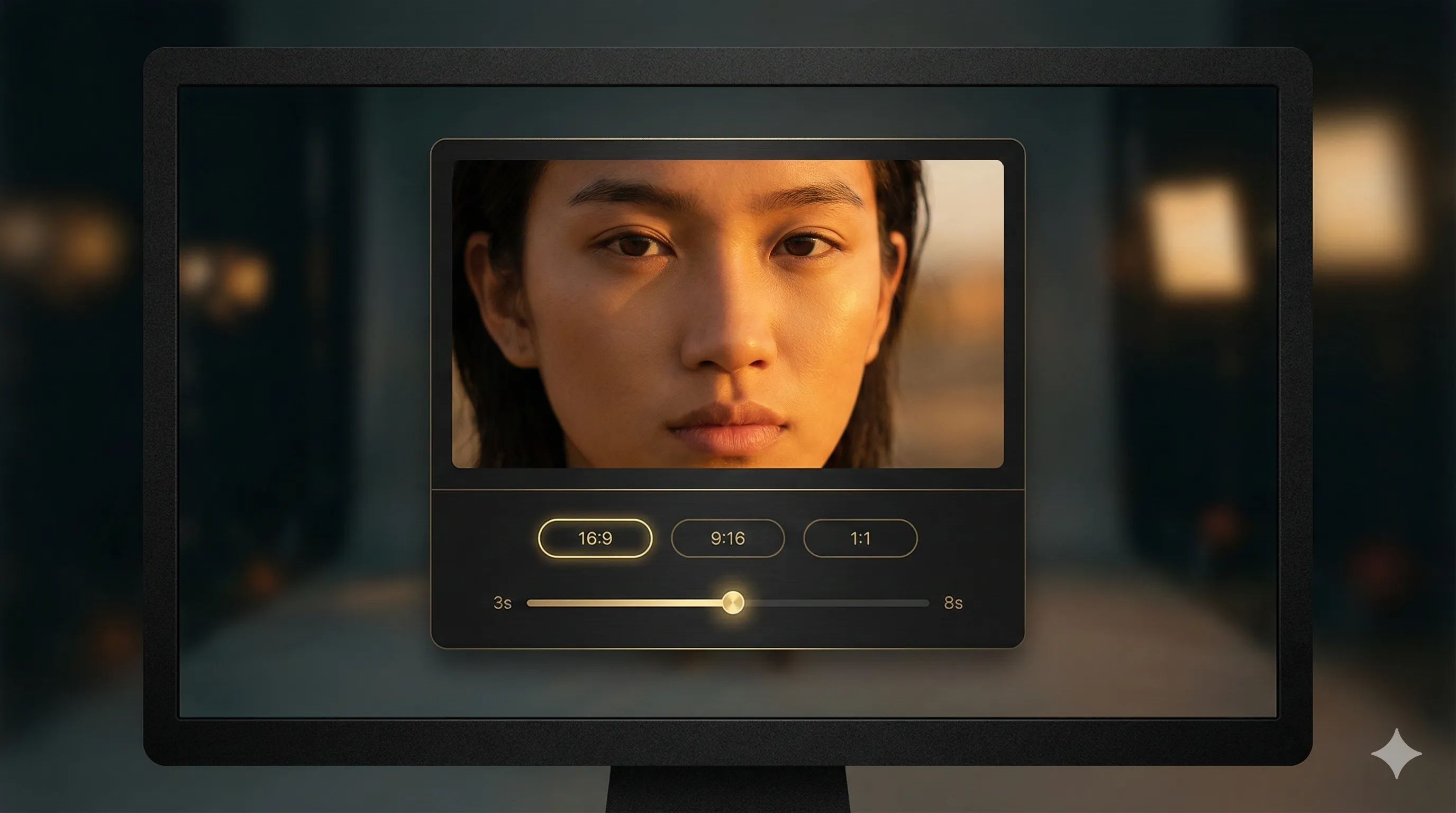
Choose Duration, Aspect Ratio, and Quality
Set the ratio and length that fit the placement you care about, whether that is a vertical social ad, square promo, or horizontal launch asset.
With FreyaVideo, you can move from static visual to finished promo clip in a few steps, then reuse the same workflow again and again. It is built for teams and creators who need flexible credits, fast iteration, and a simpler path from design asset to video output.
Generate, Review, and Iterate
Render the first version, compare outputs, adjust the motion prompt, and keep refining until the clip is ready to publish.
Get Inspired
Copy these motion prompts to animate your images, or use them as inspiration for your own creations.
Product Launch Promo
Short product ad from one hero image
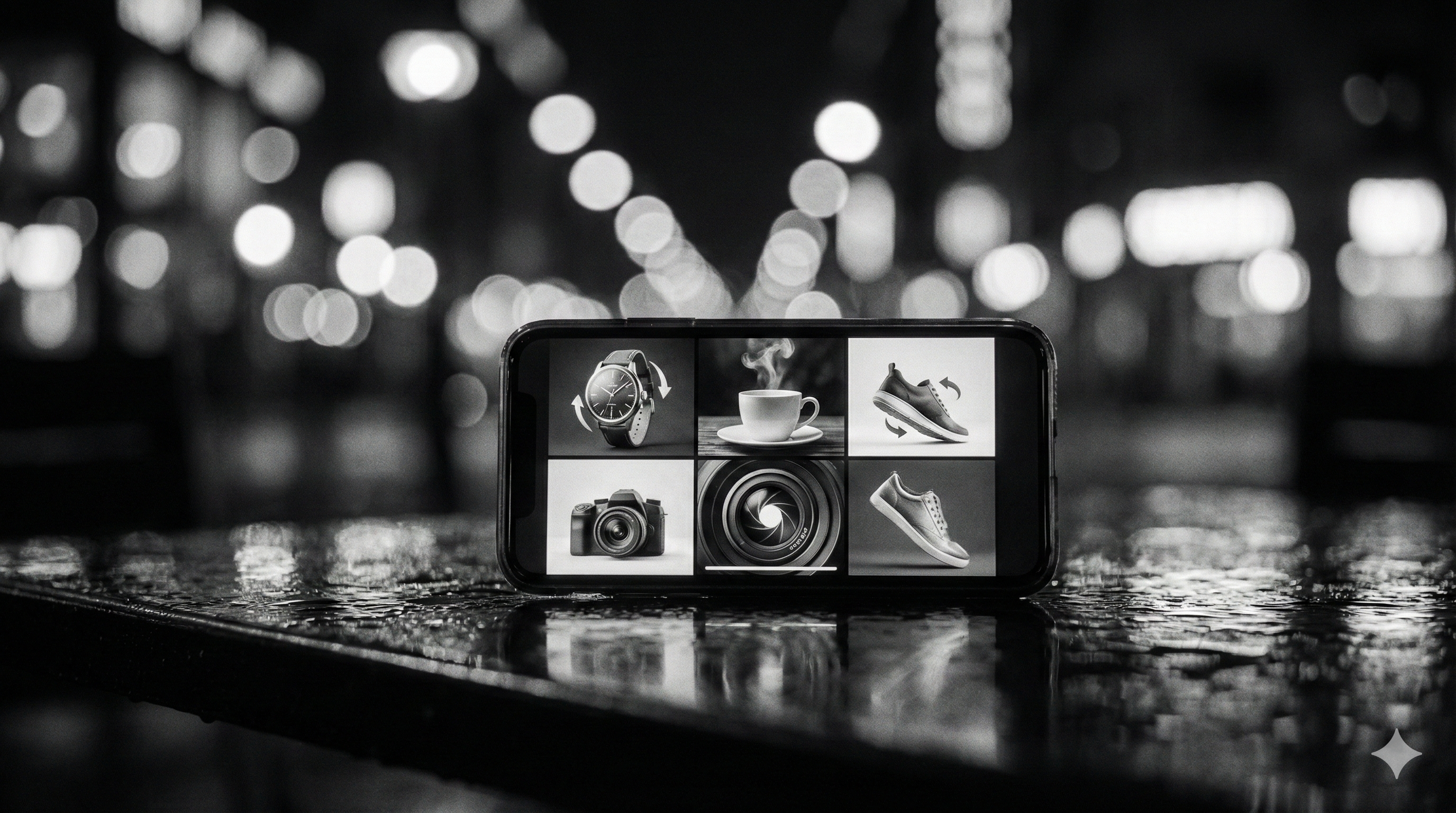
Slow push-in on the product hero shot, soft studio reflections, subtle particle movement, premium lighting, 9:16, polished ecommerce promo video
Poster to Event Promo
Turn a static poster into a social clip
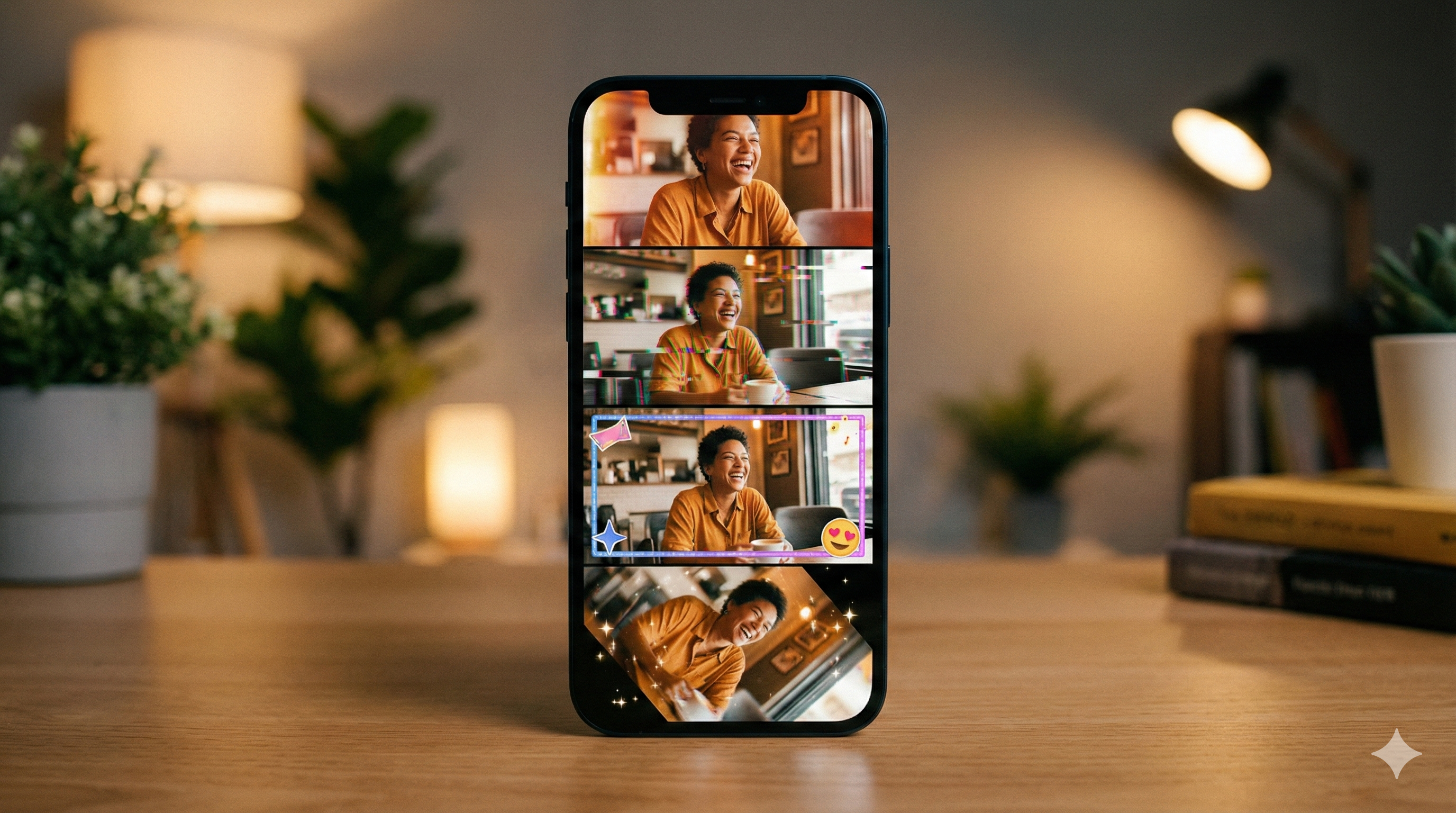
Parallax movement through the festival poster, layered depth between headline, date, and background art, energetic glow, 9:16, short event promo
Campaign Visual Variation
Make one key visual feel alive
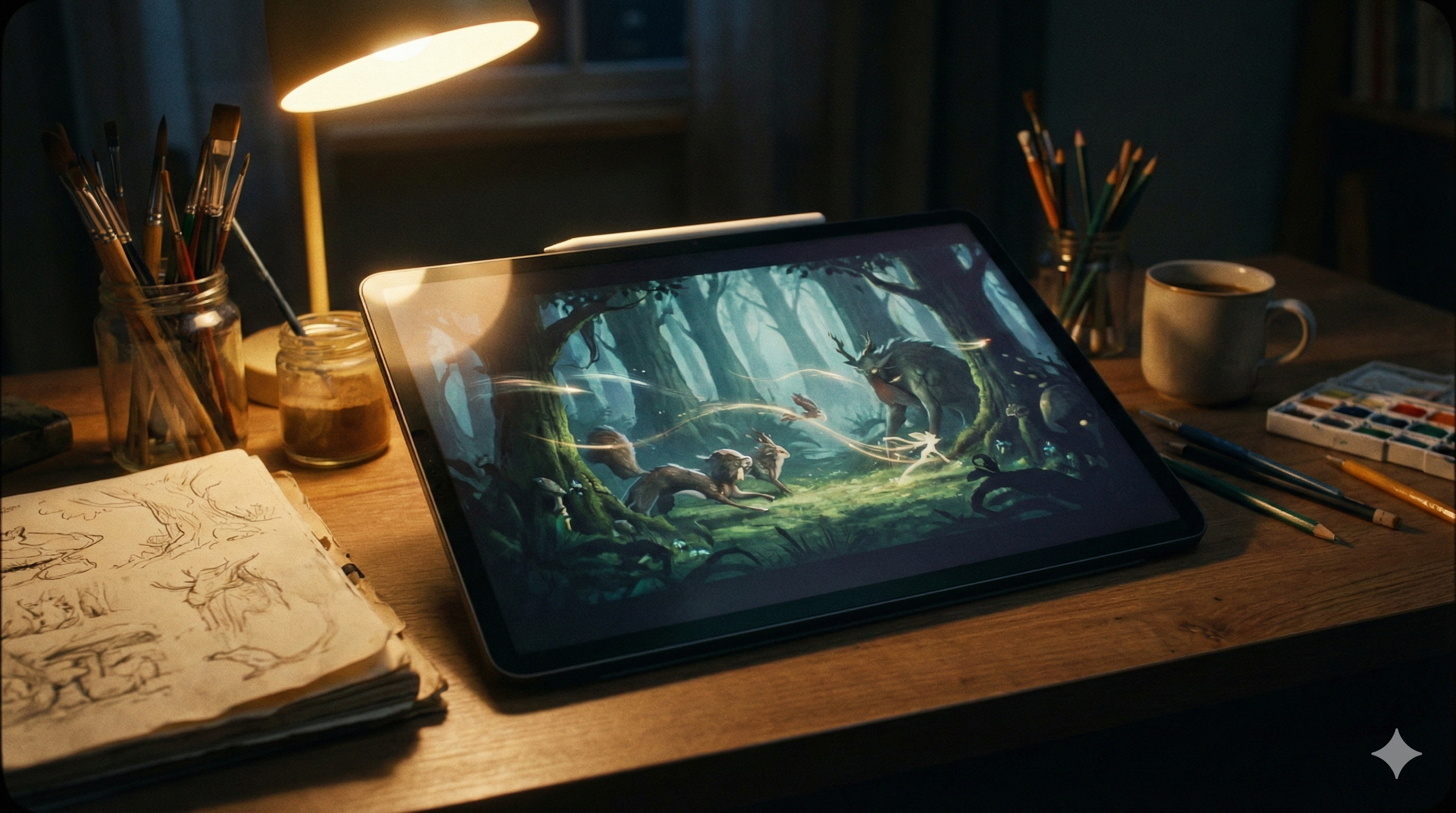
Gentle camera drift across the campaign key visual, headline remains readable, background elements move subtly, premium brand motion, 1:1, social ad style
Built for Production
Four Steps to Create
Upload a Product Photo, Poster, or Key Visual
Start with a static visual you already use in marketing. Product photos, posters, flyers, and campaign images all work well when the subject is clear and well lit.
Describe the Motion and Format
Tell the model how the visual should move. Add camera motion, subject movement, pacing, and the format you need for ads, social, or launch content.
Choose Duration, Aspect Ratio, and Quality
Set the ratio and length that fit the placement you care about, whether that is a vertical social ad, square promo, or horizontal launch asset.
Generate, Review, and Iterate
Render the first version, compare outputs, adjust the motion prompt, and keep refining until the clip is ready to publish.
What's Included
Output Formats
Export your creations in MP4 format with H.264 encoding for universal compatibility.
Aspect Ratios
Choose from multiple aspect ratios to fit your platform—social media, websites, or print.
Use Cases
Perfect for product promos, social media ads, event visuals, and repeat campaign work.
How Image to Video AI Works
FreyaVideo image to video AI analyzes your uploaded visual and adds motion that keeps the source asset recognizable. That makes it effective for turning product photos, posters, flyers, and campaign visuals into short marketing videos without starting from scratch.
Instead of rebuilding the creative in a video editor, you can reuse the same static asset, test new motion directions, and generate publishable variations faster across ads, social posts, and launch assets.
Best Practices for Image to Video AI
For best results with FreyaVideo image to video AI, start with a clear product photo, poster, flyer, or campaign visual. Describe the motion you want, the pacing, and the placement you need, such as a vertical social ad, square promo, or launch teaser.
Include details about motion style (slow, dynamic, cinematic), camera behavior (static, tracking, orbit), and any specific animations you want. The more specific your prompt, the better your AI image to video generator results.
Frequently Asked Questions
What is FreyaVideo image to video generator?
FreyaVideo image to video generator is an AI-powered tool that transforms static images into dynamic videos based on your text instructions. It brings still photos to life with smooth motion and cinematic audio, all inside your browser.
What makes a good image to video AI generator?
A good image to video AI generator should maintain consistency with your original image while adding natural, believable motion. FreyaVideo image to video AI excels at prompt adherence, character consistency, and smooth motion generation.
What makes FreyaVideo image to video AI stand out?
FreyaVideo is designed for real marketing workflows, not just one-off demos. It helps you turn existing visuals into short promo videos with flexible credits, repeatable iteration, and a cleaner path from static asset to publishable output.
What images work best with FreyaVideo image to video AI?
FreyaVideo image to video AI works best with high-resolution images (1024px or larger) with clear subjects and good lighting. Product photos, portraits, artwork, and landscape images all produce excellent results with our AI image to video generator.
Can I add audio with FreyaVideo image to video AI?
Yes! FreyaVideo image to video AI can automatically generate background music and sound effects that match your video's mood and content. Toggle the audio option when configuring your image to video generation.
Can I edit and enhance videos after generating them on FreyaVideo?
Videos from FreyaVideo image to video AI are delivered as standard MP4 files that you can edit in any video editing software. You can also regenerate with different prompts to explore variations before downloading.
How many videos can I generate with image to video AI?
Generation is credit-based. Each image to video render uses credits depending on duration, model, and settings. You can top up when needed, which makes FreyaVideo a better fit for bursty or repeat creative work than another recurring subscription.
What resolution does the image to video generator support?
FreyaVideo image to video AI supports output resolutions up to 1080p (Full HD) with multiple aspect ratios including 16:9 (landscape), 9:16 (portrait/vertical), and 1:1 (square).
Ready to Create?
Start with the visuals you already have and turn them into short marketing videos. No filming required, no editing workflow needed.
RELATED TOOL
Also try: Seedream 5.0 Pro Create a stronger commercial still first, then animate it here with image to video.
Also try: Turn Image Into Video AI Use the long-tail guide for turning one image into a video, then continue here to upload and generate.
Also try: Image to Image AI Upload an existing image to restyle it, change the scene, or create cleaner product variations.