A Black Friday sale flyer becomes a vertical promo clip
Confetti falls, the ribbons move and a light sweep crosses the discount badge, while the headline, dates and offer stay sharp. Generated on FreyaVideo with Kling 3.0 from one static flyer.
Upload the Black Friday flyer you already designed, describe the motion, and get a short vertical promo video for stories, reels and paid social ads.
Guidance scale for generation
Voice IDs for audio generation (one per line)
Character/object references for consistent generation
We do not support adult, explicit, privacy-invasive, or unsafe video generation. Blocked requests do not use credits.
The flyer is the first frame, so brand colors, layout and offer stay the same as your printed and posted versions.
If the discount or dates change, update the flyer and generate a new clip the same day.
Buy credits once for the campaign. Credit packs never auto-renew and stay valid for 12 months.
Vertical clips for stories, reels and story ads, where a moving offer gets more attention than a still one.
Every store posts a sale flyer the same week. A short motion version of the same artwork stands out in stories and feeds, and you do not need a new design or an editor to make it.
Upload the Black Friday flyer you already designed, describe the motion, and get a short vertical promo video for stories, reels and paid social ads.
OPEN IMAGE TO VIDEOThese gallery images show the static flyer artwork that gets reused as the starting point for the animated video versions.
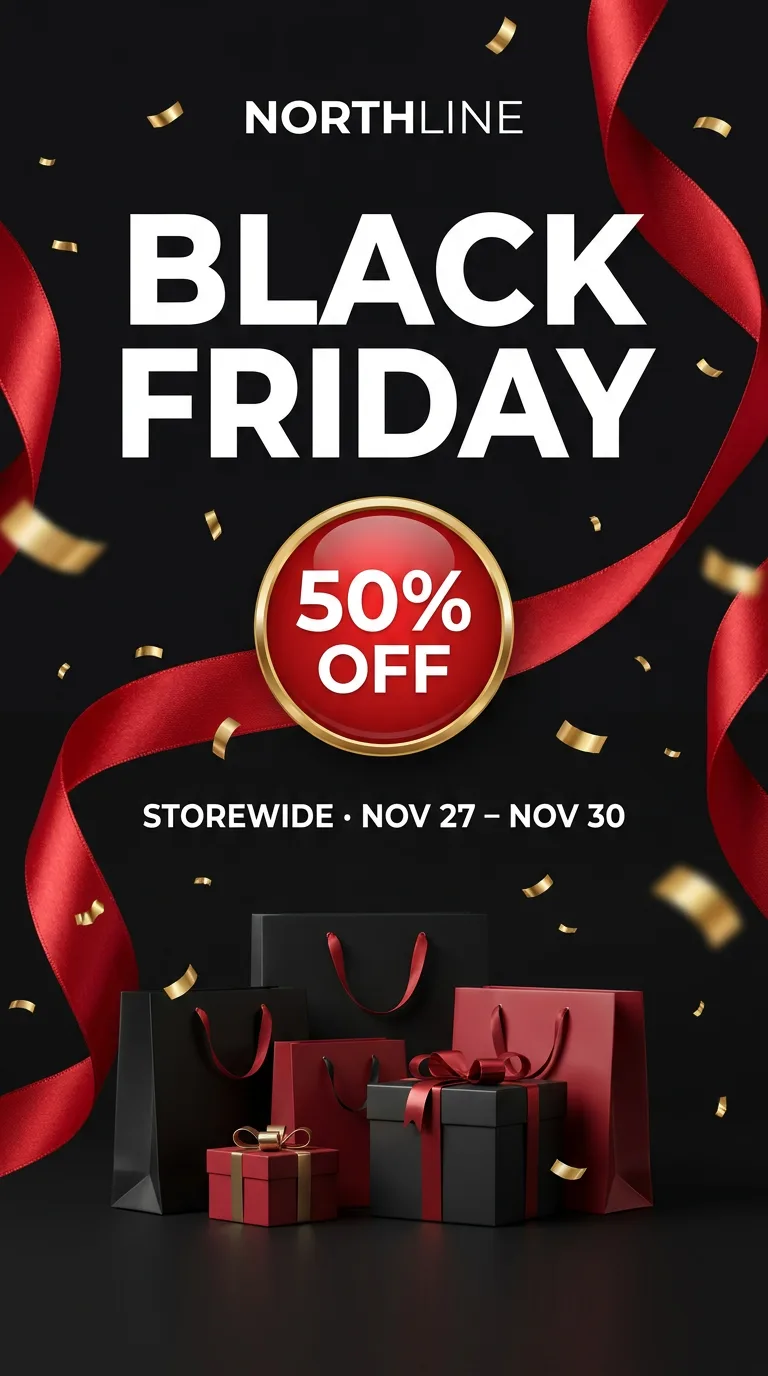 BLACK FRIDAY FLYER
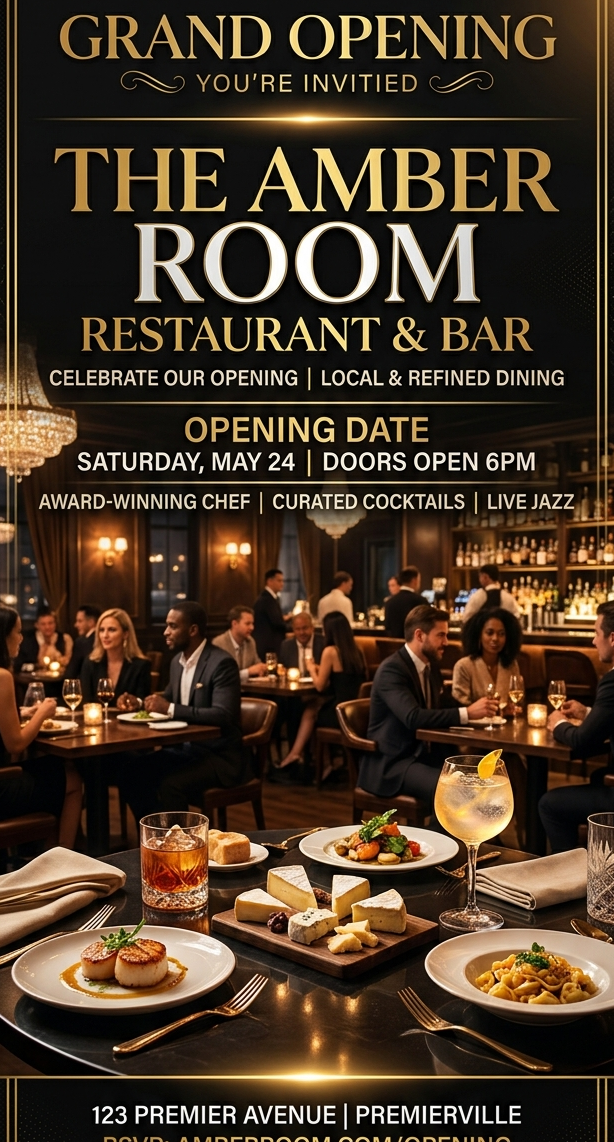 RESTAURANT OPENING
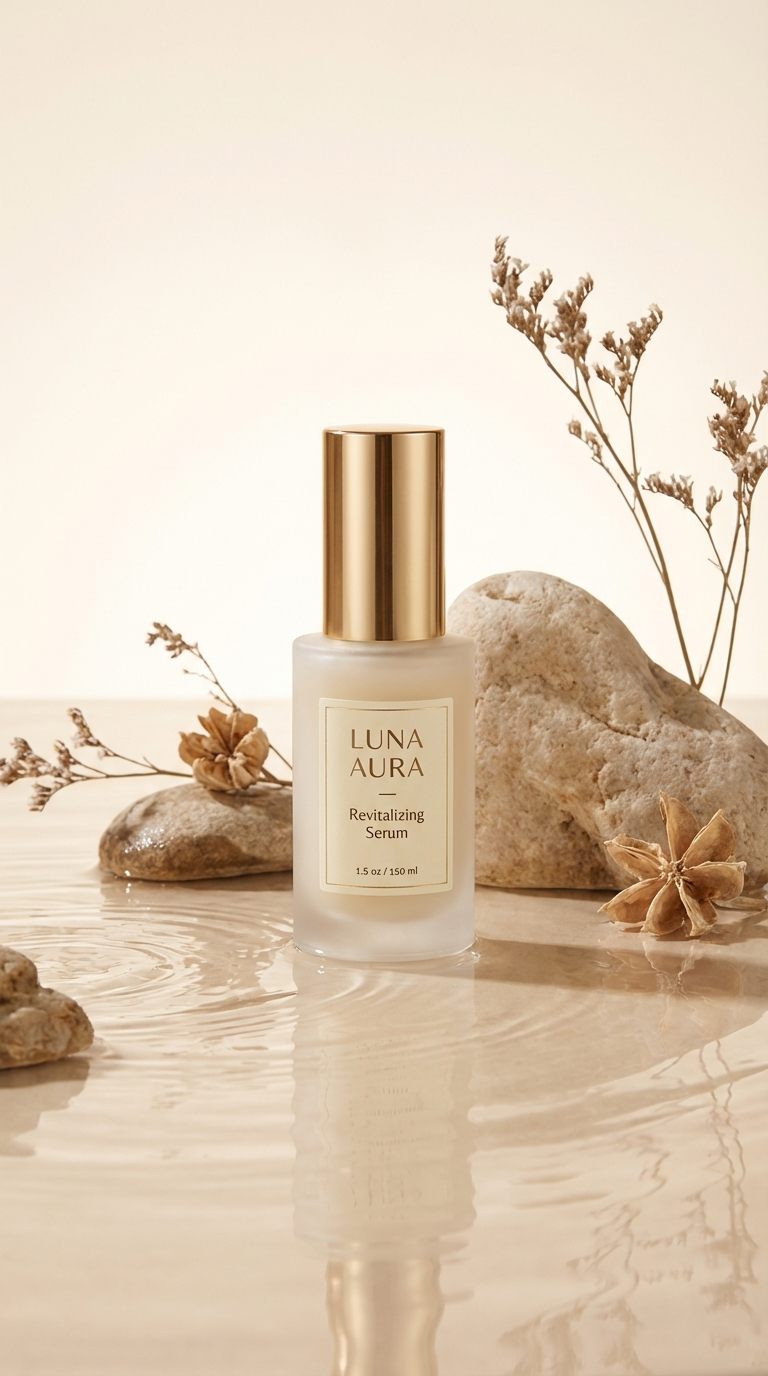 SKINCARE PRODUCT
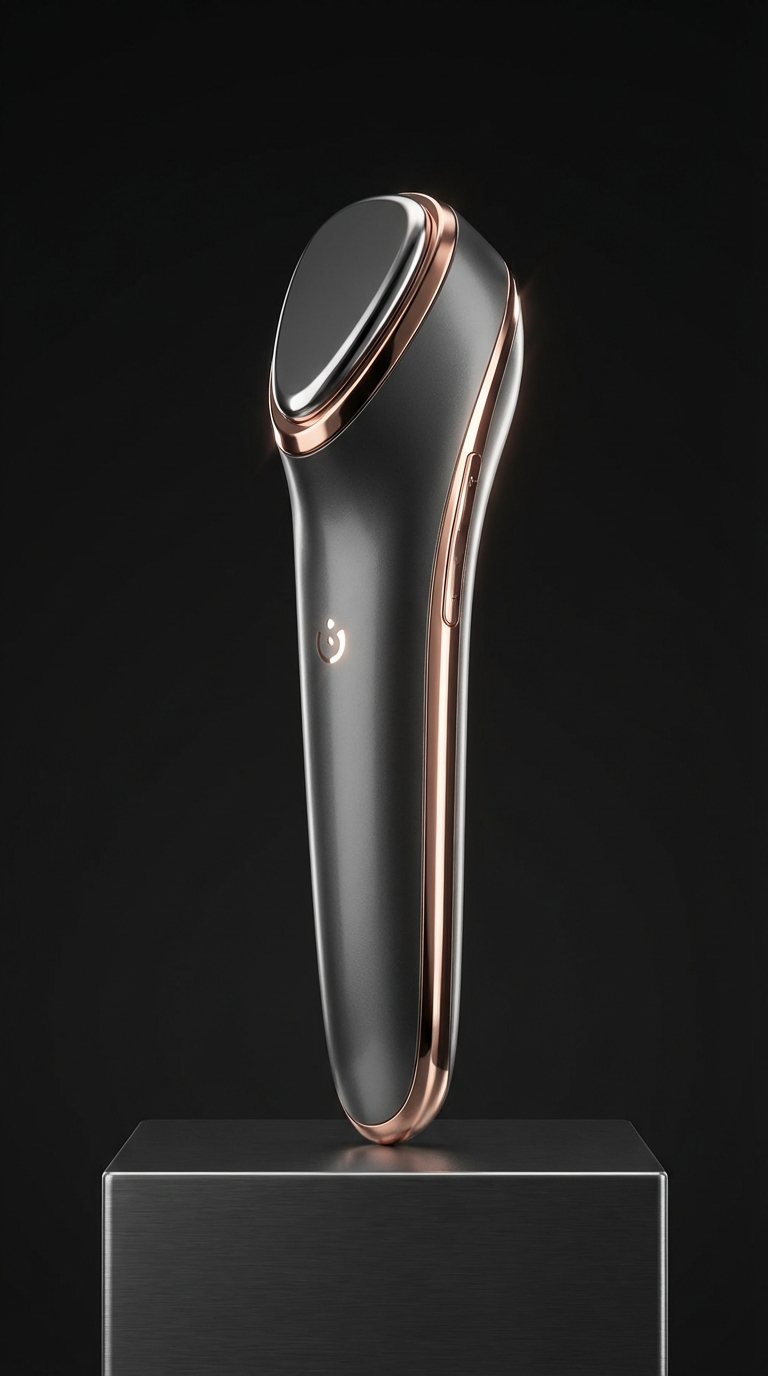 GADGET PRODUCT
The first example was generated on FreyaVideo from the static flyer shown with it. The others show the same workflow on other promo and product images.
Confetti falls, the ribbons move and a light sweep crosses the discount badge, while the headline, dates and offer stay sharp. Generated on FreyaVideo with Kling 3.0 from one static flyer.
Add warm lighting motion, smoke drift, and cinematic zoom to promote a launch weekend or cocktail night.
Use one finished skincare product photo to create a short beauty-focused video ad for reels, stories, or product launch campaigns.
Use one product shot to generate a sleek gadget promo with controlled motion for TikTok, Amazon listings, and product page media.
Turn event flyers into videos for nightclub events, birthday parties, concerts, and more. AI-powered, no editing skills needed.
READ MORE →Create animated flyers in seconds. Turn flyer designs into videos with AI. No editing skills needed. Pay per use, no subscription.
READ MORE →Create video flyers in minutes. AI-powered flyer animation for events, parties, and promotions. No editing skills required.
READ MORE →Turn product photos into video ads for TikTok, Instagram, Amazon, and Shopify. Create product videos from images with AI. Pay per use, no subscription.
READ MORE →Yes. Upload the finished flyer as the starting image and describe the motion. FreyaVideo animates around your design instead of redrawing it.
No. Your own sale flyer works as the template: it becomes the first frame, so the video keeps your brand, offer and layout. If you have no flyer yet, design one in any editor first, then upload it here and start from the example prompt.
Usually, if you ask for the text to stay still and keep the motion in the background, as in the example on this page. AI video can still change small letters, so check the headline, price and dates before you post.
Five seconds in 9:16 is enough for stories, reels and story ads. The download is an MP4 you can upload anywhere.
Yes. The MP4 works in Instagram, Facebook and TikTok ads as well as organic posts, as long as your flyer artwork is yours to use.
New accounts can usually try one short video for free. After that you buy credits and pay per video. No subscription is required, and a purchase with no credits used can be refunded within 7 days.
Every store posts a sale flyer the same week. A short motion version of the same artwork stands out in stories and feeds, and you do not need a new design or an editor to make it.
Any business that already has a sale flyer and wants it to work harder in short-form placements during the busiest shopping week. Boutiques and retail stores, Online shops, Restaurants and cafes, Salons, gyms and local services.
Upload the Black Friday flyer you already designed, describe the motion, and get a short vertical promo video for stories, reels and paid social ads.
It fits a one-week campaign: no new design, no editing software, no monthly plan.
Use the Black Friday or Cyber Monday flyer, poster or sale graphic you are about to post. PNG, JPG or WebP.
Ask for falling confetti, moving ribbons, a light sweep over the discount, or a slow camera push-in. Say that the text should stay still and sharp.
Look at the headline, discount and dates in the result before you post, then download the MP4 for stories, reels or ads.
Start with your finished flyer and use subtle motion to keep the event details easy to read.
These pages perform best when the input asset is already the finished flyer design, not a rough concept or moodboard frame.
Preview the result before publishing and check that the important event details remain readable.
Use a sharp source image with legible text and enough space around the main artwork.
Use prompts that add motion, depth, and emphasis without destroying the original hierarchy of the flyer design.