Nightclub flyer becomes a neon promo reel
Start with a club poster, add subtle parallax, glow, and crowd-energy motion, then publish it as a vertical teaser.
Take the flyer you already designed for a party, concert, or club night and turn it into a motion promo built for feeds, stories, and ads.
Guidance scale for generation
Voice IDs for audio generation (one per line)
Character/object references for consistent generation
We do not support adult, explicit, privacy-invasive, or unsafe video generation. Blocked requests do not use credits.
Generate one short clip for stories, another for square feeds, and another for ticket link previews without re-editing assets by hand.
When event details are locked late, you can still get a polished motion asset out before the push window closes.
Promoters and creators can produce event motion assets themselves instead of waiting on a separate motion graphics workflow.
The output is built for channels where events spread: story placements, reels, feed teasers, and short paid ads.
Event flyer videos work because they reuse the same poster people see on ticket pages and venue feeds, then add movement that makes the post feel urgent and current.
Take the flyer you already designed for a party, concert, or club night and turn it into a motion promo built for feeds, stories, and ads.
OPEN IMAGE TO VIDEOThese gallery images show the static flyer artwork that gets reused as the starting point for the animated video versions.
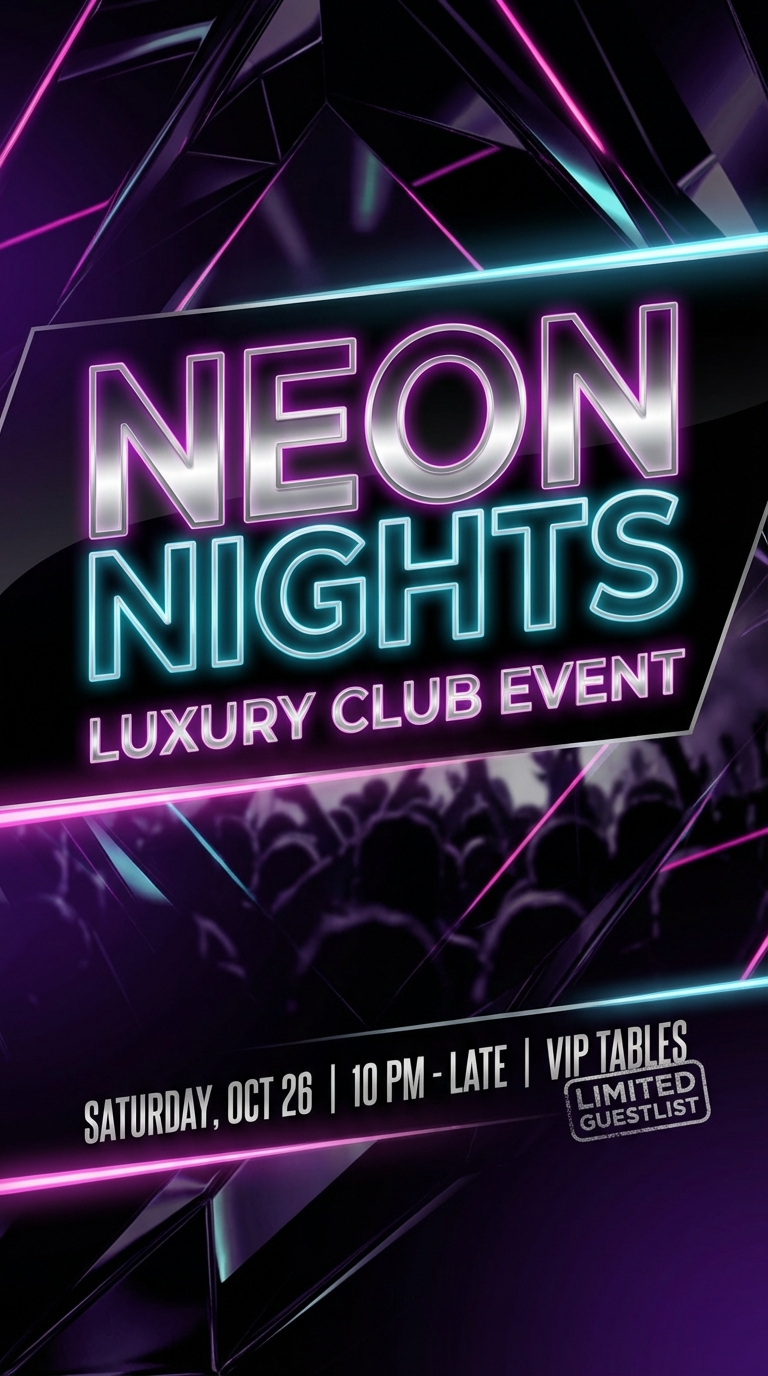 NIGHTCLUB FLYER
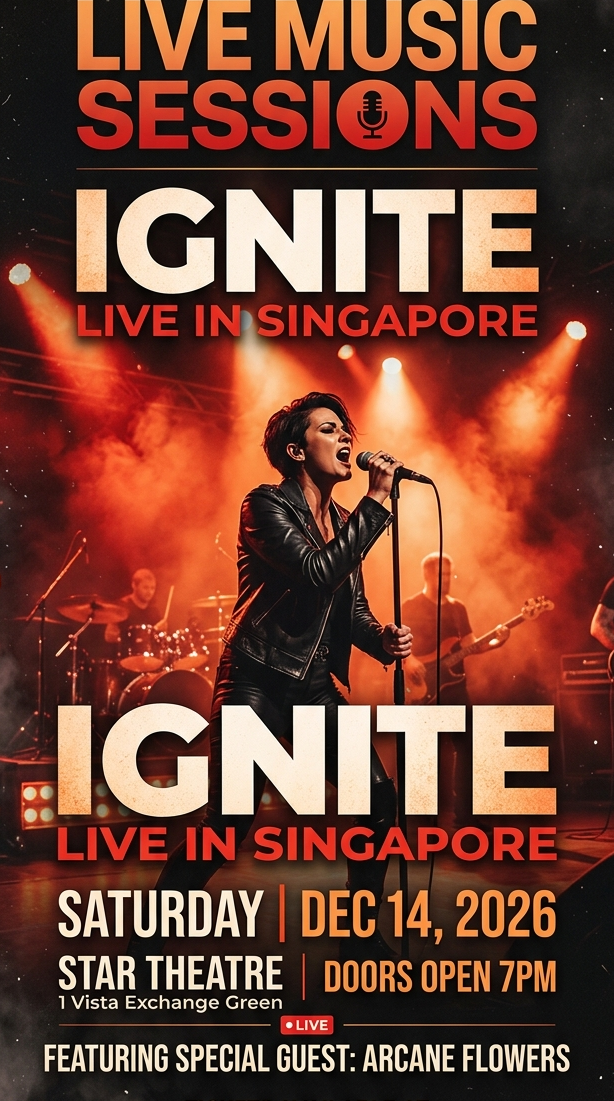 CONCERT POSTER
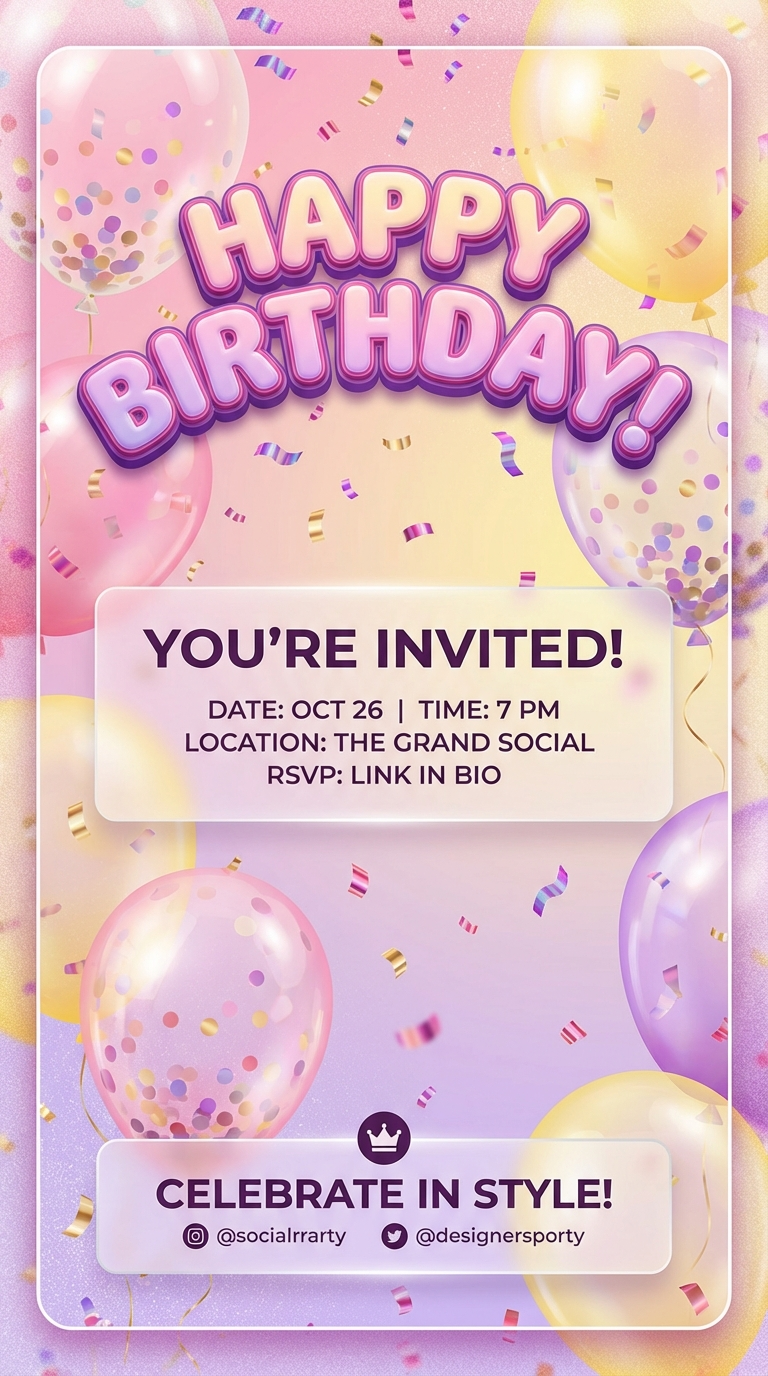 BIRTHDAY INVITE
 TALENT SHOW POSTER
Different events need different pacing. The same workflow can cover club energy, birthday invites, concerts, and school promos.
Start with a club poster, add subtle parallax, glow, and crowd-energy motion, then publish it as a vertical teaser.
Use the finished poster as the first frame and add kinetic light, camera drift, and stage-energy motion in minutes.
Keep the invite recognizable while adding floating confetti, light camera push, and celebratory motion cues.
Turn a static campus poster into something students actually stop to watch on Reels, TikTok, and stories.
Create animated flyers in seconds. Turn flyer designs into videos with AI. No editing skills needed. Pay per use, no subscription.
READ MORE →Convert your flyer designs into eye-catching videos instantly. Upload any flyer image and get a professional animated video. Powered by AI.
READ MORE →Use AI to create and animate flyers for your events. Upload your design and let AI bring it to life. Fast, easy, and affordable.
READ MORE →Create video flyers in minutes. AI-powered flyer animation for events, parties, and promotions. No editing skills required.
READ MORE →An event flyer video is a short motion promo created from a static event flyer. It is commonly used for parties, concerts, club nights, and school events on social media and ad channels.
Yes. Upload the finished flyer and use an image-to-video workflow so the existing design becomes the base for the motion result.
Short clips usually work best, especially 4 to 8 seconds for vertical social placements where you need fast visual impact.
Yes. The output is an MP4 file you can reuse in paid social, event pages, story ads, or teaser posts.
No. FreyaVideo is useful precisely because it lets you generate a motion version from the flyer you already have instead of opening a new edit project each time.
Event flyer videos work because they reuse the same poster people see on ticket pages and venue feeds, then add movement that makes the post feel urgent and current.
These are the event categories where static flyers often feel too easy to scroll past and short motion pieces outperform. Club flyer videos, Party flyer videos, Concert poster videos, Talent show and school event posters.
Take the flyer you already designed for a party, concert, or club night and turn it into a motion promo built for feeds, stories, and ads.
It reduces the time between approved poster design and distribution-ready motion content.
Drop in the club flyer, party invitation, concert poster, or school event art you already plan to post.
Use prompts for zoom, light sweeps, beat-synced glow, floating particles, or subtle crowd-energy movement.
Choose 9:16 for stories or reels, then generate a short MP4 you can post immediately or use in paid distribution.
These pages intentionally reuse the same proven SEO-page interaction. What changes is the keyword framing, the copy, and the final regenerated flyer assets.
These pages perform best when the input asset is already the finished flyer design, not a rough concept or moodboard frame.
The interaction stays identical. Only the H1, metadata, FAQ, and supporting copy should change from one flyer keyword page to another.
Keep the flyer asset names and folder structure consistent so the landing pages can read the final images and videos without another round of wiring.
Use prompts that add motion, depth, and emphasis without destroying the original hierarchy of the flyer design.