Nightclub flyer becomes a neon promo reel
Start with a club poster, add subtle parallax, glow, and crowd-energy motion, then publish it as a vertical teaser.
Convert a static flyer into a short video in a few steps. Upload the design, set the motion direction, and export an MP4 without building a manual motion edit.
Guidance scale for generation
Voice IDs for audio generation (one per line)
Character/object references for consistent generation
We do not support adult, explicit, privacy-invasive, or unsafe video generation. Blocked requests do not use credits.
The flyer becomes the source material and the AI handles movement, which removes a full motion design stage from the workflow.
You can run several motion directions from the same flyer to see what works best for social, ads, or launch posts.
Marketers can work directly from the finished design instead of passing the flyer into a separate motion team and waiting.
A flyer-to-video workflow is most valuable when launch timing matters and the creative team needs output today, not next week.
When the job is simply to turn flyer art into video output, the workflow should not require timeline work, layer rebuilding, or a separate editing project. That is the gap this page targets.
Convert a static flyer into a short video in a few steps. Upload the design, set the motion direction, and export an MP4 without building a manual motion edit.
OPEN IMAGE TO VIDEOThese gallery images show the static flyer artwork that gets reused as the starting point for the animated video versions.
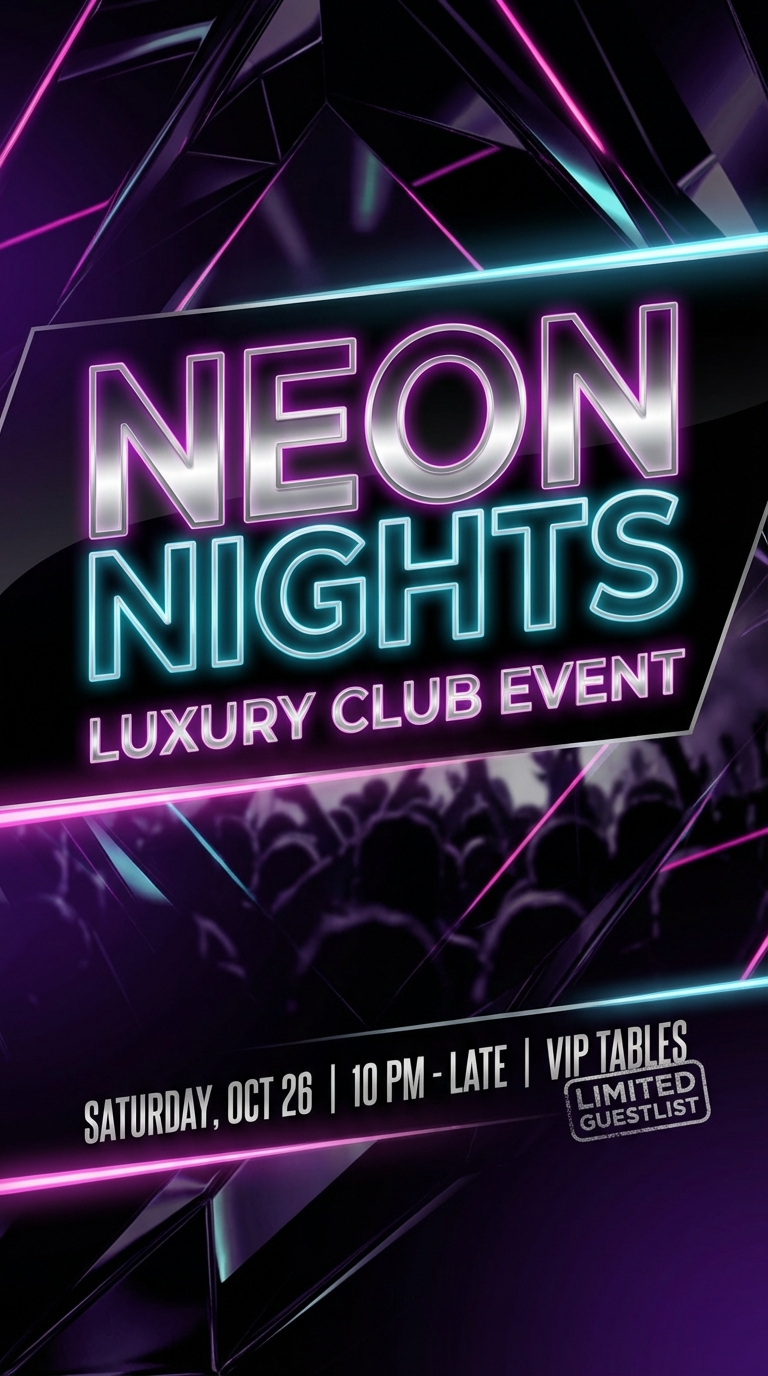 NIGHTCLUB FLYER
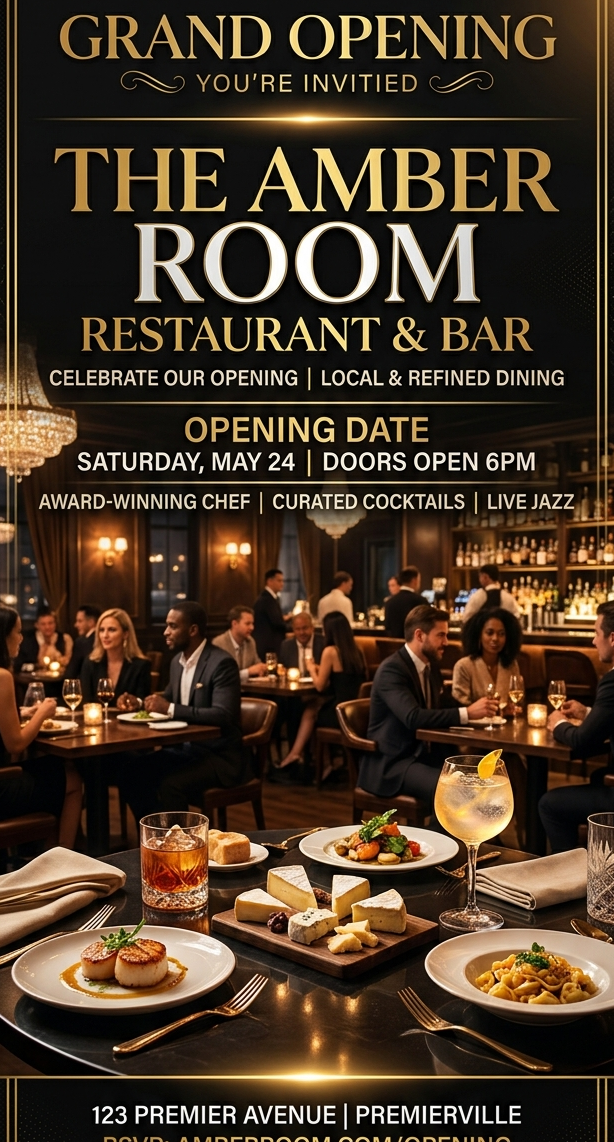 RESTAURANT OPENING
 HOLIDAY SALE FLYER
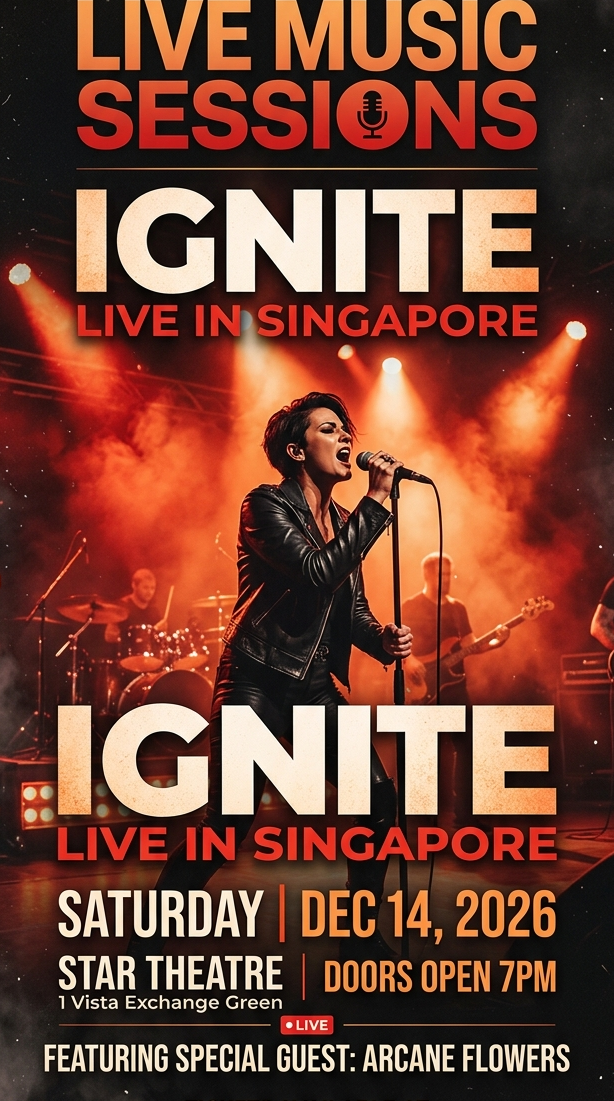 CONCERT POSTER
Different flyer types respond differently to motion. These examples show how the same conversion workflow adapts across categories.
Start with a club poster, add subtle parallax, glow, and crowd-energy motion, then publish it as a vertical teaser.
Add warm lighting motion, smoke drift, and cinematic zoom to promote a launch weekend or cocktail night.
Reuse sale artwork across ads and stories by adding movement, depth, and a faster promo rhythm to the original layout.
Use the finished poster as the first frame and add kinetic light, camera drift, and stage-energy motion in minutes.
Create animated flyers in seconds. Turn flyer designs into videos with AI. No editing skills needed. Pay per use, no subscription.
READ MORE →Turn event flyers into videos for nightclub events, birthday parties, concerts, and more. AI-powered, no editing skills needed.
READ MORE →Use AI to create and animate flyers for your events. Upload your design and let AI bring it to life. Fast, easy, and affordable.
READ MORE →Create video flyers in minutes. AI-powered flyer animation for events, parties, and promotions. No editing skills required.
READ MORE →It means using a static flyer image as the starting point for a short video, then adding motion, depth, and timing without rebuilding the design from scratch.
Most well-designed flyer images work, especially if the main message is clear and the layout is not overloaded with tiny unreadable details.
Yes. If the goal is quick conversion from existing flyer design to motion output, AI can remove a large amount of manual keyframing and export setup.
Yes. You can keep the same flyer and test different prompts, aspect ratios, or durations to generate several versions quickly.
You get an MP4 video file that can be used in social posts, ads, launch pages, or other distribution channels.
When the job is simply to turn flyer art into video output, the workflow should not require timeline work, layer rebuilding, or a separate editing project. That is the gap this page targets.
This page targets people who already have the artwork and only need a fast path from image asset to usable video output. Converting venue flyers into social promos, Turning store promos into short ad creatives, Animating launch posters without rebuilding layers, Repurposing print-oriented layouts for digital channels.
Convert a static flyer into a short video in a few steps. Upload the design, set the motion direction, and export an MP4 without building a manual motion edit.
The product is valuable when speed and reuse matter more than building a handcrafted motion sequence from zero.
Use the actual design file you want to convert instead of rebuilding the layout in another tool.
Describe motion style, camera behavior, depth, lighting, or particles so the result feels intentional instead of random.
Review the first result, refine the motion prompt if needed, and download the version that best fits the placement.
These pages intentionally reuse the same proven SEO-page interaction. What changes is the keyword framing, the copy, and the final regenerated flyer assets.
These pages perform best when the input asset is already the finished flyer design, not a rough concept or moodboard frame.
The interaction stays identical. Only the H1, metadata, FAQ, and supporting copy should change from one flyer keyword page to another.
Keep the flyer asset names and folder structure consistent so the landing pages can read the final images and videos without another round of wiring.
Use prompts that add motion, depth, and emphasis without destroying the original hierarchy of the flyer design.