GPT Image 2 AI Image Generator
GPT Image 2 (gpt-image-2) is OpenAI's most advanced AI image generation model with near-perfect text rendering, photorealistic quality, world knowledge, and precise editing capabilities..
Higher counts generate more outputs and consume more credits.
Why GPT Image 2?
Accurate, readable text for logos, infographics, UI mockups, and marketing materials. GPT Image 2 handles dense text, small lettering, and complex layouts.
Natural-looking images with accurate lighting, believable materials, and rich textures. From honest photography to polished commercial visuals.
Contextual understanding beyond literal prompts. GPT Image 2 knows real places, events, and cultural references for more accurate, meaningful images.
Key Features of the GPT Image 2 AI Image Model
GPT Image 2 delivers near-perfect text rendering, photorealistic quality, world knowledge understanding, and precise editing capabilities for professional-grade AI image generation.
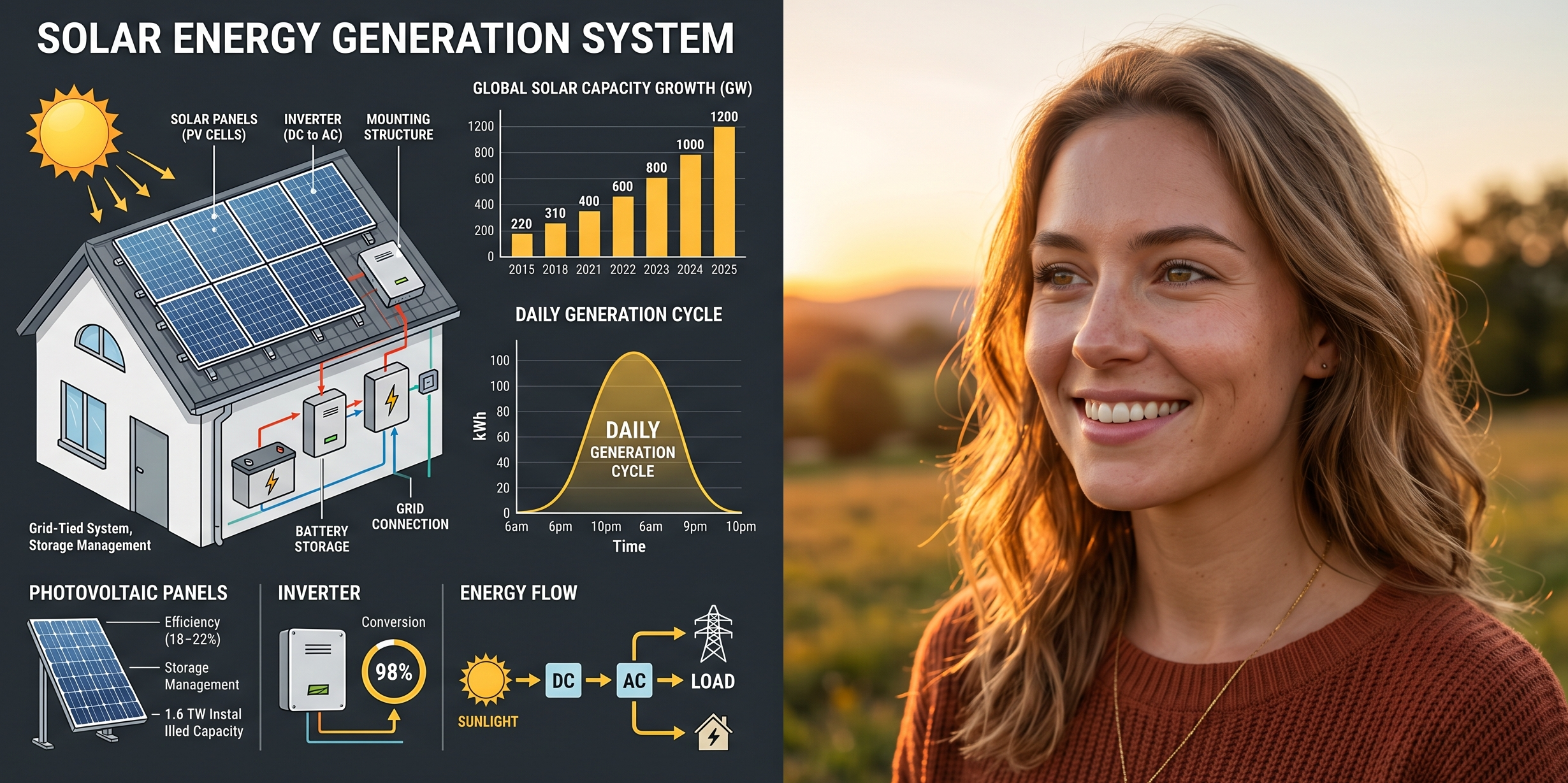
Under the Hood
Powered by OpenAI's advanced image generation architecture, GPT Image 2 processes text and images through unified neural pathways with world knowledge for professional-grade image generation.
TRY GPT IMAGE 2Versatile Style Capabilities
From photorealistic product shots to stylized infographics and logos, GPT Image 2 adapts to any creative vision with professional-grade results.
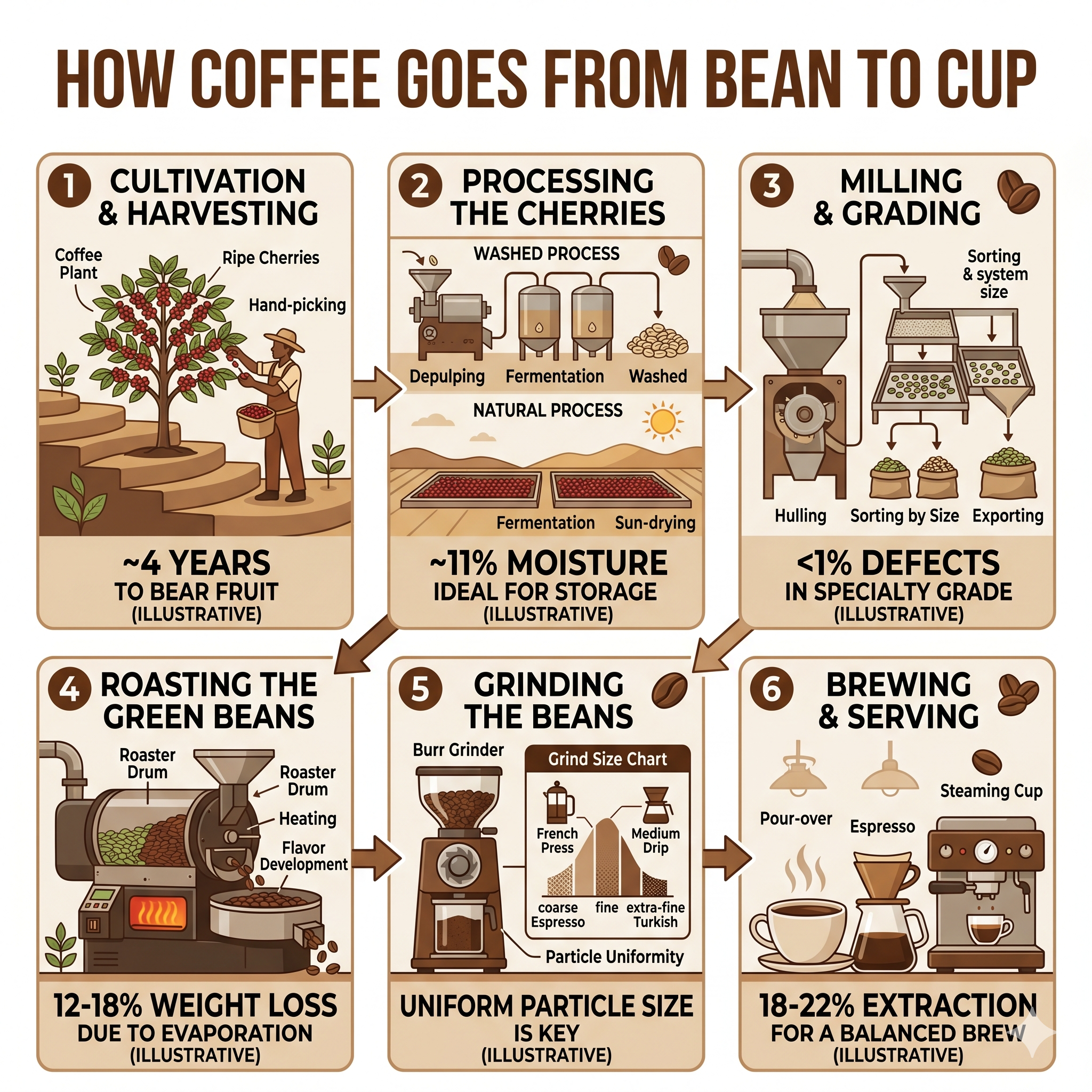 INFOGRAPHIC
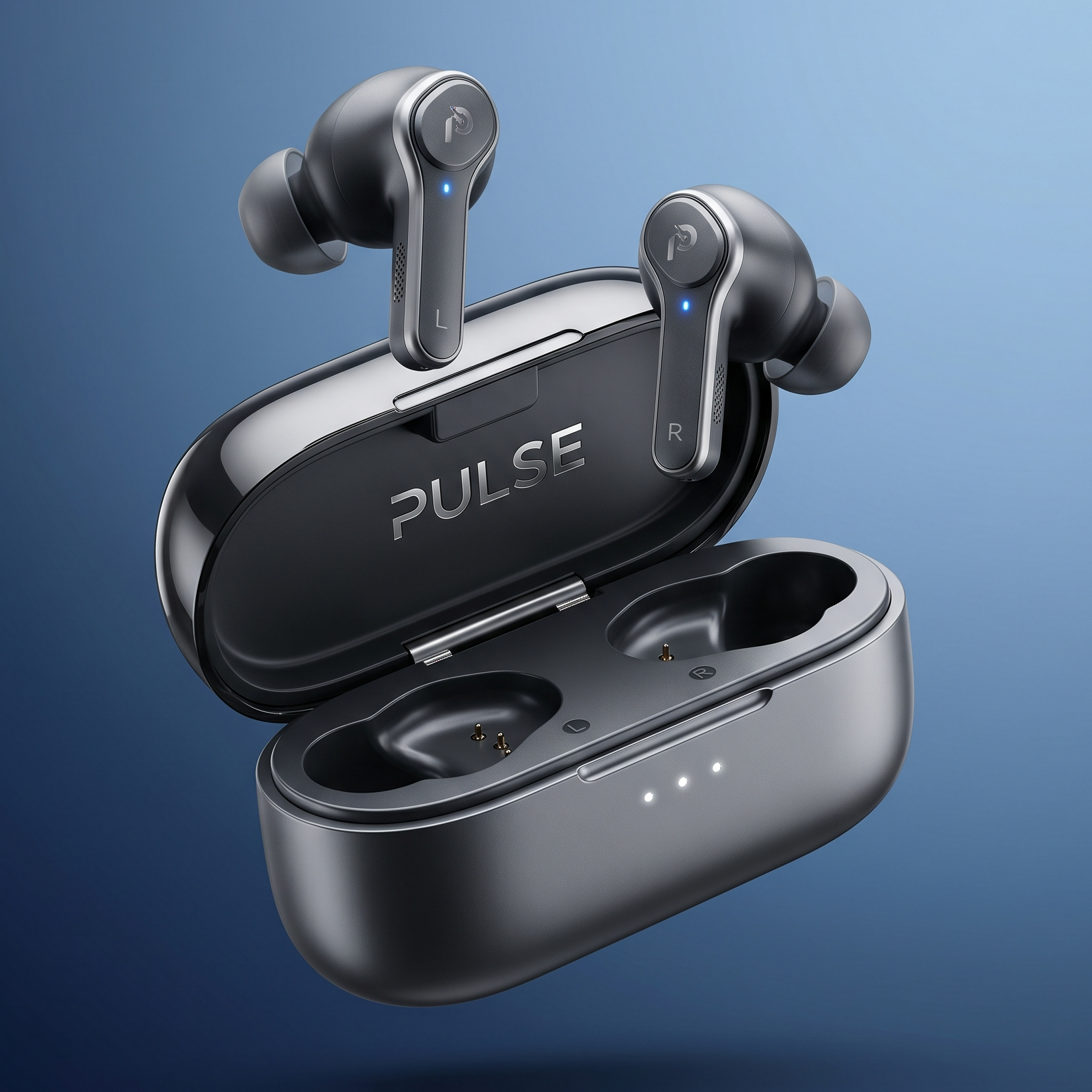 PRODUCT
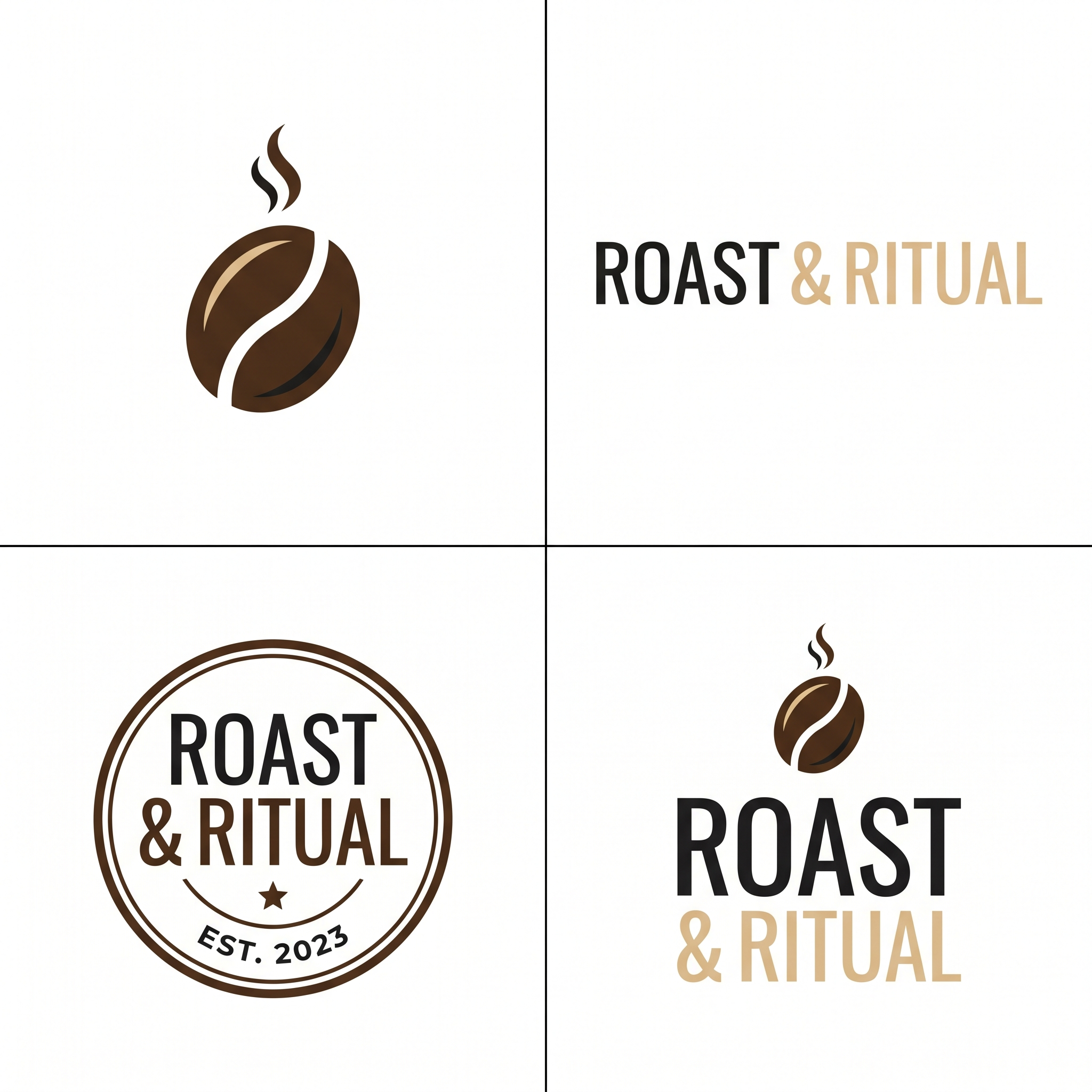 LOGO
LOGO EDITORIAL
GPT Image 2 is now available on FreyaVideo with near-perfect text rendering, photorealistic quality, and precise editing capabilities.
Upload up to 5 reference images for compositing, style transfer, and precise visual guidance.
Choose between low, medium, high, or auto quality settings to balance generation speed with visual precision.
Common Questions
GPT Image 2 (gpt-image-2) is OpenAI's most advanced AI image generation model. It delivers near-perfect text rendering, photorealistic quality, world knowledge understanding, and precise image editing capabilities, making it ideal for professional design and creative work.
GPT Image 2 is a major upgrade from DALL-E 3 with dramatically improved text rendering accuracy, better photorealism without color casting, built-in world knowledge for contextual understanding, and precise editing capabilities that preserve identity and composition during modifications.
To use GPT Image 2 on FreyaVideo, open FreyaVideo in your browser, select the GPT Image 2 AI image generator, enter your prompt, choose your quality and format settings, and start creating professional-quality images.
Yes, GPT Image 2 excels at text rendering with near-perfect accuracy. It can generate readable text in infographics, UI mockups, logos, signage, and marketing materials. For best results, put the exact text you want in quotes and describe the typography style.
GPT Image 2 generates images at auto-determined resolution optimized for quality. The output resolution adapts based on your quality setting (low, medium, high, or auto) and is suitable for both web and print applications.
Yes, GPT Image 2 supports precise image editing. Upload reference images and describe the changes you want. The model can change clothing, adjust lighting, translate text, remove objects, and composite scenes while preserving the parts you want to keep unchanged.
GPT Image 2 generates images in 15-50 seconds depending on complexity and quality setting. Use 'low' quality for faster generation during iteration, or 'high' quality when visual precision matters.
Yes, images generated with paid credits on FreyaVideo using GPT Image 2 are suitable for commercial use including marketing, advertising, branding, product design, and more.
Understanding GPT Image 2
OpenAI GPT Image 2 represents the next evolution in AI image generation, building on the foundation of DALL-E 3 with significant enhancements in text rendering, photorealism, and contextual understanding. This advanced model delivers professional-grade results that meet the demands of designers, marketers, and creative professionals.
Core Capabilities
GPT Image 2 handles both generation and editing workflows. For generation, it creates infographics, logos, UI mockups, photorealistic scenes, and marketing visuals with near-perfect text accuracy. For editing, it supports style transfer, virtual try-ons, product mockups, text translation in images, and scene compositing — all while preserving identity and composition.
Technical Foundation
Built on OpenAI's advanced architecture, GPT Image 2 processes text and images through unified neural pathways optimized for professional image generation. The model incorporates world knowledge, understanding real places, events, and cultural context to produce more accurate and contextually appropriate images.
Quality Assurance
Every image generated by GPT Image 2 benefits from multiple quality control options. Choose between low, medium, high, or auto quality settings to balance generation speed with visual precision. The model produces clean, artifact-free images with natural lighting, accurate shadows, and photorealistic textures.
How It Works
GPT Image 2 Prompt Intelligence
Start with a detailed prompt describing your desired image. GPT Image 2 understands complex descriptions including subject, style, composition, lighting, and typography. Put text you want rendered in "quotes" and describe the typography style for best results.
Reference Image Guidance
Upload up to 5 reference images for style transfer, compositing, or visual guidance. Label images by number in your prompt and describe how they relate. For example: "Apply the style from image 1 to the subject in image 2."
Quality and Format Selection
Choose your quality setting: low for fast iteration, medium for balanced results, high for maximum precision, or auto for optimized defaults. Select your preferred output format: PNG, JPEG, or WebP.
Generate and Iterate
Click generate and get your GPT Image 2 AI image. Start with a base image, then make incremental adjustments — one change at a time rather than rewriting everything for best results.
Getting the Most from GPT Image 2
GPT Image 2's advanced capabilities shine when you follow these best practices for optimal results with the GPT Image 2 AI image generator.
Be Specific with Descriptions
Instead of generic instructions like "make it better", describe exactly what you want: "add soft coastal daylight" or "change the red hat to light blue velvet". The more specific your prompt, the more precise the output.
Use Photo Language for Realism
For photorealistic results, mention lens type, lighting quality, and framing. "Shot with a 50mm lens, soft daylight, shallow depth of field" produces more realistic images than generic quality terms.
Put Text in Quotes
For readable text in images, put the exact copy in "quotes" and describe the typography: "Bold sans-serif, centered, high contrast". This ensures GPT Image 2 renders legible, well-designed text.
Lock What Shouldn't Change
When editing images, explicitly state what must stay the same: "Change only the lighting, preserve the subject's face, pose, and clothing". This prevents unwanted alterations during precise editing.
Reference Multiple Images Clearly
When working with multiple input images, label them by number and describe their relationship: "Apply the style from image 1 to the subject in image 2". Clear references produce more aligned results.