Cast your two performers
Add a clear photo of yourself and a friend. Keep one person in each photo and choose who performs on the left and right.
FREYA / THE AI RAP DUO STUDIO
You and your duo. Two mics. One orange studio. Turn two performer photos into a shared rap performance, with the stage and creative direction already set.
01 / CAST YOUR DUO
4.064 seconds · Source framing · 1080p · MP4 · Original rap audio
REAL GENERATION TEST
Generated with Freya’s fal Kling O3 video editing connection: 4 seconds, 1080p, original audio. This test uses fictional AI-generated performers. Both references and left/right positions are retained in this sample; identity and lip sync can still vary.
Download the test MP4 ↗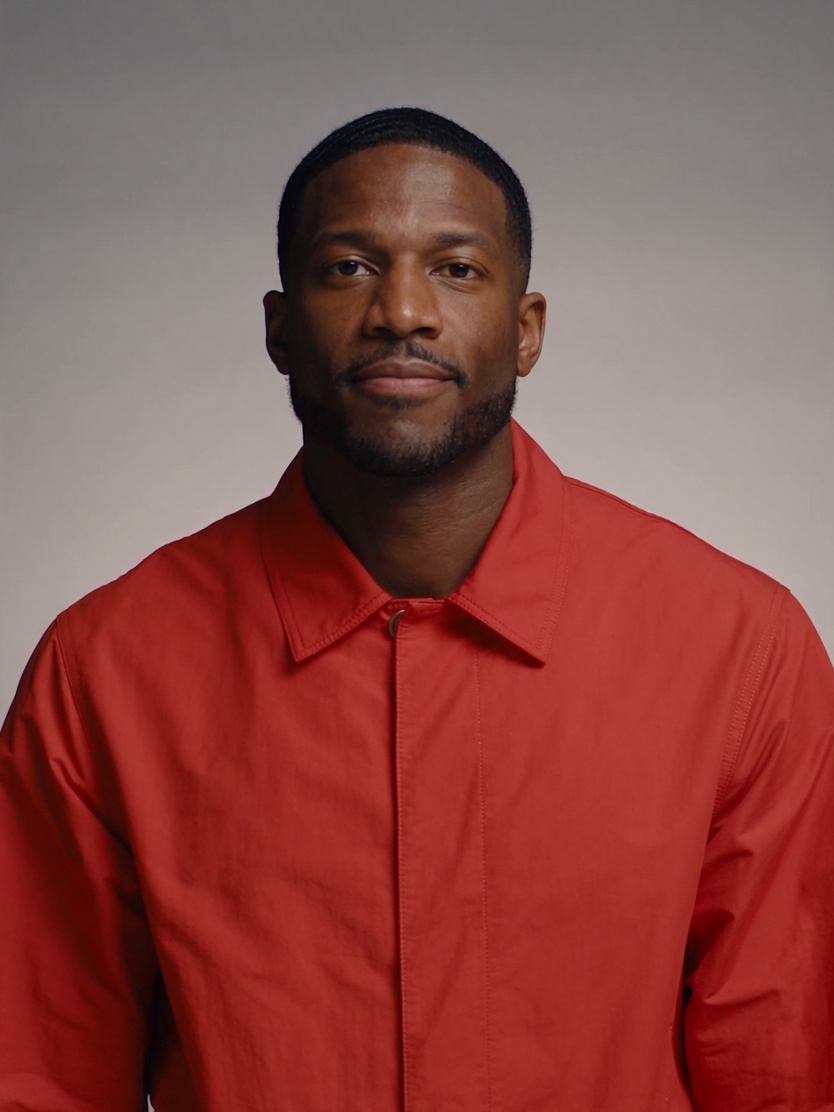
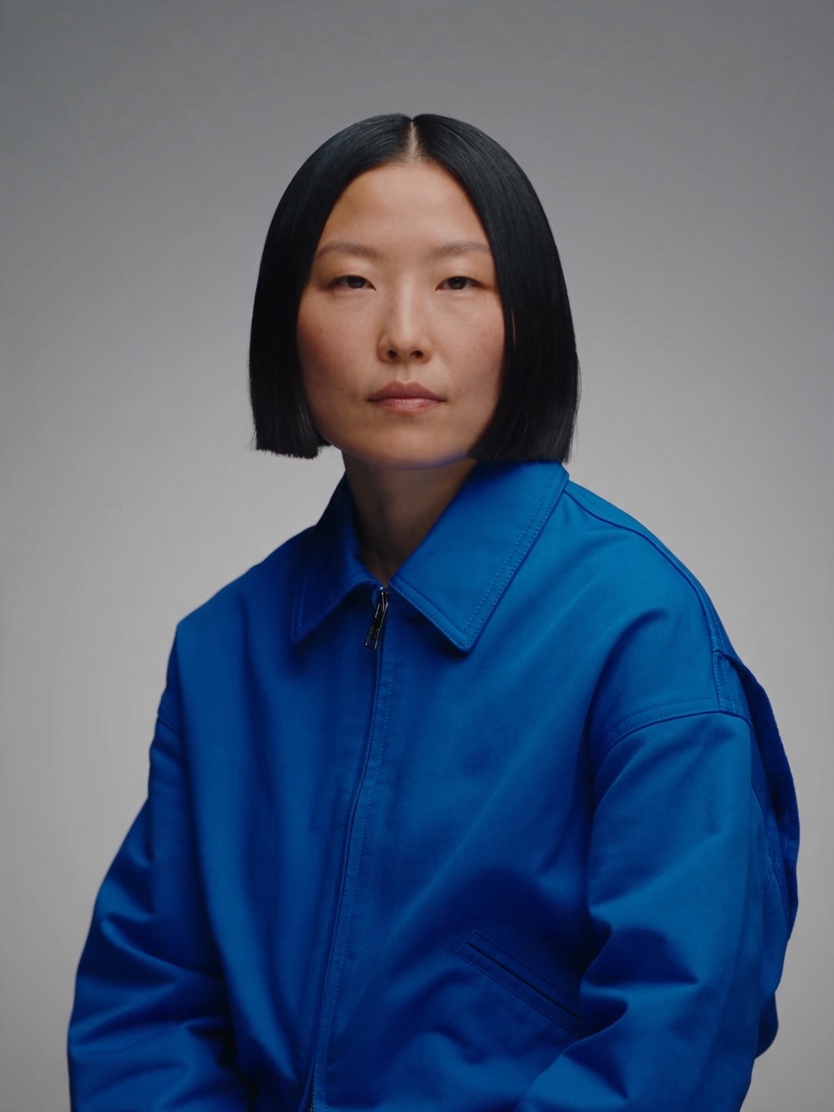
Add a clear photo of yourself and a friend. Keep one person in each photo and choose who performs on the left and right.
Use photos you have permission to edit. The built-in studio reference and prompt take care of the performance direction.
Watch your duo when it is ready. Download the MP4 or return to your generation history to find your performance.
WATCH THE RAP DUO TREND
Explore the orange studio, shared performance and duo framing.
ONE STAGE. YOUR DUO.
AI Rap Duo puts two distinct performers in one scene. The orange studio, paired microphones and shared performance define the look people also call Migos AI or Two Rapper Video AI.
Freya fixes the left and right photo mapping and uses a performance reference for motion, framing and audio. The result is a short clip made for sharing with your friends.
This independent tool is not affiliated with Migos or COLORS. It does not include their original recordings.
YOUR PERFORMANCE REFERENCE
The left photo maps to the left performer, and the right photo to the right. The template guides the studio, camera and rap performance.
BEFORE YOUR SESSION
Hotel Lobby AI is a photo-to-performance format inspired by the orange studio rap duo trend. It is also searched for as Migos AI, AI Rap Duo and Two Rapper Video AI. Freya brings the two performers into one dedicated creation workflow.
Use one clear, front-facing photo for each person, with good lighting and an unobstructed face. Photos can be taken separately. JPEG, PNG and WebP files up to 3.5 MB are supported.
Use photos of yourself or people who have given you permission to create this performance. Upload one clear photo per performer. The provider may reject unsupported inputs.
No. The studio performance, left and right identities, audio reference and generation settings are prepared for you.
The reference guides the performance and timing. Results can vary in identity, choreography and lip synchronization; exact matching is not guaranteed.
Generation uses your Freya credits; there is no separate free preview or unlock purchase. The creation panel shows the current credit quote before submission. It includes the prepared performance and output video. If the price changes, you will be asked to refresh before generating. No automatic paid regeneration is started.
Freya uses its existing task and refund rules. Check your generation history for the status and credit record. Retrying an uncertain submission recovers the same task rather than placing another order.
Yes. Once generation and storage finish, play the video here and download the MP4. Your task also appears in generation history.
Cast your two performers. We’ll set the stage.
Make your AI Rap Duo