Santa Caught on Camera, in Your Own Home
Upload a photo of your living room, kitchen or hallway, or a screenshot from your home camera. Santa walks in, leaves a present, then looks into the camera and goes "shh".
5 seconds with sound · usually ready in under a minute · no prompt to write
- Works with any room
- Home camera screenshots work too
- Video with sound
- First video free for new accounts
- $9 makes 8 videos (75 credits each), no subscription
Make your Santa footage
Use your own photo, or one you have permission to use. Photos of children should be uploaded by a parent or guardian.
New accounts usually get the first video free. Sign in to start.
What you'll get· sample for the selected scene
Upload a photo above to make yoursUpload a photo on the left to make yours
Photos that work best
- A room with some open floor, so Santa has space to walk in.
- Taken from high up, like a home camera: stand on a chair or shoot from the stairs.
- A screenshot from a Ring, Nest, Wyze or other home camera works too. Crop out the timestamp and logos, since text in the picture can warp.
- Evening light with the tree lit looks most like real night footage.
- No people in the photo. For a video with you in it, pick Santa visits instead.
- The video follows your photo's shape: a landscape screenshot gives a landscape video.
Failed videos refund automatically
If a generation fails, the credits it used go back to your balance. You don't need to contact us.
Santa on your Ring camera (or any doorbell camera)
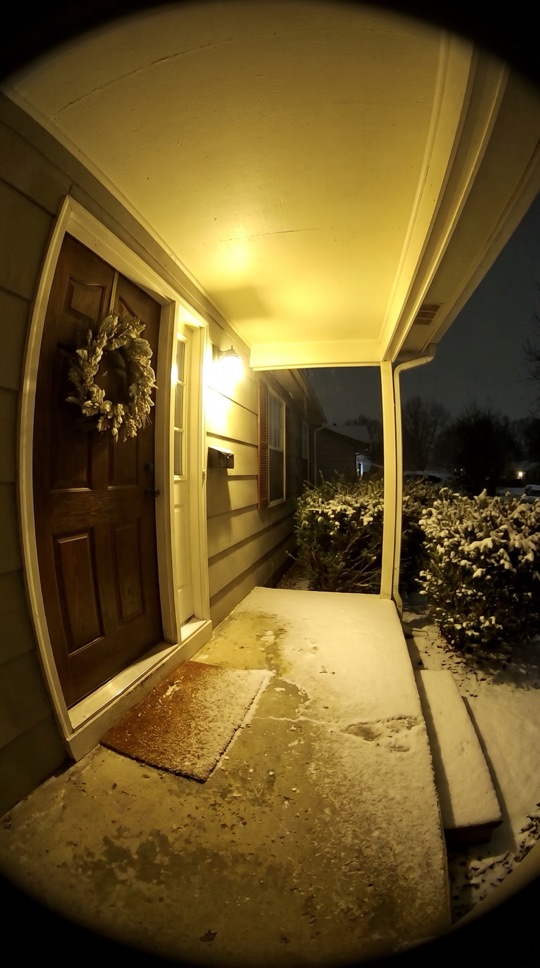
Want Santa on camera at your own front door? A screenshot from your Ring doorbell, Nest or any other home camera works the same way as a photo of the room.
- 1
Take a screenshot in your camera app
Open the live view or a recent clip of your porch or living room in the Ring app (or Nest, Wyze, Eufy) and take a screenshot. Crop out the timestamp and logo first, because text in the picture can warp.
- 2
Upload it to the generator above
Santa caught on camera is already selected. A landscape doorbell screenshot gives a landscape video.
- 3
Download your Santa on Ring doorbell clip
Usually in under a minute you get 5 seconds with sound: Santa walks up, leaves a present and shushes the camera.
FreyaVideo is not affiliated with Ring, Google Nest or any camera brand. The video is AI-generated, not real camera footage.
 Photo
PhotoSanta caught on camera samples
Each sample started from an AI-generated photo of an empty room and uses the same scene and settings you get here. Your result depends on your photo.
- Photo
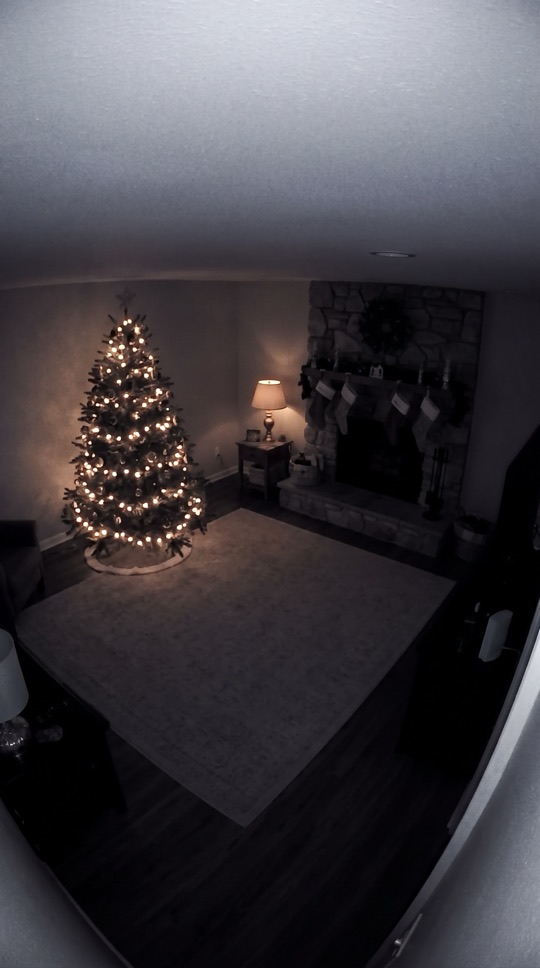
Living room camera
A ceiling-corner view of a living room at night. Santa sets a present down by the tree, then looks up and shushes the camera.
 Photo
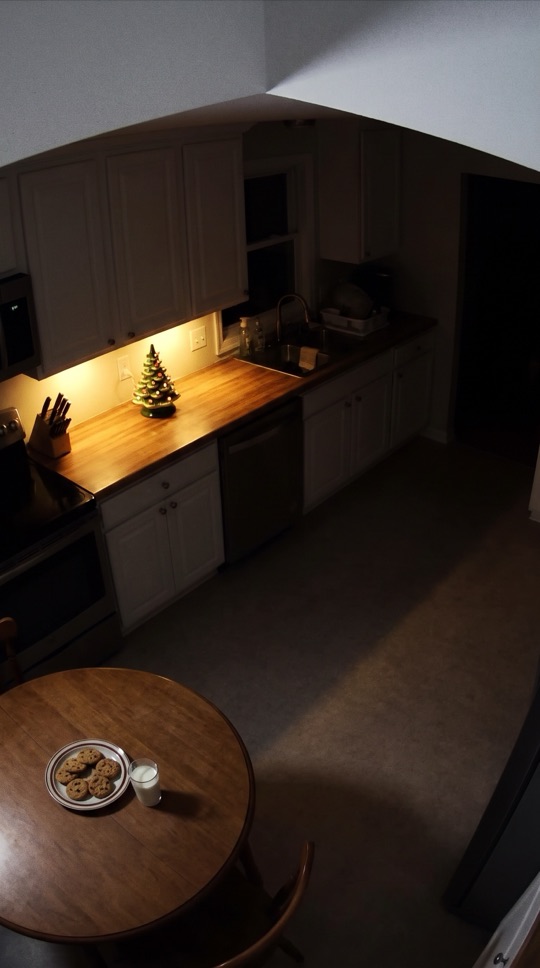
PhotoKitchen camera, cookies out
Cookies and milk on the table. Santa leaves a present next to it and goes "shh" into the camera.
 Photo
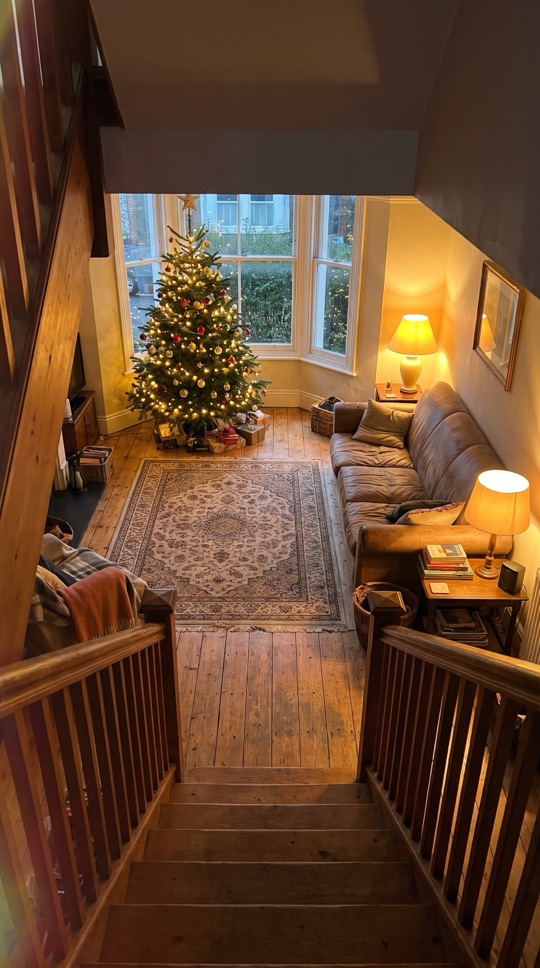
PhotoPhone photo from the stairs
An ordinary phone photo taken from the top of the stairs. Santa comes up with his sack, leaves a present and winks.
How to make a Santa caught on camera video
No editing, green screen or prompt. You bring a photo of the room.
1. Take a photo of the room
On Christmas Eve, photograph the room where the presents go, from high up like a home camera. A screenshot from your home camera works too.
2. Upload it and make the video
Santa caught on camera is already selected. Each video uses 75 credits, and new accounts usually get the first one free.
3. Download the MP4
Your 5-second clip with sound is usually ready in under a minute. Save it for Christmas morning.
How families use it
Proof for Christmas morning
Show the kids the "camera footage" of Santa leaving their present in your own living room.
Santa found the cookies
Put out cookies and milk, photograph the table, and let Santa get caught right next to them.
For kids who are starting to wonder
Footage from your own house, with your own tree and sofa, is harder to argue with than a video from the internet.
Share it with family
A short clip with sound for WhatsApp, Instagram Stories or the family group chat.
Santa caught on camera questions
What parents ask before making one.
Can I make a Santa caught on camera video of my own house?
Yes. Upload a photo of your room and Santa appears in it: he walks in with his sack, leaves a present, then looks into the camera and goes "shh". The room, the lighting and the furniture come from your photo.
Can I use a screenshot from my Ring, Nest or other home camera?
Yes, a screenshot works like any photo. The video keeps its shape, so a landscape screenshot gives a landscape video. Crop out the timestamp and logos first, because text in the picture can warp.
Is it free?
New accounts can usually make their first video free: sign in with Google or a verified email. It is one free video per account across FreyaVideo, and free spots are limited each day. After that each video uses 75 credits; the $9 Starter Pack adds 600 credits (about 8 videos), valid for 365 days, as a one-time payment with no subscription.
How long is the video and how long does it take?
Each video is 5 seconds with sound, at 768p, and follows the shape of your photo. On FreyaVideo, this model's videos took a median of 27 seconds and 90% finished within 43 seconds (142 videos, 14 days to October 29, 2026).
Will it look real?
It is made to look like home camera footage of your room. Santa is generated by AI, so his hands, his sack or the present can look off in a frame. If a result isn't right, try a photo with more open floor, taken from higher up.
What if a video fails?
If a generation fails, its credits go back to your balance automatically; you don't need to contact us. A purchase with no credits used can be refunded in full within 7 days.
Let Santa get caught in your house this year.
75 credits per video, no subscription. New accounts usually get the first one free.