Everything you need to make anything you want
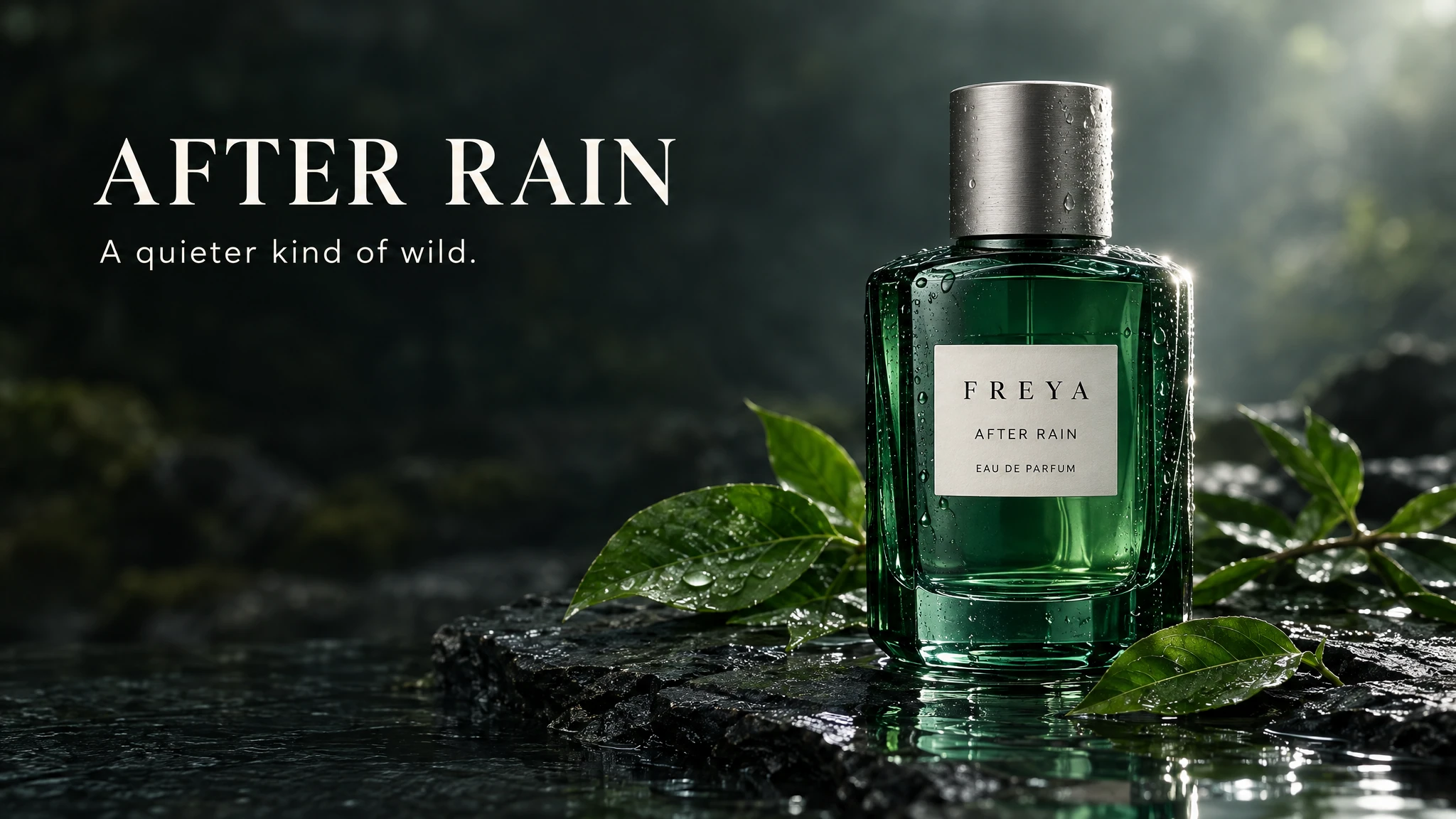
Create a premium fragrance campaign image in a 16:9 landscape composition, ready to display as a large website showcase banner. On the right half, photograph a sculptural emerald-green glass perfume bottle with a brushed silver cap, standing on wet dark slate. The bottle label reads exactly: "FREYA" "AFTER RAIN" "EAU DE PARFUM" Show realistic glass thickness, subtle internal reflections, tiny condensation droplets, crisp label lettering, and a believable contact shadow. Arrange a few fresh green leaves and a shallow pool of water around the base. Use soft directional studio lighting with a bright rim light that separates the bottle from the background. On the upper left, place large, elegant ivory typography reading exactly: "AFTER RAIN" Below it, in smaller clean lettering: "A quieter kind of wild." Use a restrained palette of emerald green, charcoal and ivory. Keep the typography highly readable. Preserve rich shadow detail with smooth tonal transitions, without grain or muddy textures. Keep all text and the entire bottle comfortably inside the frame with generous margins. Leave the bottom-left 15% visually quiet and free of text for the website's caption overlay. Finished luxury advertising photography, refined editorial art direction. No additional text, watermark, border, website interface or collage.
AI Image Generator on FreyaVideo
Text to Image AI & Image to Image AI for Creators and Brands
Choose Your AI Image Generator Mode
Select text to image AI to create from scratch, or image to image AI to transform an existing photo. FreyaVideo AI image generator supports both workflows.
FreyaVideo AI image generator combines the power of text to image AI and image to image AI in one unified platform. Whether you're starting from a text description or transforming an existing photo, our AI image generator delivers professional-quality results in seconds.
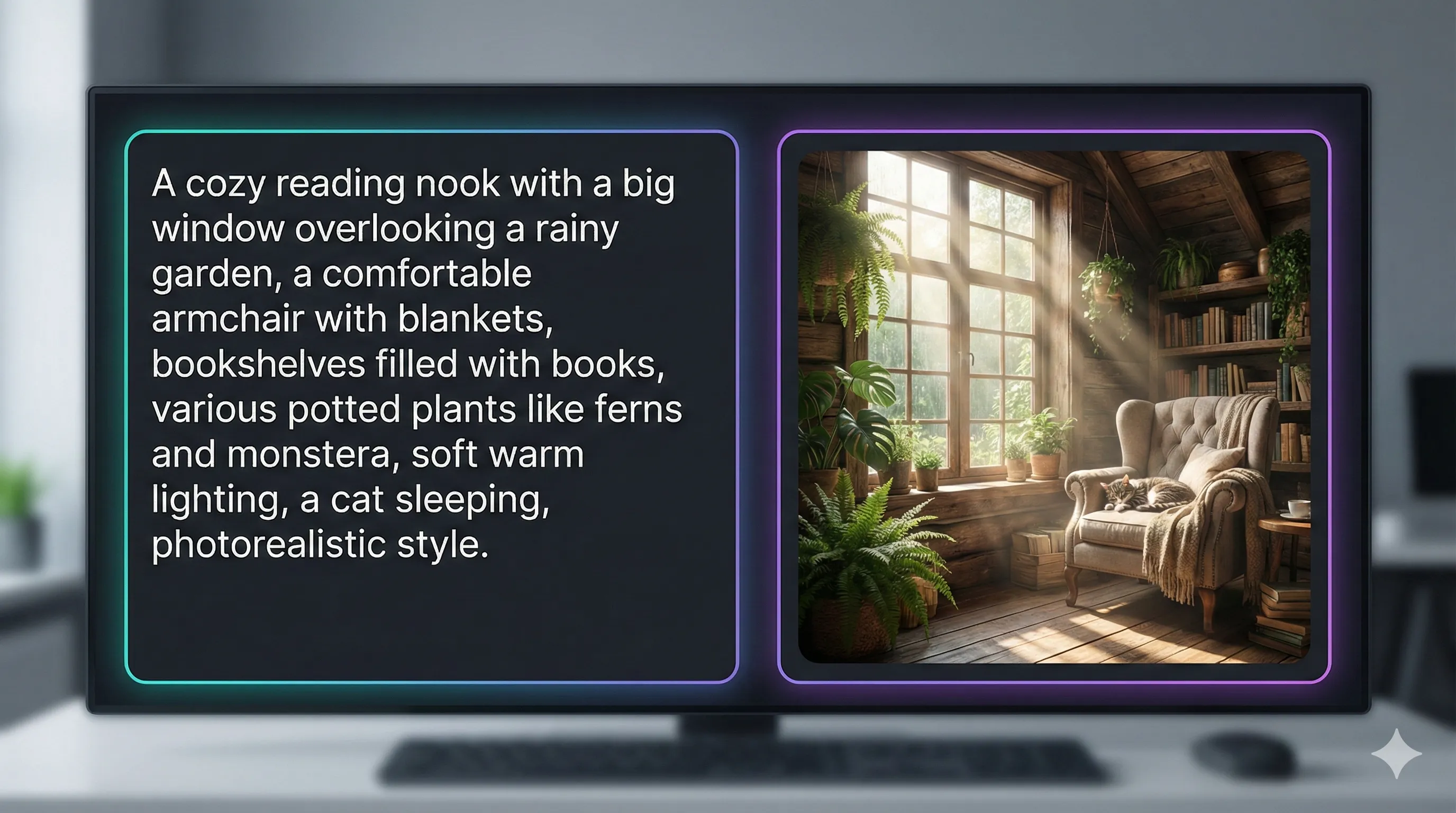
Write Your Prompt for AI Image Generation
Describe the image you want to create with details about subject, style, lighting, and composition. For image to image AI, describe what you want to change.
With our text to image AI, describe any scene, character, or concept in natural language and watch it come to life. From photorealistic photography to anime illustrations, our AI image generator adapts to your creative vision. Use style presets, LoRAs, and detailed prompts to get exactly the look you want.
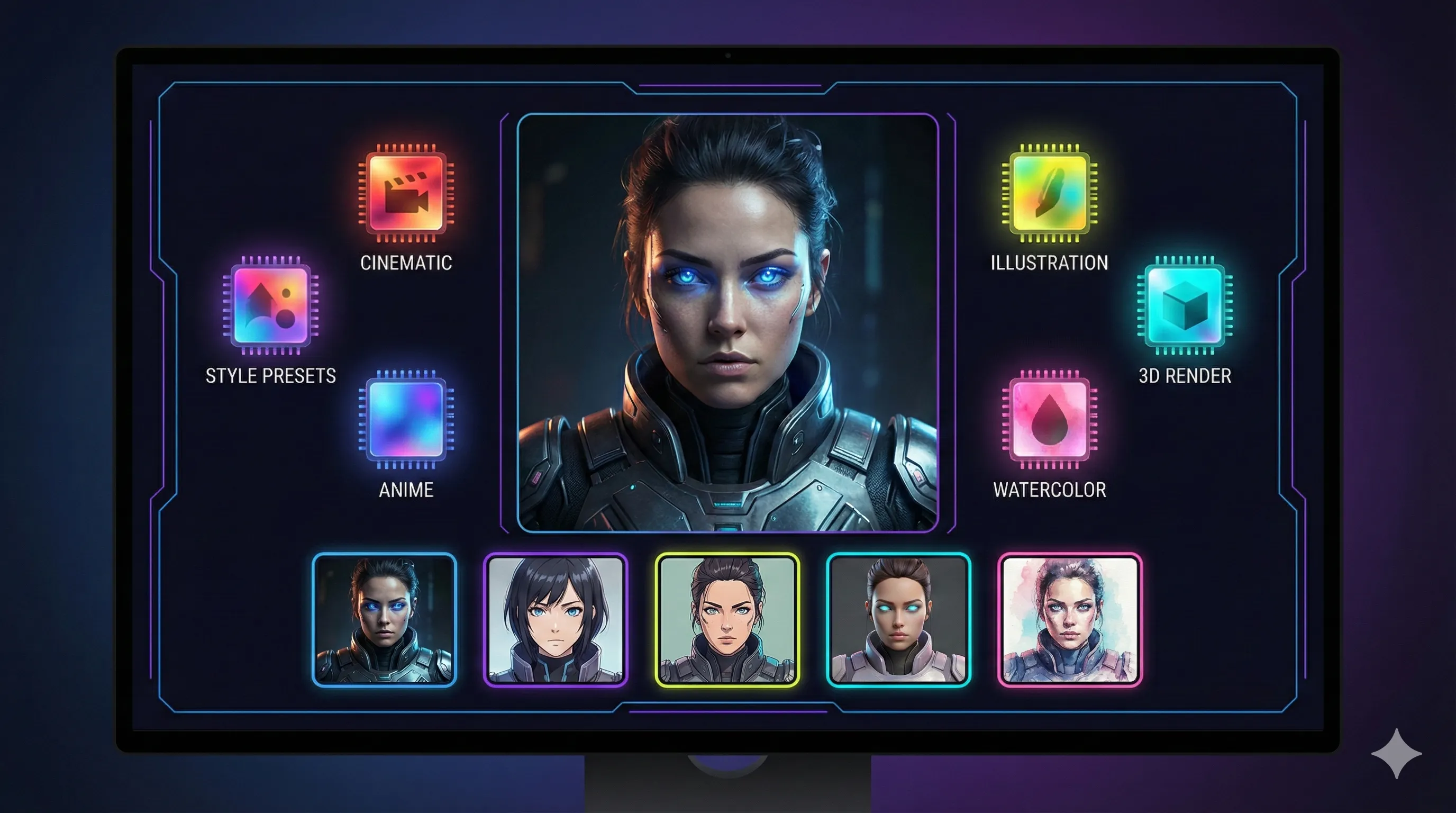
Configure AI Image Generator Settings
Choose aspect ratio, style presets, and advanced settings. Adjust transformation strength for image to image AI to control how much the original changes.
Our image to image AI (AI image generator from image) lets you transform existing photos while preserving their core structure. Apply new styles, change lighting, add creative effects, or generate variations—all while maintaining consistency with your original image. This is perfect for photographers editing shoots, brands maintaining visual consistency, and creators exploring new styles.
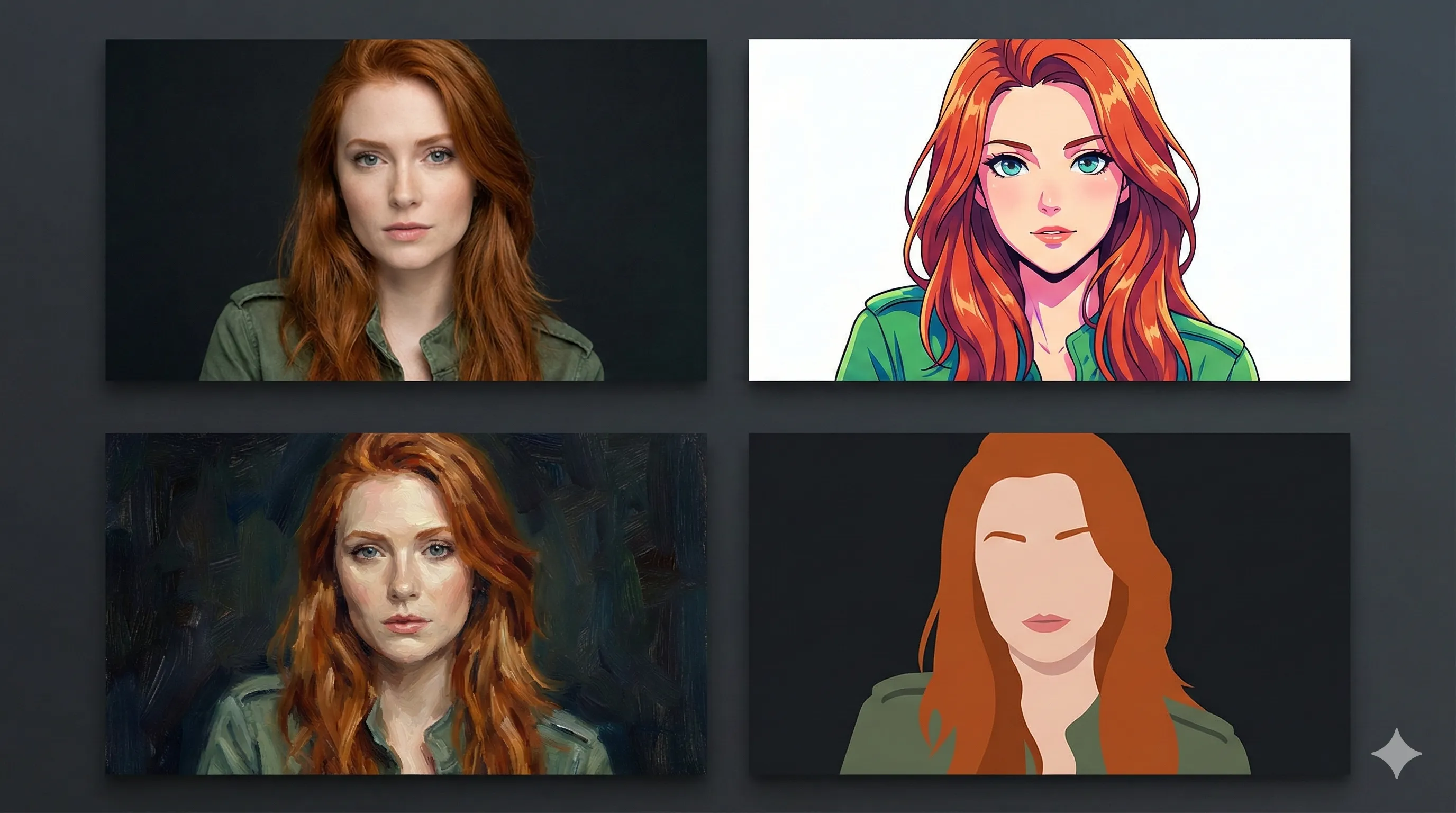
Generate and Download from AI Image Generator
Click generate and see your image come to life. Preview results, try variations, and download your final images in PNG, JPG, or WebP format.
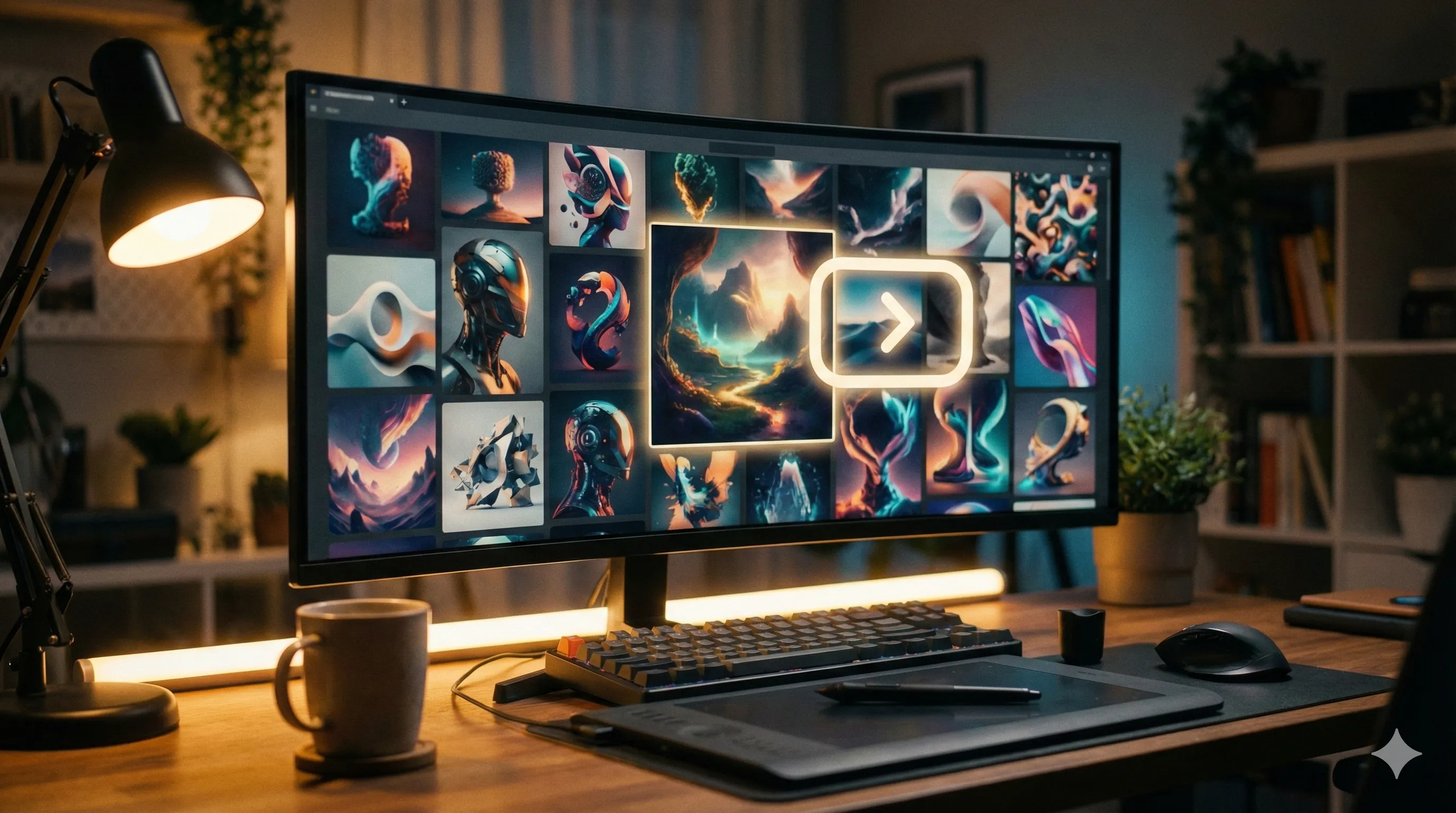
Get Inspired
Copy these prompts to create stunning images, or use them as inspiration for your own creations.
Product Photo Enhancement
AI image generator from image
Same product, premium studio lighting, reflective surface, clean white background, commercial product photography style
Social Media Visual
Text to image AI
Vibrant flat-lay of coffee cup, notebook, and flowers on marble surface, soft natural light, Instagram aesthetic, top-down view, 1:1 aspect ratio
Artistic Portrait
Image to image AI transformation
Same portrait, oil painting style, warm color palette, visible brush strokes, renaissance lighting, gallery art quality
Built for Production
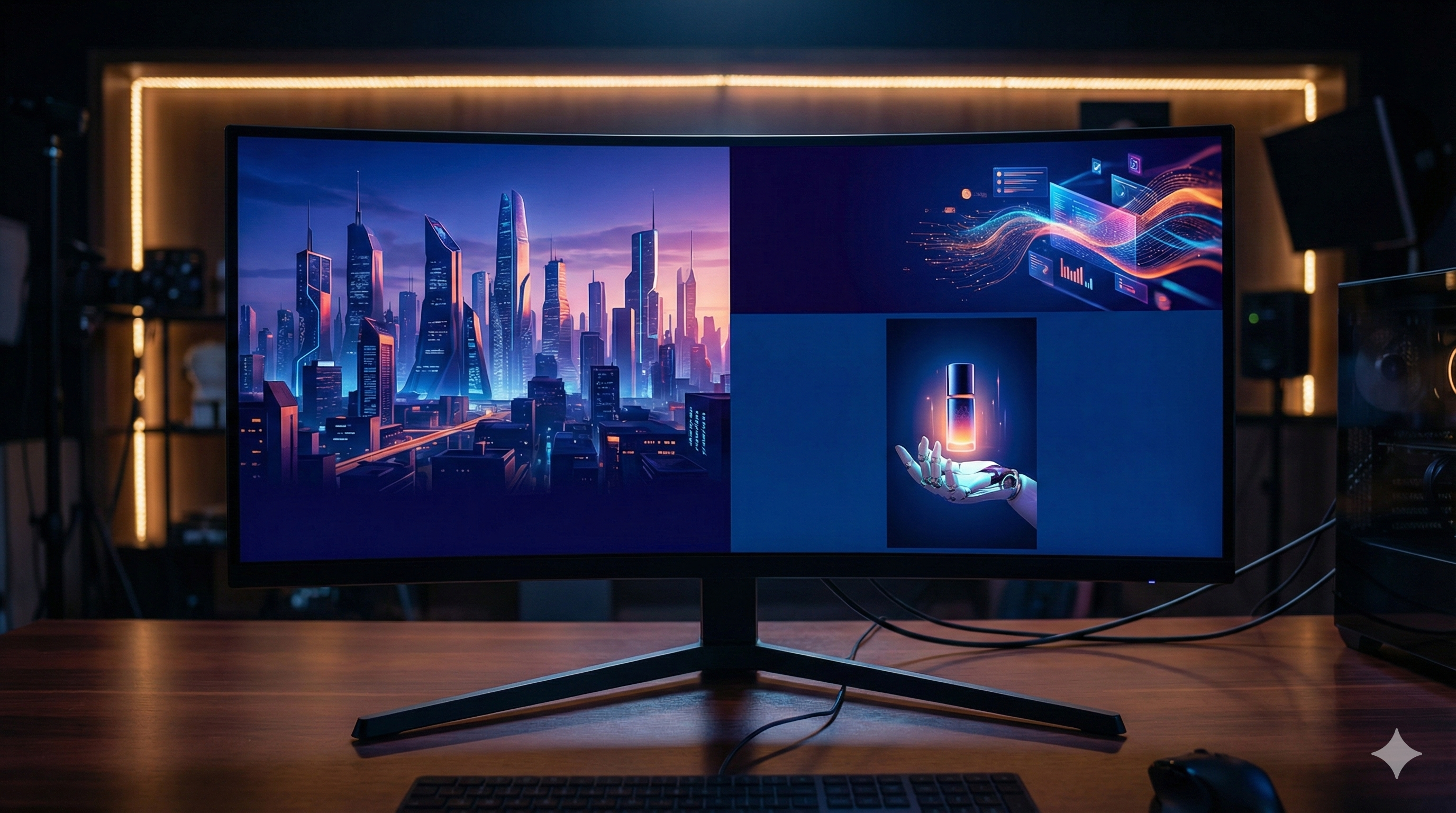
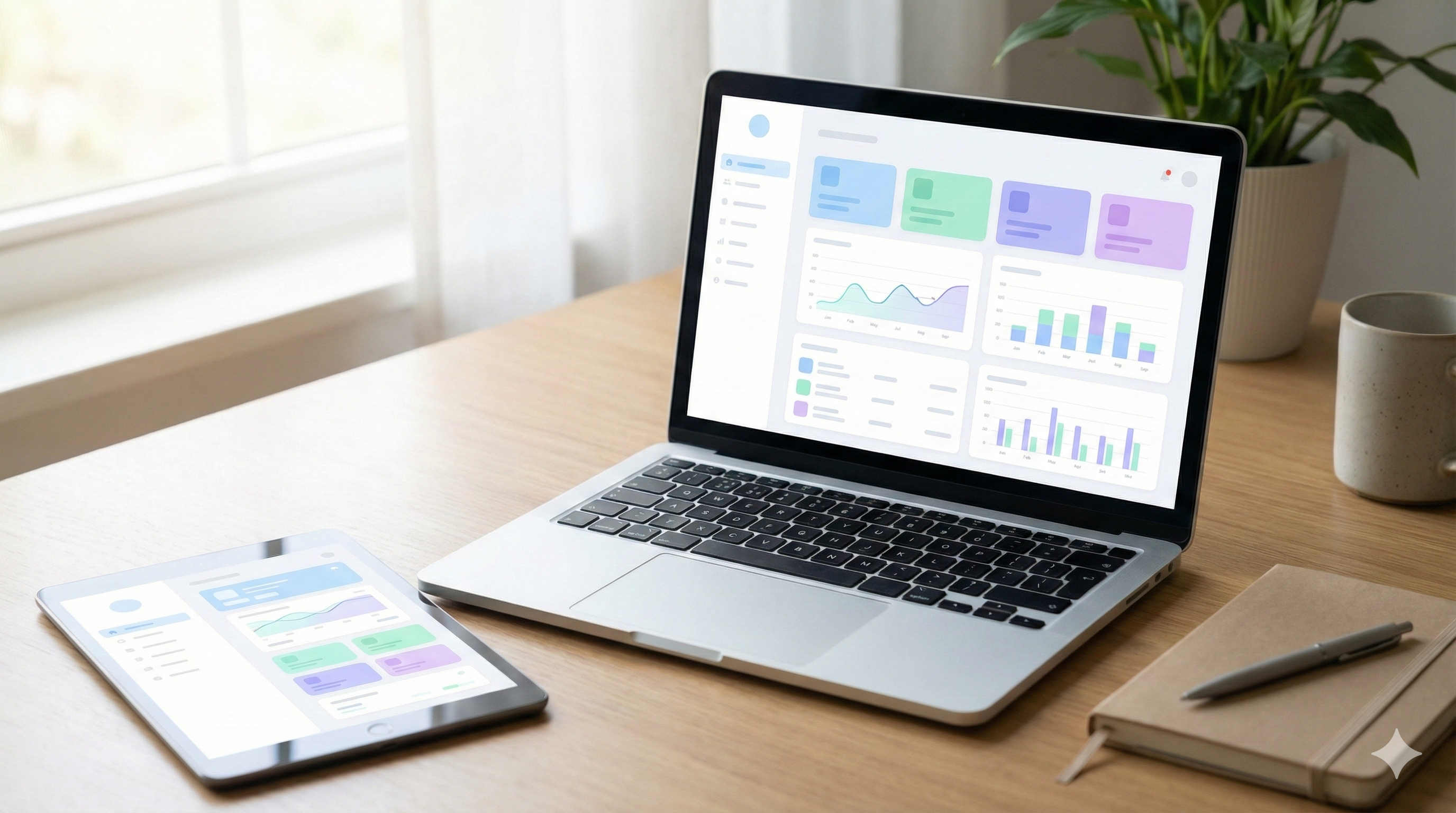
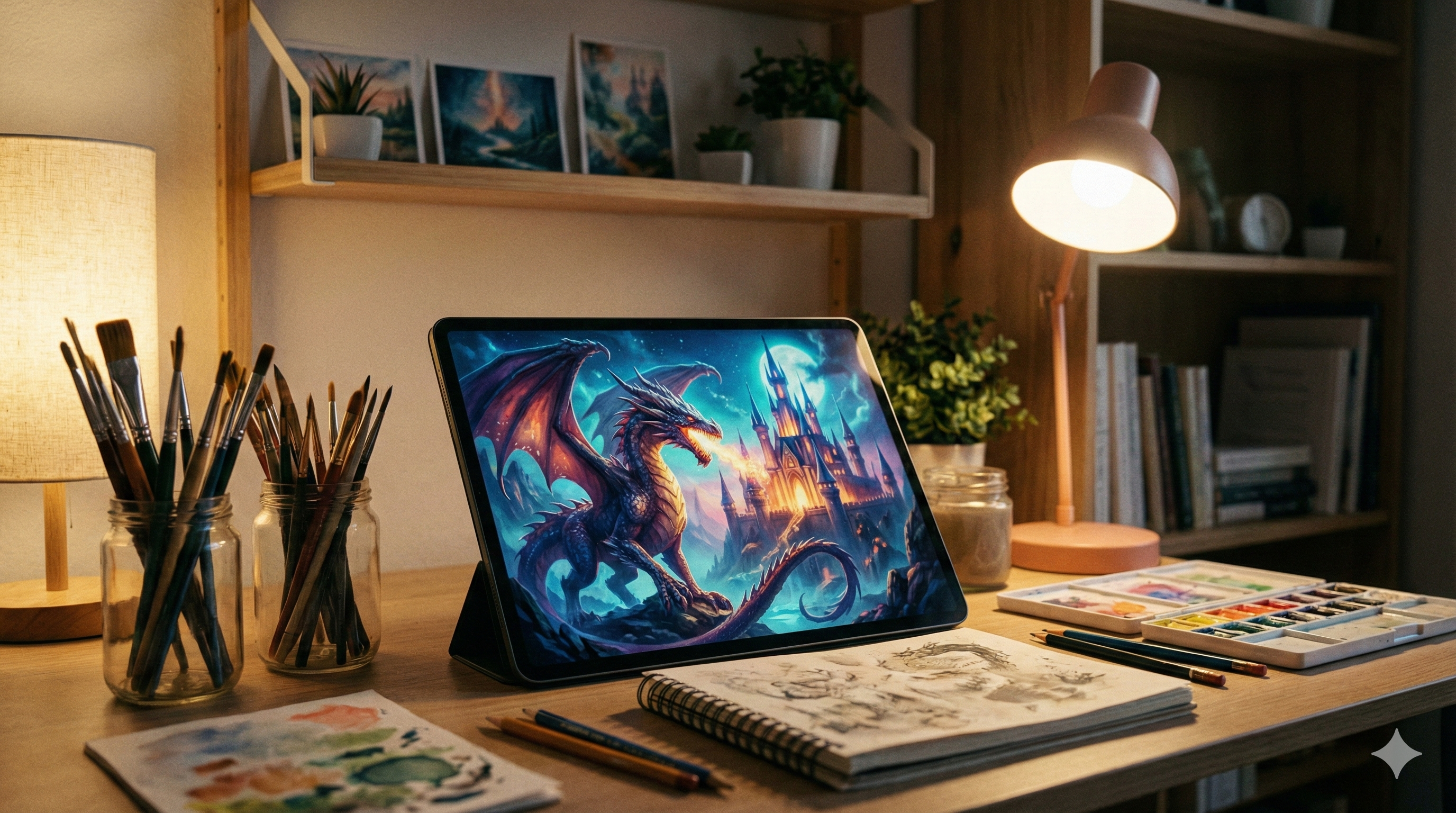
Four Steps to Create
Choose Your AI Image Generator Mode
Select text to image AI to create from scratch, or image to image AI to transform an existing photo. FreyaVideo AI image generator supports both workflows.
Write Your Prompt for AI Image Generation
Describe the image you want to create with details about subject, style, lighting, and composition. For image to image AI, describe what you want to change.
Configure AI Image Generator Settings
Choose aspect ratio, style presets, and advanced settings. Adjust transformation strength for image to image AI to control how much the original changes.
Generate and Download from AI Image Generator
Click generate and see your image come to life. Preview results, try variations, and download your final images in PNG, JPG, or WebP format.
What's Included
Output Formats
Download in PNG, JPG, or WebP formats. Choose the best format for your use case.
Aspect Ratios
Choose from multiple aspect ratios to fit your platform—social media, websites, or print.
Use Cases
Ideal for social posts, blog illustrations, marketing materials, and creative design work.
What You Can Create
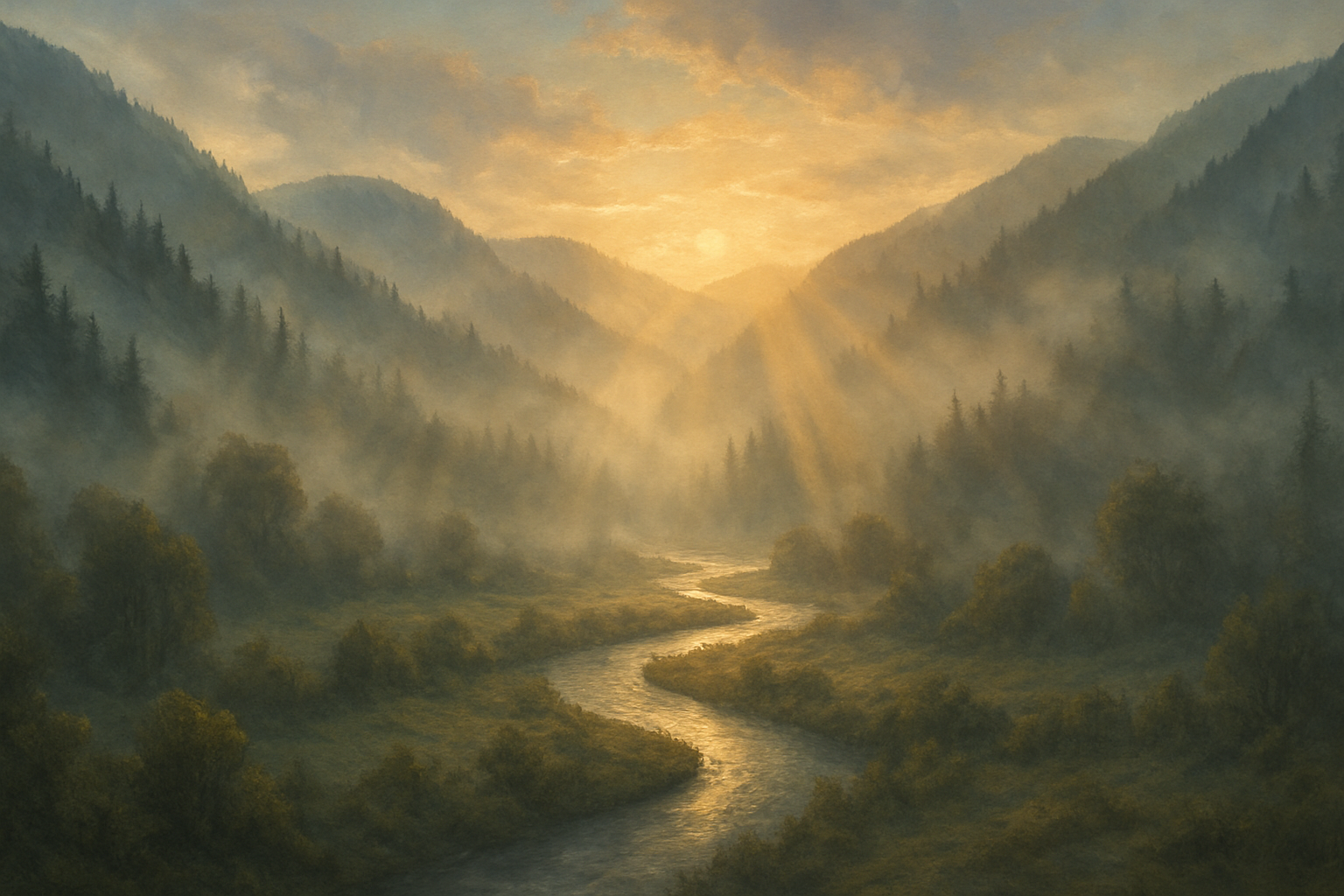
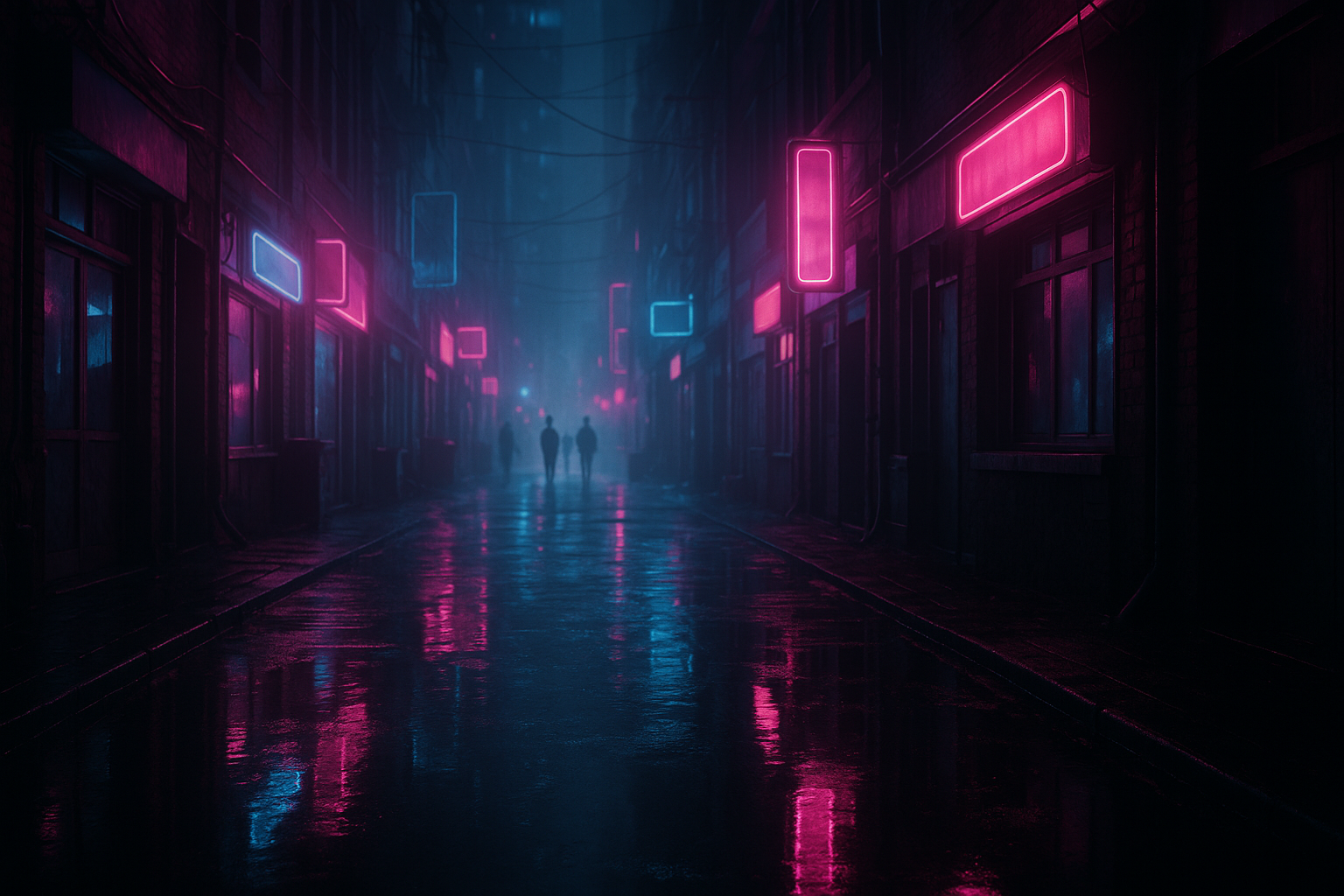
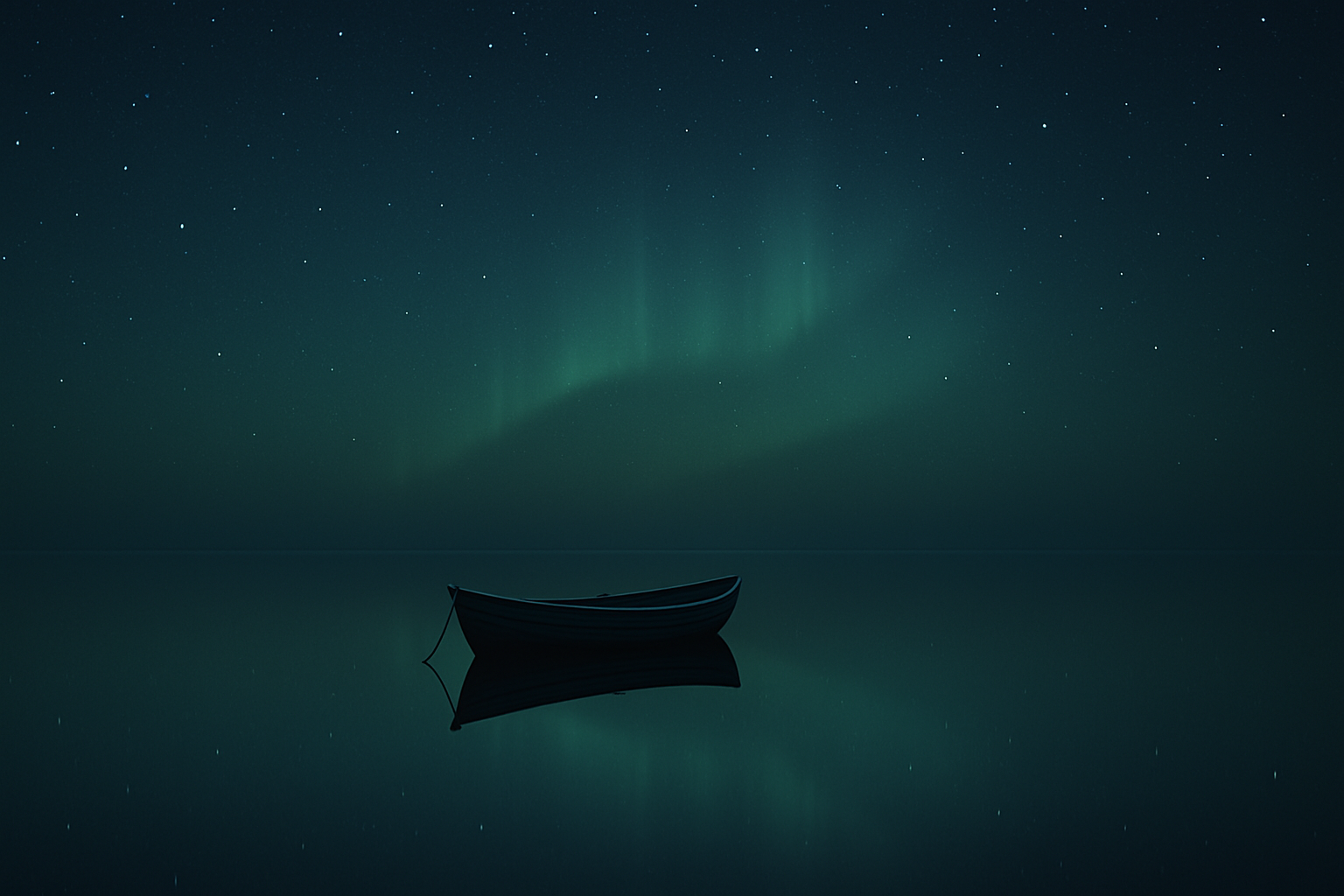
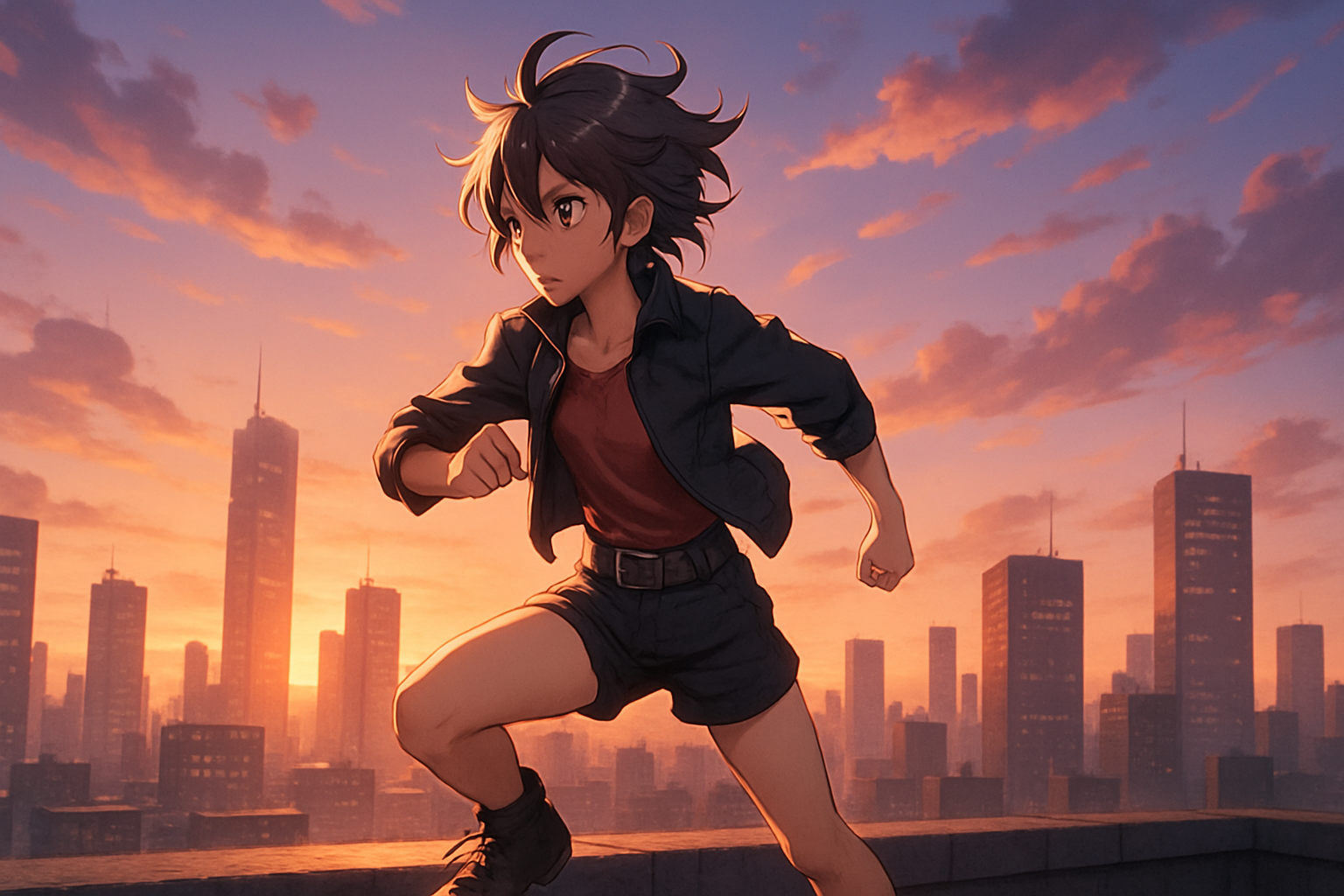
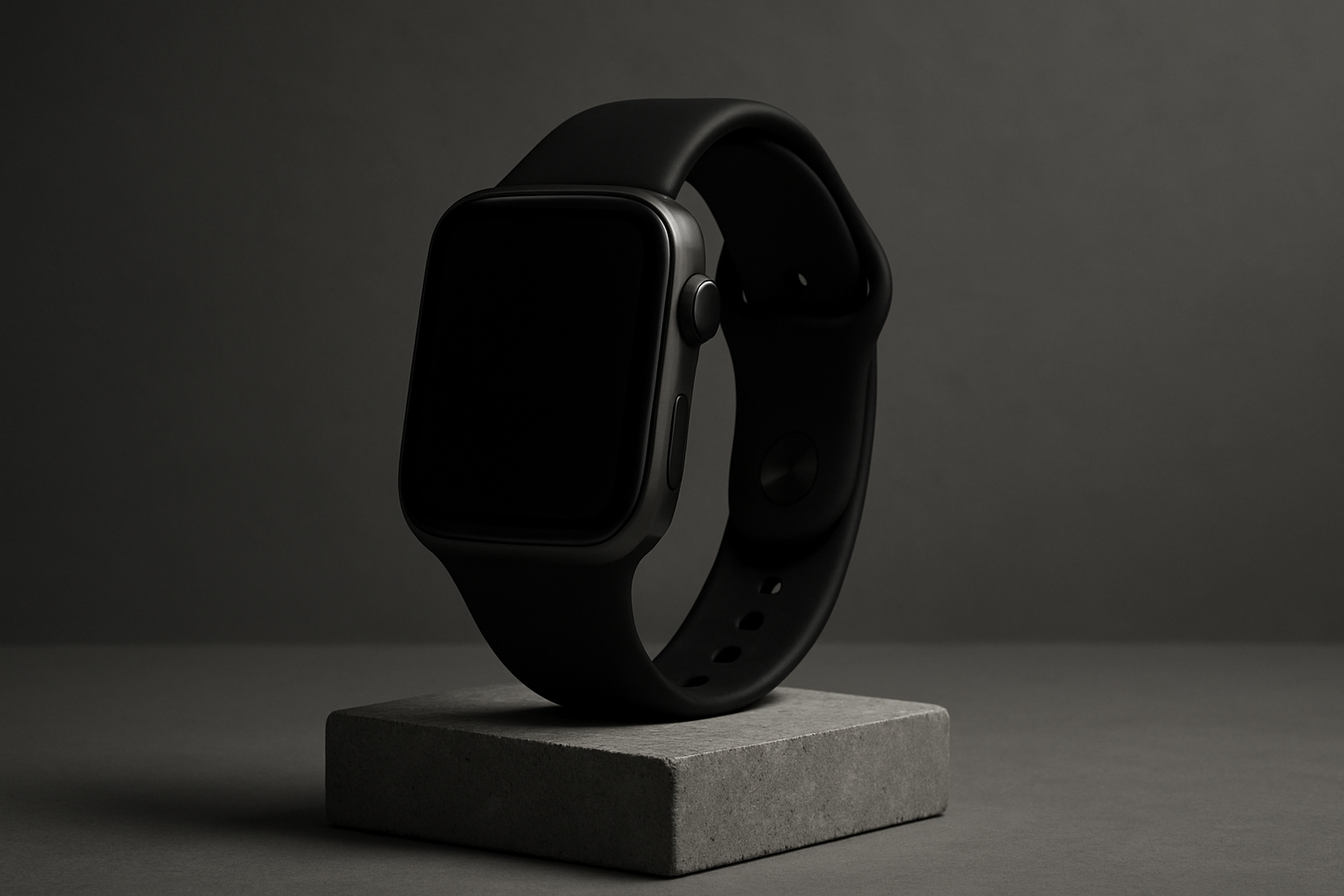
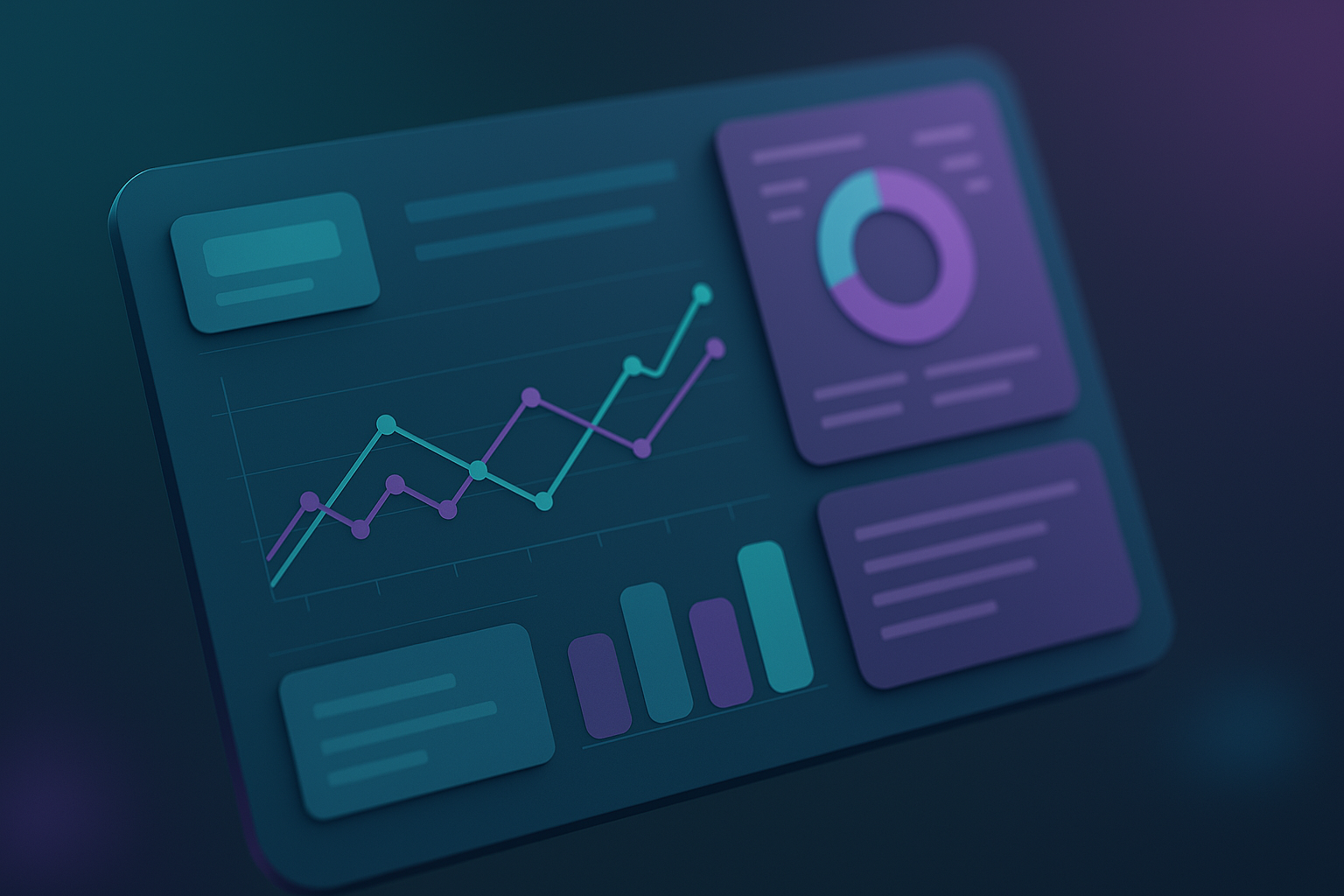
How AI Image Generator Works
FreyaVideo AI image generator uses advanced deep learning models to understand your text prompts and create stunning visuals. Whether you're using text to image AI to generate from scratch or image to image AI to transform existing photos, the AI understands composition, style, and artistic intent.
Our AI image generator from image maintains the core structure of your reference while applying new styles, lighting, and creative effects. This makes FreyaVideo perfect for photographers, creators, and brands.
Best Practices for AI Image Generator
To get the best results from FreyaVideo AI image generator, be descriptive. Instead of "a cat," try "a close-up cinematic shot of a fluffy siamese cat sitting on a velvet sofa, warm afternoon lighting, 4K resolution."
Include details about style (photorealistic, anime, illustration), lighting (golden hour, studio), composition (close-up, wide shot), and mood. For image to image AI, describe what you want to change while keeping the core subject.
Frequently Asked Questions
What is FreyaVideo AI image generator?
FreyaVideo AI image generator is an all-in-one platform that combines text to image AI and image to image AI. You can create images from text descriptions or transform existing photos into new styles, all inside your browser.
What is image to image AI?
Image to image AI (also called AI image generator from image) transforms existing photos by applying new styles, lighting, or creative effects while preserving the core structure. Upload a photo, describe what you want to change, and the AI generates a transformed version.
How does FreyaVideo image generator from image work?
FreyaVideo's image to image AI analyzes your uploaded photo to understand its composition, subjects, and structure. Then it applies your requested changes—new styles, lighting, backgrounds, or artistic effects—while keeping the essential elements of your original image intact.
What is a LoRA in AI image generation?
LoRA (Low-Rank Adaptation) is a technique for fine-tuning AI image generators on specific styles, characters, or concepts. FreyaVideo AI image generator supports various LoRAs so you can achieve consistent looks across multiple generations or match specific artistic styles.
Which is the best AI image to image generator?
FreyaVideo AI image generator stands out with its combination of text to image AI and image to image AI in one platform. Our AI image generator from image maintains excellent consistency with original images while applying high-quality transformations. The intuitive interface makes it easy for both beginners and professionals.
Why use FreyaVideo AI image generator from images?
FreyaVideo AI image generator from images saves time on photo editing, enables creative exploration of styles, and maintains brand consistency across assets. Whether you're a photographer enhancing shoots, a brand creating product variations, or an artist exploring styles—our image to image AI delivers professional results in seconds.
What image formats does the AI image generator support?
FreyaVideo AI image generator supports JPG, PNG, and WebP images for upload (up to 10MB). Output images can be downloaded in PNG, JPG, or WebP format at resolutions up to 1024x1024 with upscaling options available.
How many images can I generate with AI image generator?
Generation is based on credits. Each text to image AI or image to image AI generation consumes credits depending on settings and resolution. You can purchase additional credits or subscribe to a plan for higher volume needs.
Ready to Create?
Start creating stunning images with FreyaVideo AI image generator. Text to image AI and image to image AI in one powerful tool. No complex software, no steep learning curve.
RELATED TOOL
Also try: Seedream 5.0 Pro Create or edit product stills, campaign posters, and source frames with ByteDance's image model.
Also try: Image to Image AI Upload an existing image to restyle it, change the scene, or create cleaner product variations.