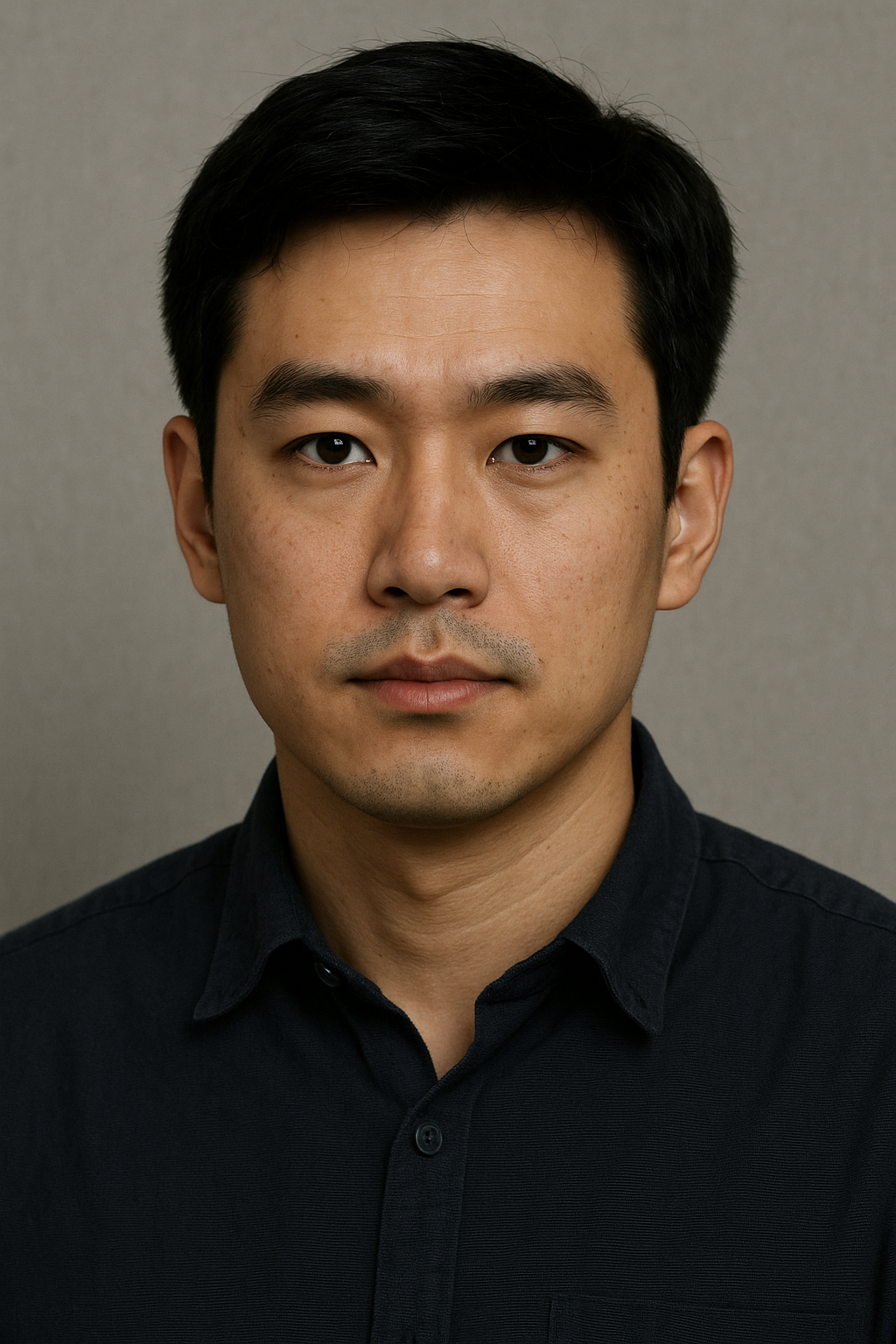
Image-to-image AI transforms an existing image using a text instruction while preserving selected parts of the source, such as its subject, composition, or identity. This guide explains how the technology works, its common controls, practical use cases, and how it differs from text-to-image generation.
Last updated: July 30, 2026
What Is Image-to-Image AI?
Image-to-image AI is a generative workflow that starts with an existing visual instead of a blank canvas. You provide a source image and an instruction, such as:
Keep the bottle and label unchanged. Replace the background with a bright kitchen, add soft morning light, and use a clean commercial photography style.
The model treats the original image as a visual reference. Depending on the tool and settings, it may preserve the subject, composition, pose, identity, edges, colors, or layout while changing selected attributes.
Image-to-image is not one single feature. The category includes full-image transformation, masked editing or inpainting, background replacement, style transfer, reference-based generation, restoration, and controlled variation.
How It Works
Most modern systems follow the same broad process:
- Read the source image. The system converts the pixels into a representation of shapes, subjects, colors, and spatial relationships.
- Interpret the instruction. The prompt describes what should change and what should remain.
- Apply controls. Transformation strength, masks, reference weight, seed, aspect ratio, and model choice influence the result.
- Generate a variation. The system creates a new image that balances the source reference with the requested change.
- Review and iterate. You inspect identity, text, product details, hands, edges, lighting, and background consistency, then revise the prompt or controls.
The model does not simply place a filter over the original. It reconstructs parts or all of the image. That is why it can make meaningful changes, but it can also alter details you intended to preserve.
Image-to-Image vs Text-to-Image
| Image-to-image | Text-to-image | |
|---|---|---|
| Starting point | Existing image plus instruction | Text prompt |
| Composition | Can follow the source | Created from scratch |
| Subject consistency | Usually higher, but not guaranteed | Depends on prompt and references |
| Best for | Restyling, editing, variants, background changes | New concepts and original compositions |
| Main risk | Unwanted changes to preserved details | Unpredictable composition or identity |
Use image-to-image when you already have an approved asset, product photo, portrait, poster, or layout. Use text-to-image when you need a new concept and do not need to preserve an existing composition.
Many workflows combine both: create a concept with text-to-image, then refine selected outputs through image-to-image editing.
Common Use Cases
Product photography
Keep the product while changing its background, lighting, surface, seasonal context, or campaign mood. Check logos, labels, proportions, and packaging text carefully.
Campaign and social variants
Adapt one approved asset into multiple colorways, themes, or platform formats without starting every concept from scratch.
Portrait and identity-preserving edits
Change wardrobe, lighting, setting, or visual style while attempting to retain the person. Identity preservation is imperfect, especially at high transformation strengths.
Poster and flyer restyling
Explore new art directions while keeping the original subject or general composition. AI can distort small text, so add final copy in a design tool after generation.
Interior and scene visualization
Change materials, furniture, colors, time of day, or decor while using the original room geometry as a reference.
Illustration and style conversion
Convert a photo into an illustration, painting, 3D render, comic style, or another visual language.
Important Controls
Transformation strength
This controls how far the output may move away from the source. Lower values preserve more; higher values allow larger changes. The labels and scales differ by tool.
- Start low when identity, product shape, or layout is critical.
- Increase gradually when the output is too similar to the original.
- Avoid treating one percentage as universal across models.
Prompt
A useful prompt separates preservation instructions from requested changes:
Preserve: the person, facial identity, pose, and camera angle. Change: the background to a modern office, add soft window light, and use natural editorial photography.
Mask or selection
A mask limits the editable area. Use it for background replacement, object removal, clothing edits, or localized corrections.
Reference weight
Some tools let you control how strongly the source or an additional reference affects the output. Increase it when composition or identity drifts; reduce it when the result is too constrained.
Seed and variation controls
A seed can help reproduce or compare outputs in tools that expose it. Variation controls generate alternatives while keeping part of the original setup.
Aspect ratio and output size
Choose the final format early. Changing a square product photo into a wide banner may require outpainting or new composition around the subject.
Prompt Examples and Tips
Product-background replacement
Preserve the product, logo, label, proportions, and camera angle. Replace only the background with a light gray studio sweep. Add soft side lighting and a subtle contact shadow. Clean commercial product photography.
Campaign variant
Keep the subject and composition. Change the palette to deep blue and silver, add cool rim lighting, and create a premium winter campaign mood. Do not add text or logos.
Portrait edit
Preserve facial identity, expression, pose, and framing. Change the outfit to a charcoal business suit and the setting to a modern office with soft daylight. Natural skin texture.
Illustration conversion
Keep the main subject, silhouette, and composition. Convert the image into a clean editorial illustration with flat shapes, restrained colors, and subtle paper texture.
For better results:
- state what must remain before describing what should change;
- make one major change at a time;
- use concrete lighting, setting, material, and camera language;
- avoid conflicting style instructions;
- inspect important details at full resolution;
- keep the original file so you can restart with different settings.
Limitations
Image-to-image AI may alter faces, hands, product geometry, logos, small text, patterns, reflections, and background edges. It may also reproduce bias from training data or create visually plausible details that were never present.
Do not assume that source-image ownership automatically resolves every usage question. Confirm model and platform terms, obtain permission for protected or personal material, and review outputs before publication. For regulated, high-value, or identity-sensitive work, keep a human approval step.
FAQ
What is image-to-image AI?
Image-to-image AI is a generative workflow that transforms an existing image according to a prompt or editing instruction. It uses the source image as a visual reference and can preserve selected elements such as the subject, composition, pose, identity, or layout.
How does image-to-image AI work?
The system encodes the source image into a representation it can modify, combines that representation with your prompt and control settings, and generates a new image. The transformation strength and other controls determine how closely the result follows the source.
What is the difference between image-to-image and text-to-image AI?
Text-to-image creates a new composition from a written prompt. Image-to-image begins with an existing visual, so it is better for restyling, controlled variations, background changes, and preserving recognizable subjects or layouts.
What source images work best?
Use a sharp, well-lit image with a clear subject and enough resolution for the intended output. Clean edges and an uncluttered background make it easier to preserve the subject. Avoid heavy compression, blur, and conflicting visual elements.
How do I keep the same person or product?
Use a clear reference image, explicitly state what must remain unchanged, begin with a lower transformation strength, and change one major attribute at a time. Identity can still drift, so review important details before publishing or using the result commercially.
Can image-to-image AI edit only part of an image?
Yes, when the tool supports masks, inpainting, or selection-based editing. A mask tells the model which region may change while the remaining area should stay as close as possible to the source.
Can I use image-to-image AI commercially?
Commercial use depends on the tool, plan, model license, source image, and local law. Confirm that you have rights to the input and review the provider's current terms before using the output in client work, advertising, products, or other commercial material.