
OpenAI's Sora is impressive. It generates cinematic videos from text prompts that look almost real. But here's the problem: you need a $200/month ChatGPT Pro subscription to use it.
For most creators, that's too expensive—especially if you only need a few videos per month.
Good news: there are solid OpenAI Sora alternatives that give you similar quality without the hefty subscription. Some are free, some are pay-per-use, and a few even offer features Sora doesn't have (like native audio).
In this guide, I'll compare 7 alternatives and help you pick the right one for your needs.
Quick Comparison: Sora Alternatives at a Glance
Before diving deep, here's a quick overview:
| Tool | Pricing Model | Video Length | Native Audio | Best For |
|---|---|---|---|---|
| FreyaVideo | Pay-per-use ($0.10/s) | 4-15s | Yes (Veo 3.1) | Multi-model access |
| Runway Gen-3 | Subscription ($12/mo) | 10s | No | Professional creators |
| Pika Labs | Free tier available | 3s | No | Beginners |
| Kling AI | Pay-per-use ($0.07/s) | 5-10s | No | Budget users |
| Google Veo 3.1 | Via API ($0.40/s) | 4-8s | Yes ✓ | Videos with sound |
| Minimax Video | Free credits | 6s | No | Testing & experiments |
| Wan 2.6 | Pay-per-use ($0.10/s) | 5-15s | No | Longer videos |
Now let's break down each option.
Why Look for Sora Alternatives?
Sora 2 is undeniably powerful. OpenAI trained it on massive video datasets, and the results speak for themselves—smooth motion, realistic physics, and coherent scenes.
But there are legitimate reasons to explore alternatives:
1. Cost
ChatGPT Pro costs $200/month. If you're creating 5-10 videos monthly, that's $20-40 per video. For occasional users, pay-per-use platforms make more sense financially.
2. Usage Limits
Even with ChatGPT Pro, Sora has generation limits. Heavy users report hitting caps during busy periods.
3. No API Access
Sora doesn't offer direct API access yet. If you're building an app or need programmatic video generation, you'll need alternatives that provide APIs.
4. Missing Features
Sora 2 doesn't generate audio. If you want videos with native sound effects, dialogue, or music, Google's Veo 3.1 is currently the only model that does this.
5. Flexibility
Different models excel at different things. Wan 2.6 handles longer videos better. Runway offers more editing control. Having options lets you pick the right tool for each project.
7 Best Sora Alternatives Compared
1. FreyaVideo — Best for Pay-Per-Use Multi-Model Access
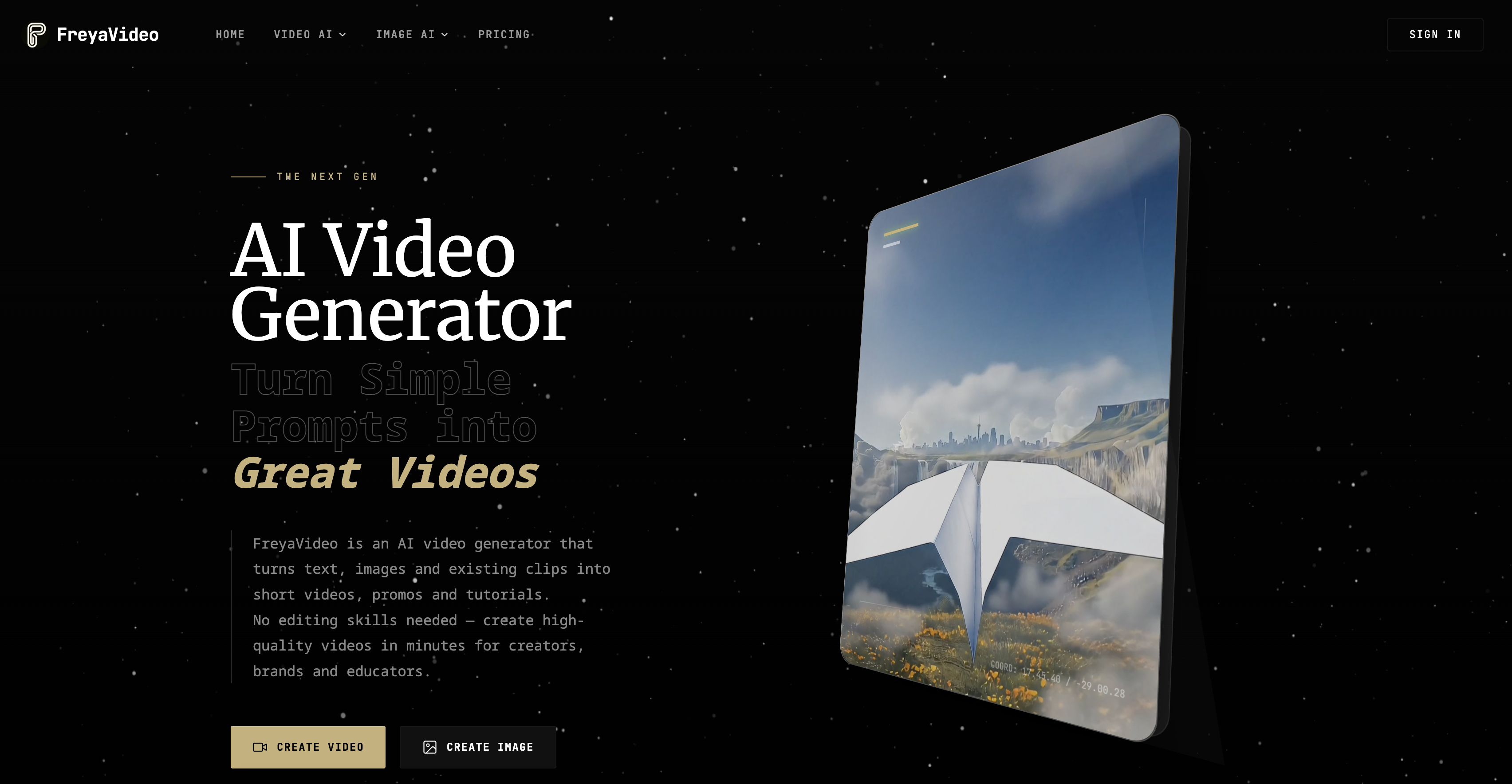
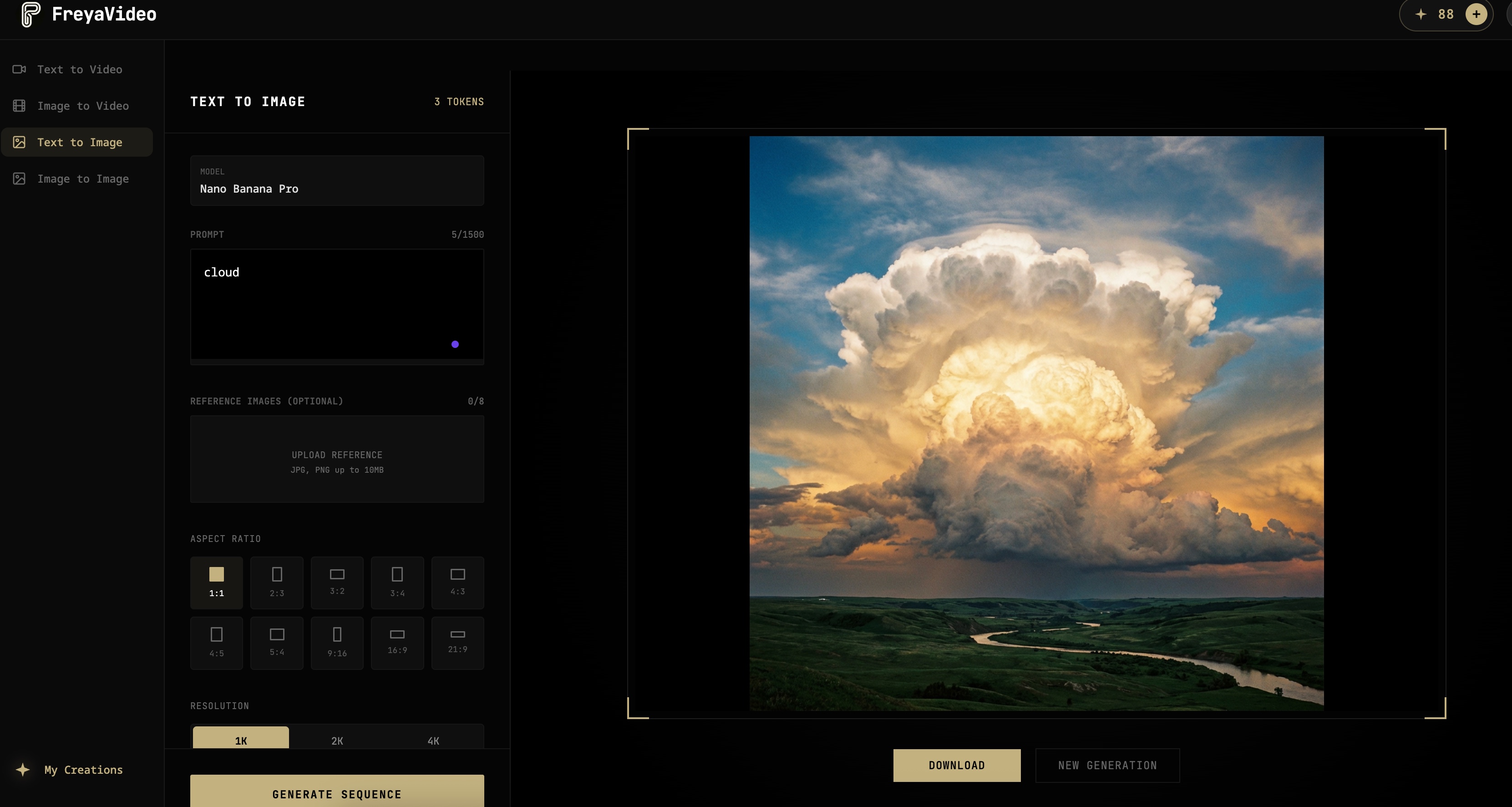
If you want Sora 2 without the $200 subscription, FreyaVideo is the most direct solution.
FreyaVideo is an AI video platform that aggregates multiple models—including Sora 2, Veo 3.1, and Wan 2.6—into one interface. Instead of subscribing to each service separately, you buy credits and use them across any model.
Pricing:
- Sora 2: ~$0.10 per second (20 credits for 4s video)
- Veo 3.1: ~$0.40 per second (80 credits for 4s video)
- Wan 2.6: ~$0.10 per second (25 credits for 5s at 720p)
- Starting package: $9 for 200 credits
Pros:
- Access Sora 2 without ChatGPT Pro subscription
- Compare multiple AI models side by side
- Pay only for what you use
- Credits valid for 12 months (no monthly expiration)
- No watermark on generated videos
Cons:
- No free tier (cheapest is $9)
- Requires account creation
Best for: Users who want flexibility to try different AI video models without committing to multiple subscriptions. Ideal if you use AI video generation occasionally rather than daily.
2. Google Veo 3.1 — Best for Native Audio
Here's something Sora can't do: generate videos with synchronized audio.
Google's Veo 3.1 is the first major text-to-video model that outputs video AND sound together. The AI generates matching sound effects, ambient noise, and even dialogue based on your prompt.
Example: Prompt "a dog barking in a park" and you get the video plus actual barking sounds and park ambiance. No need to add audio separately in post-production.
How to access: Veo 3.1 isn't directly available to consumers. You can access it through API platforms like FreyaVideo at approximately $0.40 per second.
Pricing via FreyaVideo:
- 4 seconds: 80 credits (~$3.60)
- 6 seconds: 120 credits (~$5.40)
- 8 seconds: 160 credits (~$7.20)
Pros:
- Only AI video model with native audio generation
- High visual quality comparable to Sora
- Outputs ready-to-use videos (no audio editing needed)
Cons:
- More expensive than other models
- Maximum 8 seconds per generation
- Audio quality can be inconsistent
Best for: Social media creators, advertisers, and anyone who needs complete videos with sound. Saves significant time on audio production.
3. Runway Gen-3 Alpha — Best for Professional Creators
Runway has been in the AI video space longer than most. Their Gen-3 Alpha model delivers consistent, high-quality results with a polished interface.
Pricing:
- Basic: $12/month (125 credits)
- Standard: $28/month (625 credits)
- Pro: $76/month (2250 credits)
Pros:
- Mature platform with reliable infrastructure
- Strong image-to-video capabilities
- Good motion control and camera movements
- Active development with frequent updates
Cons:
- Subscription required (no pay-per-use option)
- 10-second maximum length
- No native audio
Best for: Professional creators who need a reliable, full-featured video AI platform and don't mind monthly subscriptions.
4. Pika Labs — Best Free Option for Beginners
Pika offers a generous free tier that lets you experiment with AI video generation without spending money.
Pricing:
- Free: 150 credits/month
- Basic: $8/month
- Standard: $28/month
Pros:
- Functional free tier
- Simple, beginner-friendly interface
- Discord community for inspiration
- Fast generation times
Cons:
- Video quality below Sora/Veo tier
- Limited to 3 seconds on free plan
- Watermark on free videos
Best for: Beginners who want to experiment with AI video before investing money. Good for learning prompts and understanding capabilities.
5. Kling AI — Best Budget Option
Kling AI, developed by Kuaishou, offers competitive quality at lower prices than Western alternatives.
Pricing:
- Approximately $0.07 per second
- Various credit packages available
Pros:
- Lower cost than Sora or Veo
- Good motion handling
- Up to 10 seconds per video
Cons:
- Interface primarily in Chinese (English available but limited)
- Occasional access issues outside Asia
- Payment methods can be tricky for Western users
Best for: Budget-conscious users comfortable navigating a less polished interface for cost savings.
6. Minimax Video — Best for Free Testing
Minimax offers free credits for testing, making it a good option to experiment without commitment.
Pricing:
- Free credits available for new users
- Pay-per-use after free tier
Pros:
- Free credits to start
- Open API for developers
- Decent quality for the price
Cons:
- Quality inconsistent compared to top models
- Less documentation and support
- Smaller community
Best for: Developers testing AI video integration, or anyone who wants to experiment before choosing a paid platform.
7. Wan 2.6 — Best for Longer Videos
Most AI video models max out at 4-10 seconds. Wan 2.6 supports up to 15 seconds per generation—useful when you need more than a quick clip.
Pricing via FreyaVideo:
- 720p: $0.10/second (25/50/70 credits for 5/10/15s)
- 1080p: $0.15/second (35/70/100 credits for 5/10/15s)
Pros:
- Longer video output (up to 15 seconds)
- 1080p resolution available
- Good value for the length
- Fast generation speed
Cons:
- Visual quality slightly below Sora/Veo
- No native audio
- Less "cinematic" feel
Best for: Users who need longer continuous shots—product demos, scene transitions, or content where 4-second clips aren't enough.
Sora vs Alternatives: Detailed Feature Comparison
Let's compare the technical capabilities:
| Feature | Sora 2 | Veo 3.1 | Runway Gen-3 | Wan 2.6 |
|---|---|---|---|---|
| Max Length | 12s | 8s | 10s | 15s |
| Native Audio | No | Yes ✓ | No | No |
| Max Resolution | 1080p | 1080p | 1080p | 1080p |
| API Access | No | Yes | Yes | Yes |
| Text-to-Video | Yes | Yes | Yes | Yes |
| Image-to-Video | Yes | Yes | Yes | Yes |
| Minimum Cost | $200/mo | ~$0.40/s | $12/mo | ~$0.10/s |
| Free Tier | No | No | No | No |
Key takeaways:
- Best quality: Sora 2 and Veo 3.1 are neck and neck
- Best value: Wan 2.6 offers the most video per dollar
- Unique feature: Only Veo 3.1 generates audio
- Most flexible: FreyaVideo gives access to multiple models
How to Choose the Right Sora Alternative
Choose FreyaVideo if:
- You want Sora 2 without the $200/month subscription
- You prefer pay-per-use over subscriptions
- You want to compare multiple AI models
- You generate videos occasionally (not daily)
Choose Runway if:
- You're a professional creator with ongoing projects
- You need a mature, reliable platform
- You value editing features and workflow integration
- Monthly subscription fits your budget
Choose Veo 3.1 (via FreyaVideo) if:
- You need videos with native audio
- You create social media content or ads
- You want to skip audio post-production
- Higher per-video cost is acceptable
Choose Pika or Minimax if:
- You're just starting with AI video
- You want to experiment for free first
- Quality isn't your top priority
- You're learning prompt engineering
Choose Wan 2.6 if:
- You need longer videos (10-15 seconds)
- Budget is a primary concern
- You're creating product demos or transitions
- You'll add audio separately anyway
FAQ: Common Questions About Sora Alternatives
Q: Can I use Sora 2 without ChatGPT Pro?
Yes. Platforms like FreyaVideo provide access to Sora 2 through API integrations. You pay per video generated instead of a monthly subscription. This is completely legitimate—it uses the same underlying model.
Q: What's the cheapest Sora alternative?
For free options, Pika and Minimax offer limited free tiers. For paid options, Wan 2.6 at $0.10/second offers the best value per second of video. Kling AI is even cheaper at ~$0.07/second but may have access limitations.
Q: Which alternative has the best video quality?
Veo 3.1 and Sora 2 produce the highest quality results. They're very close in visual fidelity. Veo 3.1 has an edge if you need audio since Sora doesn't generate sound.
Q: Are these alternatives legal to use?
Yes. All platforms mentioned either offer their own models (Runway, Pika) or provide legitimate API access to models like Sora 2 and Veo 3.1. You're paying for authorized usage.
Q: Can I use AI-generated videos commercially?
Most platforms allow commercial use, but check each platform's terms. FreyaVideo allows commercial use for paid generations. Always verify licensing before using videos in commercial projects.
Q: How long does generation take?
Typically 1-3 minutes for a 4-8 second video, depending on the model and server load. Wan 2.6 tends to be faster; Veo 3.1 with audio takes longer.
Conclusion
You don't need a $200/month ChatGPT Pro subscription to create AI videos.
My recommendations:
-
For most users: FreyaVideo offers the best balance—access to Sora 2, Veo 3.1, and Wan 2.6 with pay-per-use pricing. No subscription commitment, credits last 12 months.
-
For audio needs: Veo 3.1 is the only choice if you want native audio in your videos.
-
For free experimentation: Start with Pika's free tier to learn prompting before investing.
-
For los: Wan 2.6's 15-second capability stands out.
The AI video space is evolving fast. New models launch monthly. But right now, these 7 alternatives cover every use case from free experimentation to professional production.
Ready to try AI video generation without the $200 subscription?
→ Get started with FreyaVideo — Access Sora 2, Veo 3.1, and more with pay-per-use pricing.
Last updated: December 2025