SEEDREAM 生产提示词

Seedream 5.0 Pro 提示词

这套 Seedream 5.0 Pro 提示词覆盖商品静物、多参考图编辑、可读海报、本地化和适合继续做视频的源图。这里不会重复介绍模型,而是说明每个任务改什么、锁什么、怎么验收。

10个可复制提示词结构
2种生成与编辑工作流
10张参考图输入上限

提示词结构

Seedream 5.0 Pro 提示词应该怎么写

Seedream 更适合接收明确的制作交接,而不是一串风格形容词。把参考图角色、要做的改动、必须保留的资产和验收标准分开写,结果更容易判断和修正。

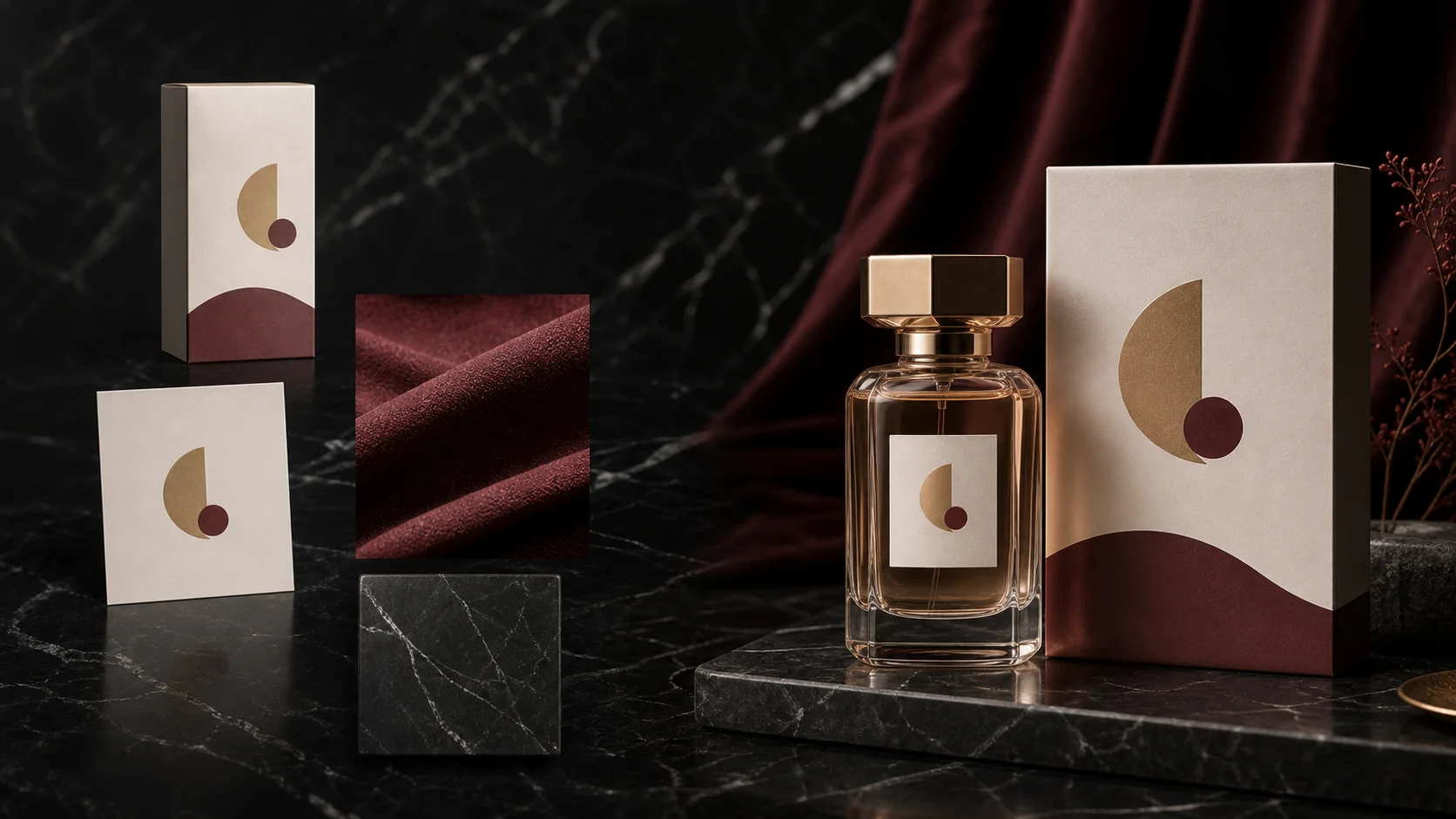
Seedream 多参考图编辑流程,包含产品、logo、材质和最终活动视觉
  1. 01

    给每张图分配角色

    写清图 1、图 2 和后续参考图分别负责什么。没有角色的参考图只会增加歧义。

  2. 02

    一次描述一个改动

    先做最小但有用的变化:换光、换标签、改文案或搭一个版式。

  3. 03

    锁定真实资产

    明确哪些形状、身份、文字、裁切、颜色和机位必须保持不变。

  4. 04

    写出验收标准

    最后加一个可判断的检查项,例如手机端可读、与原图并排仍一致或保留视频裁切安全区。

可复制模板

10 个可复制的 Seedream 5.0 Pro 提示词

先选择工作流并复制最接近的结构。替换方括号里的变量,删掉无关指令,但保留用于保护真实资产的锁定条件。

10 个模板

01商品图

商品主视觉概念

在真实包装尚未确定前,先搭一个清楚的商品方向。

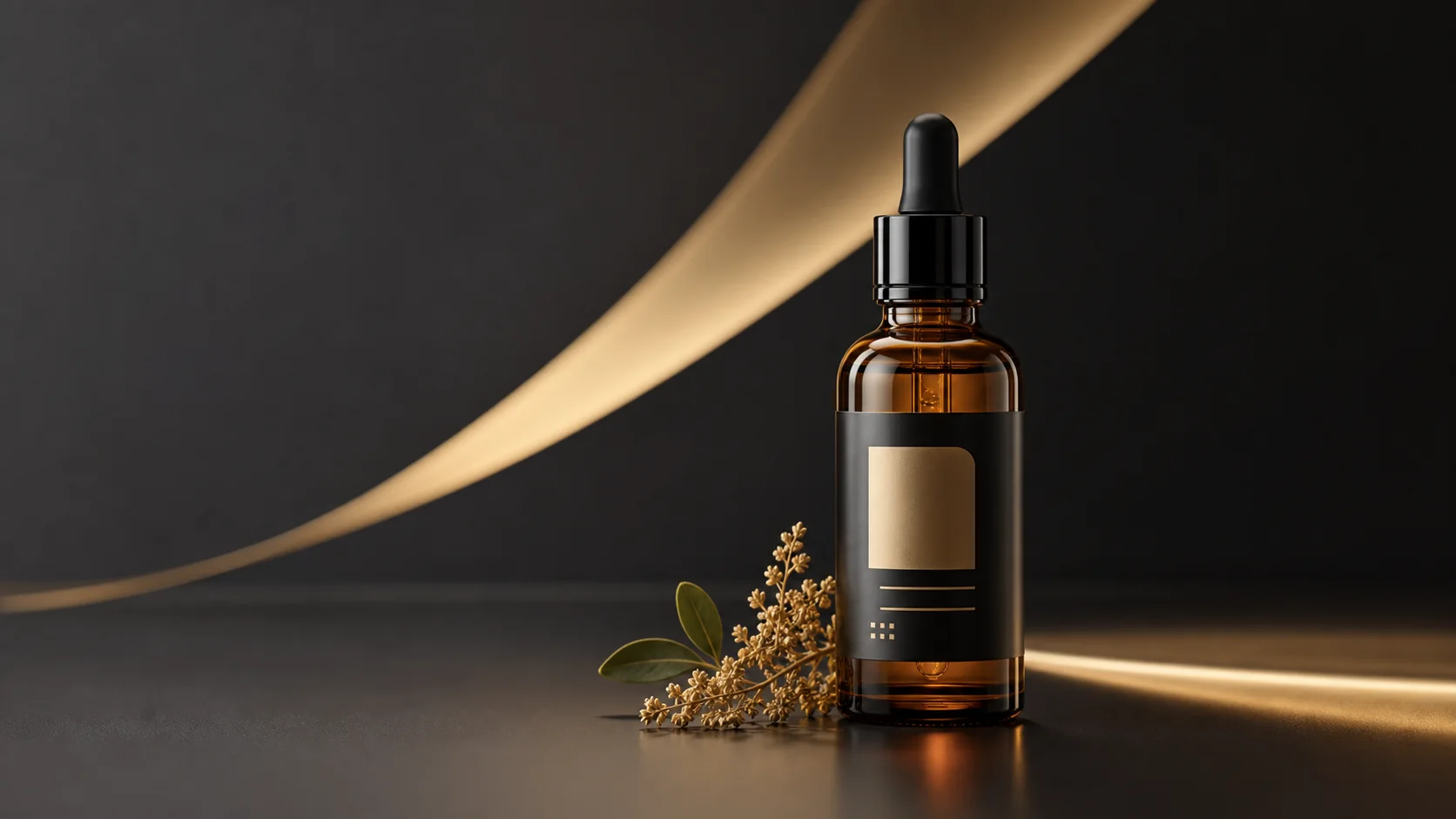
Create a premium advertising still for [PRODUCT] in the [CATEGORY] category. Place one clear hero product at the center with [LIGHTING] and a grounded natural shadow. Use a restrained [BACKGROUND] environment, leave clean negative space for campaign copy, and keep the product silhouette easy to read at mobile size. Do not add logos, labels, or text that were not provided.

如果商品太泛,补充品类特征、材质、尺寸和机位;概念阶段不要让模型虚构品牌标签。
02商品图

给真实商品换光

升级场景和光线,同时保留包装识别度。

Use image 1 as the only source of product identity. Relight the product with a soft key light from the upper left, a narrow highlight sweep, and a realistic grounded shadow. Replace the background with [BACKGROUND]. Keep the package shape, cap, logo placement, printed text, camera angle, crop, and product proportions unchanged. The final image must remain recognizable beside image 1 at thumbnail size.

如果包装发生漂移,删掉风格描述,在新背景之前重复一遍所有必须保持不变的属性。

03参考图编辑

只替换包装标签

把基础商品和标签文件分配成两个明确角色。

Use image 1 as the base product photo and image 2 as the exact front-label artwork. Replace only the front label on image 1 with the artwork from image 2. Match the bottle perspective, surface curvature, reflections, and print scale. Keep the bottle shape, cap, lighting, camera angle, background, and every area outside the label unchanged. Make the new label readable on a mobile product card.

如果标签扭曲,换成高分辨率平面标签图,并要求匹配透视和曲面,不得改变瓶身。

04参考图编辑

四图组装活动视觉

组合商品、logo、材质和构图参考,但不混合各图主体。

Build one campaign still from four references. Image 1 is the product and must keep its geometry and label. Image 2 supplies the logo only. Image 3 supplies the material and color mood. Image 4 supplies the background composition, not the subject. Place the product in the lower center, reserve a clean headline zone above it, and use realistic contact shadows. Do not merge reference subjects or invent extra packaging.

如果参考图混在一起,删掉最不重要的一张,并给非主体图注明“只参考颜色/材质”。

05商品图

制作季节限定配色

只改受控的包装变量,仍然保持同一个 SKU。

Use image 1 as the base package. Create a [SEASON] colorway by changing only [COLOR AREAS] to [COLOR PALETTE] and adding a restrained [MATERIAL FINISH]. Keep the package structure, dimensions, logo, label hierarchy, legal copy placement, camera angle, and lighting unchanged. The result should look like a production-ready variation of the same SKU, not a new product.

如果看起来像新商品,就缩小改色区域,并删掉 redesign、transform、reimagine 这类宽泛要求。

06海报与文字

带精确文案的发布海报

围绕真实商品和两行指定文字制作文字安全的海报。

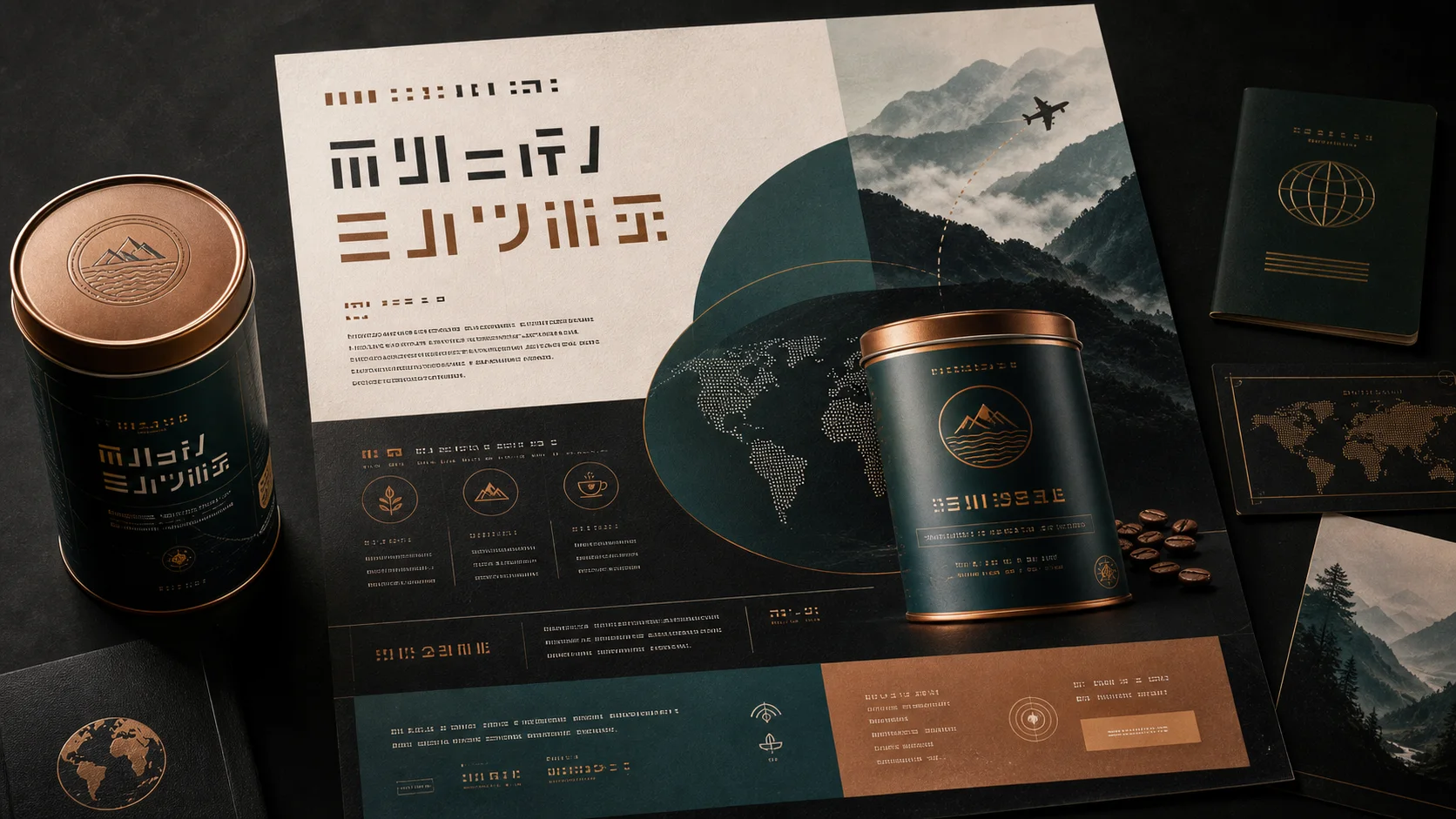
Use image 1 as the product reference. Create a vertical launch poster with the exact headline “[HEADLINE]” and the exact subline “[SUBLINE]”. Put the product in the lower third and keep the upper third quiet for typography. Use bold, clean type with high contrast and preserve the product label. Do not add any other words. Check that both supplied lines are readable at mobile size.

如果拼写错误,缩短文案,一次只生成一个短标题,第二次编辑再补其余文字。

07海报与文字

本地化已有活动视觉

替换给定文案,同时保留原来的 campaign 层级。

Adapt image 1 into a [LANGUAGE] campaign version. Preserve the product, logo, visual hierarchy, color system, offer block, and overall layout. Replace the existing headline with the exact text “[TRANSLATED HEADLINE]” and the supporting line with “[TRANSLATED SUBLINE]”. Do not translate brand names. Rebalance line breaks and spacing so every supplied word is readable without covering the product.

如果版式崩了,指定最大行数,让模型重新平衡留白,而不是把所有文字一起缩小。

08参考图编辑

保留身份的人像活动图

改变环境和视觉方向,但锁定人物身份。

Use image 1 as the identity reference. Create a polished [CAMPAIGN TYPE] portrait in [ENVIRONMENT]. Preserve facial identity, age, skin tone, hairline, eyewear, and distinctive features. Change only wardrobe, background, and lighting. Keep natural skin texture and believable hands. Leave clean space on the [LEFT/RIGHT] for campaign copy and avoid adding text.

如果人物变脸,使用光线稳定的正脸源图,并把改动缩小到背景和服装。

09视频源图

适合视频的商品首帧

在做动效之前先准备稳定的形状、光线和裁切空间。

Use image 1 as the product identity. Create the first frame for a short product reveal video: centered hero product, clear foreground separation, stable package geometry, readable label, and extra frame space around the subject for a slow camera push-in. Add a subtle highlight source that can travel across the product. Avoid floating objects, fine particles over text, cropped edges, or motion already frozen into the image.

如果动画阶段标签变形,简化背景,并增加商品边缘与周围物体之间的分离度。

10视频源图

Motion poster 视频源图

保留可读文案,同时建立适合克制视差的视觉层次。

Use image 1 as the base poster. Prepare a video-ready source frame while preserving the exact headline, date, logo, product, and layout. Separate the design visually into foreground subject, middle typography, and background atmosphere so a video model can add gentle parallax. Keep all text high contrast and static. Leave safe margins for a [9:16/1:1/16:9] crop and do not invent additional copy.

如果文字被改动,只让 Seedream 做景深分层和背景清理,后续动效避开文字层。

失败修正

先修正指令,不要先增加风格词

大多数弱结果来自参考图角色不清、缺少锁定条件,或一次改动太多。通常应该缩小 brief,而不是继续堆视觉形容词。

Seedream 多语种海报,包含商品、标题和结构化文字区域
01

商品与原图不一致

问题
提示词描述了新画面,却没有说明源图哪些属性必须保护。
下一轮
切到 edit 工作流,把形状、标签、机位、裁切和材质逐项写成 unchanged。
02

海报文字拼错

问题
一次要求模型生成多段较长文字。
下一轮
使用引号里的精确文案,先做一个短标题,发布前逐字检查。
03

多张参考图混在一起

问题
上传了多张图片,但没有说明每张图的用途。
下一轮
给图片编号,并把角色限制为商品、logo、材质、光线、背景或构图。
04

静态图很难继续做视频

问题
画面边缘被裁切、元素互相遮挡,或文字压在主体上。
下一轮
保留一个清楚主体、安全裁切区、分离的景深层,以及静止的高对比文字。

FAQ

Seedream 5.0 Pro 提示词常见问题

Seedream 5.0 Pro 提示词一定要很长吗?

不用。清楚的参考图角色、一个改动、保留规则和验收标准,比长度更重要。

一定需要上传参考图吗?

从空白概念开始时不需要;商品、人脸、标签、logo、版式或活动资产需要保持识别度时,应该上传参考图。

应该上传几张参考图?

只上传提供必要证据的图片。当前 edit 工作流最多支持 10 张,但两张角色明确的图片通常比十张用途不明的图片更有效。

为什么提示词里反复写 keep 和 unchanged?

编辑任务既要有动作,也要有锁定条件。没有明确保留指令时,模型可能让场景更好看,同时改掉你要保护的真实资产。

这些图片能继续做 image-to-video 吗?

可以。最后两个模板专门用于准备形状稳定、裁切安全、文字可读并且景深层次简单的视频源图。

先从一个 Seedream 5.0 Pro 提示词开始

选择最接近的模板,替换方括号变量,并先做一个可以明确验收的改动,再增加更多创意方向。

打开 Seedream 5.0 Pro