夜店传单变成霓虹感宣传短片
保留俱乐部海报的主视觉与信息层级,加入景深、霓虹光效和短视频节奏感,用于 stories、reels 和预热投放。
Convert a static flyer into a short video in a few steps. Upload the design, set the motion direction, and export an MP4 without building a manual motion edit.
控制模型对提示词的遵循强度
音频生成使用的 Voice ID(每行一个)
用于保持一致性的角色/物体参考
我们不支持成人、露骨、侵犯隐私或不安全的视频生成。被拦截的请求不会扣除积分。
The flyer becomes the source material and the AI handles movement, which removes a full motion design stage from the workflow.
You can run several motion directions from the same flyer to see what works best for social, ads, or launch posts.
Marketers can work directly from the finished design instead of passing the flyer into a separate motion team and waiting.
A flyer-to-video workflow is most valuable when launch timing matters and the creative team needs output today, not next week.
When the job is simply to turn flyer art into video output, the workflow should not require timeline work, layer rebuilding, or a separate editing project. That is the gap this page targets.
Convert a static flyer into a short video in a few steps. Upload the design, set the motion direction, and export an MP4 without building a manual motion edit.
打开图生视频这里展示的是作为起始素材使用的静态传单设计,以及它们如何被继续扩展成最终的视频版本。
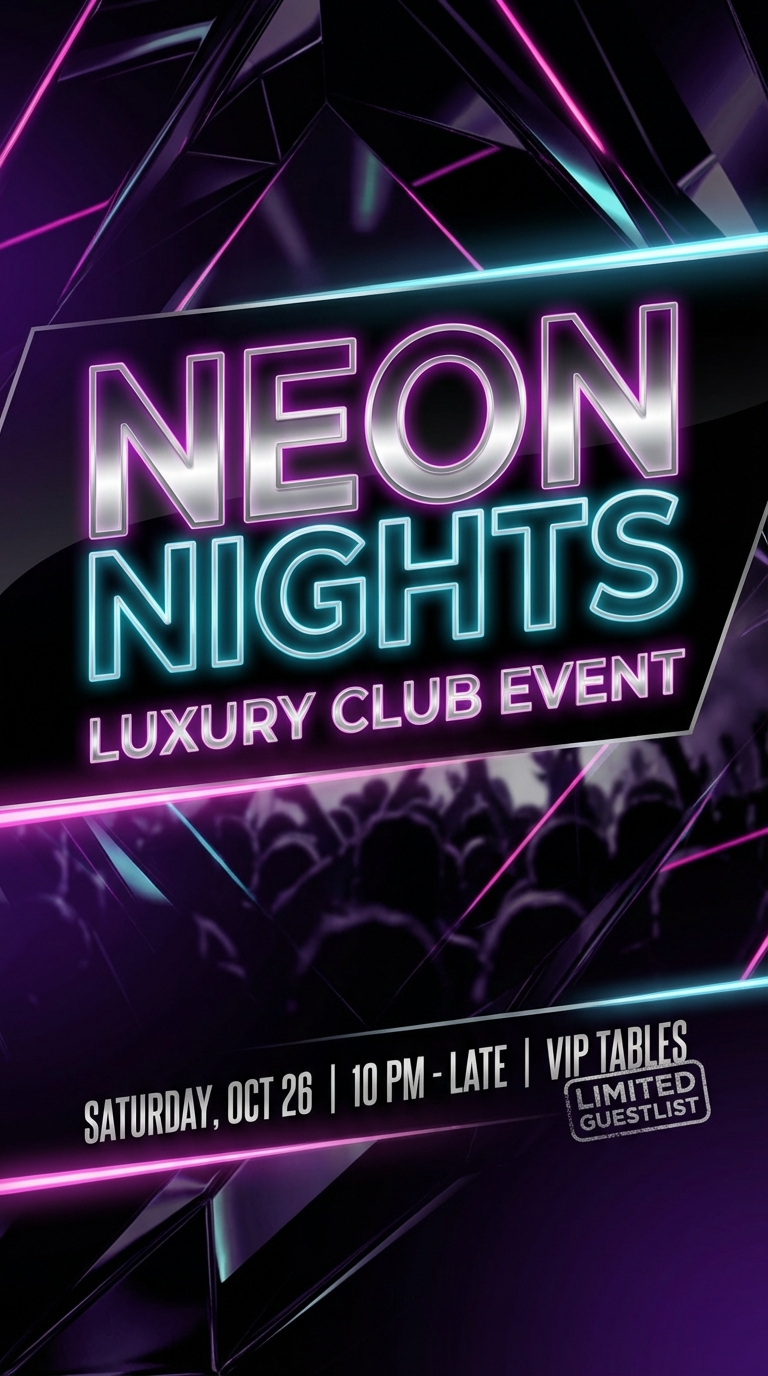 夜店传单
夜店传单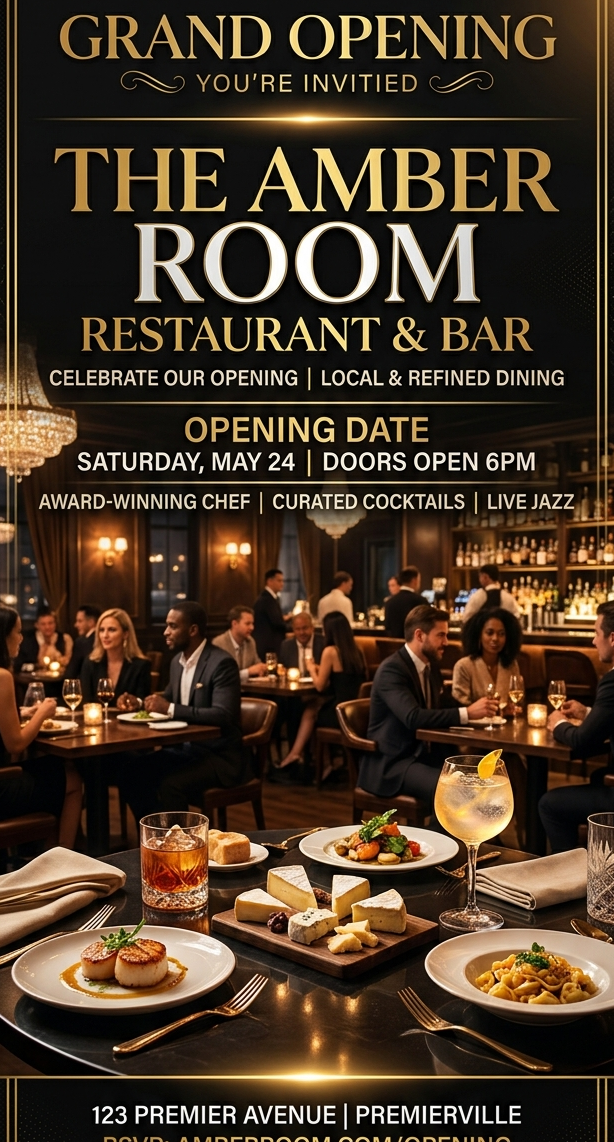 餐厅开业海报
 HOLIDAY SALE FLYER
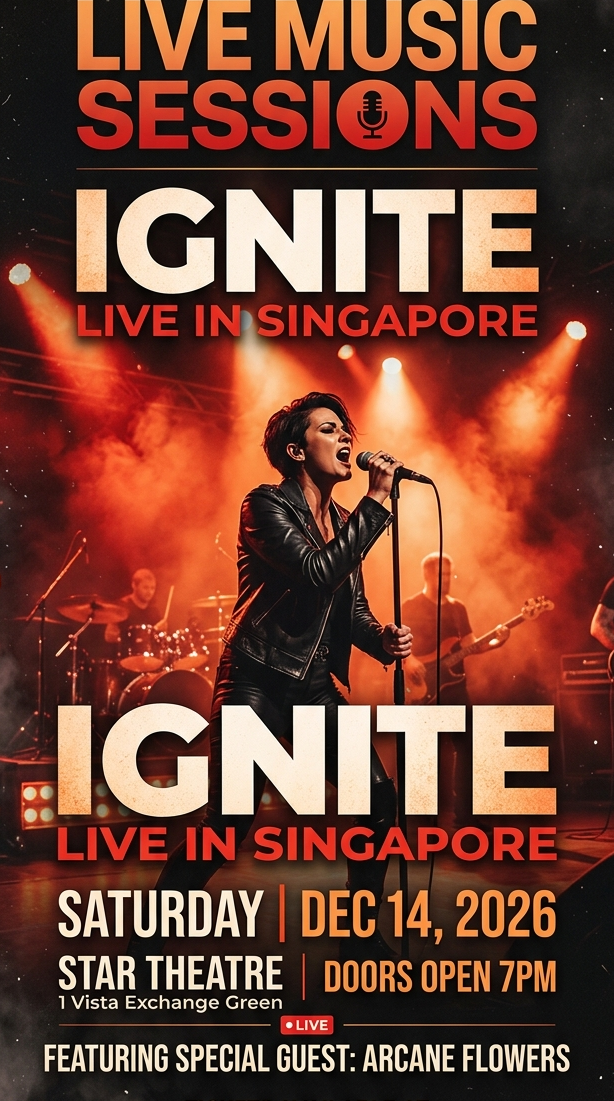 演出海报
演出海报Different flyer types respond differently to motion. These examples show how the same conversion workflow adapts across categories.
保留俱乐部海报的主视觉与信息层级,加入景深、霓虹光效和短视频节奏感,用于 stories、reels 和预热投放。
通过暖光、烟雾和轻微推镜,把静态开业海报扩展成适合本地推广与开业预热的短视频素材。
Reuse sale artwork across ads and stories by adding movement, depth, and a faster promo rhythm to the original layout.
以已经定稿的演出海报为第一帧,增加灯光扫动、镜头漂移和舞台氛围,让海报更适合售票前的传播。
It means using a static flyer image as the starting point for a short video, then adding motion, depth, and timing without rebuilding the design from scratch.
Most well-designed flyer images work, especially if the main message is clear and the layout is not overloaded with tiny unreadable details.
Yes. If the goal is quick conversion from existing flyer design to motion output, AI can remove a large amount of manual keyframing and export setup.
Yes. You can keep the same flyer and test different prompts, aspect ratios, or durations to generate several versions quickly.
You get an MP4 video file that can be used in social posts, ads, launch pages, or other distribution channels.
When the job is simply to turn flyer art into video output, the workflow should not require timeline work, layer rebuilding, or a separate editing project. That is the gap this page targets.
This page targets people who already have the artwork and only need a fast path from image asset to usable video output. Converting venue flyers into social promos, Turning store promos into short ad creatives, Animating launch posters without rebuilding layers, Repurposing print-oriented layouts for digital channels.
Convert a static flyer into a short video in a few steps. Upload the design, set the motion direction, and export an MP4 without building a manual motion edit.
The product is valuable when speed and reuse matter more than building a handcrafted motion sequence from zero.
Use the actual design file you want to convert instead of rebuilding the layout in another tool.
Describe motion style, camera behavior, depth, lighting, or particles so the result feels intentional instead of random.
Review the first result, refine the motion prompt if needed, and download the version that best fits the placement.
这些页面刻意复用了同一套已经验证过的 SEO 交互结构,真正变化的是关键词定位、页面文案,以及最后接入的传单图片和视频素材。
如果输入本身就是最终要投放的 flyer 设计,而不是概念稿或情绪板,成片通常会更稳定,也更符合页面承诺。
交互可以保持一致,但 H1、metadata、FAQ 和正文语义需要持续区分,避免不同传单页写成同一页。
只要素材目录和文件名保持稳定,页面就能直接读取最终图片和视频,不需要再补一轮接线工作。
好的 prompt 应该增加景深、镜头和氛围,而不是破坏原始 flyer 的文字层级和主要信息结构。